3-5
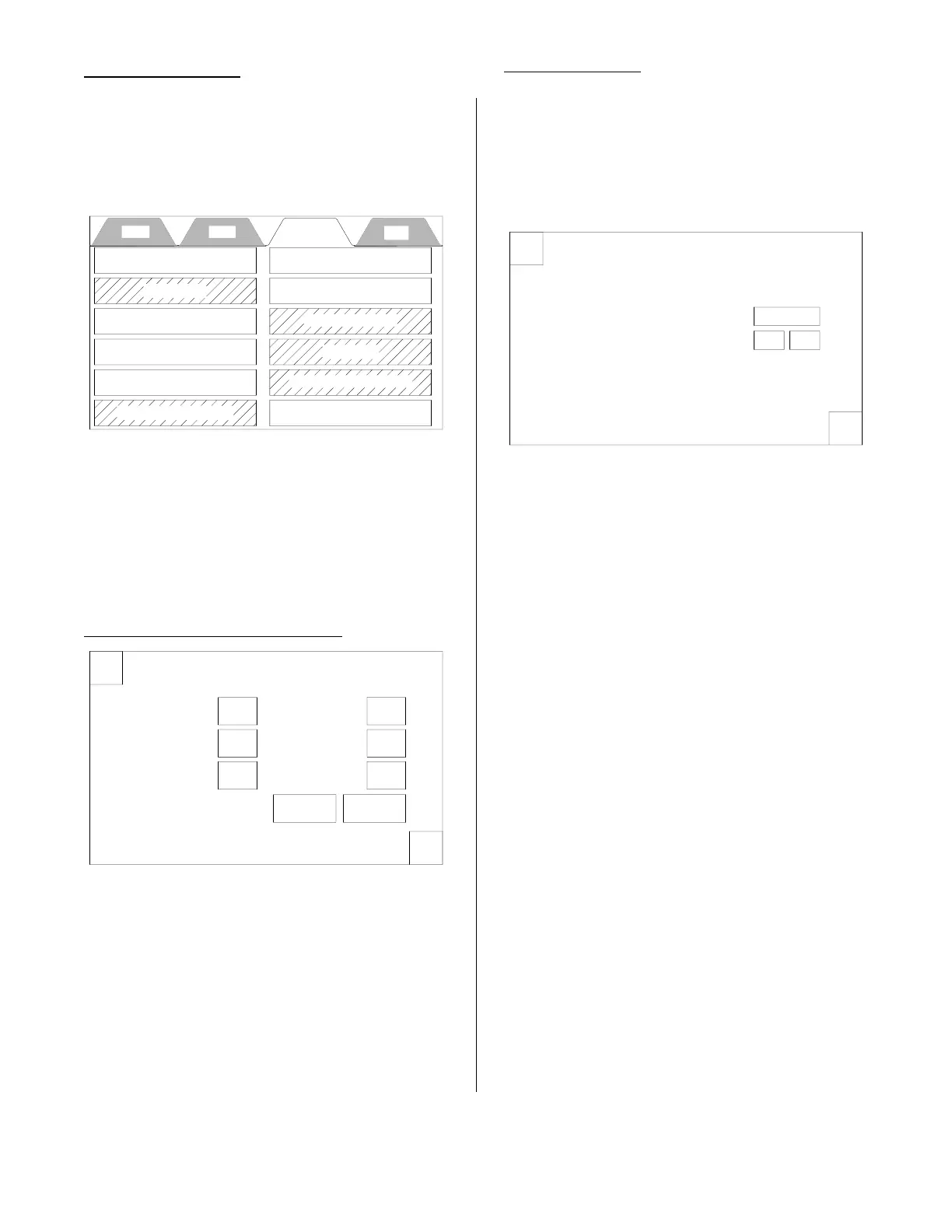
This tab may or may not be secured. In
either case press the box with the 4 stars.
When the keypad appears, enter 0540 and
press Enter and the setup display will
appear.
This display only appears when the service
PIN is entered. The highlighted boxes
above indicate that there are other pro-
cesses available only to the service techni-
cian. All other boxes are the same as those
available to the owner/operator.
Time & Date Adjustment:
Pressing this option opens the Set Date &
Time display.
To set the date and time, press the box after
“Month” and a keypad will appear. Enter the
number of the month and press the enter
key. Repeat this action for the Day, Year,
Hours, Minutes, Seconds, AM and PM
boxes. When finished press the green OK
button. To leave this display without making
a change press the red X or the green OK.
Temperature:
Pressing this option opens the Temperature
Settings Display.
Pressing the Degrees box switches the
units to either Degrees F (fahrenheit) or
Degrees C (Celsius).
The + or - buttons are used during
the calibration process described on
page 3-11.
SETUP TAB
Cook Filter Setup Help
Time & Date Adjustment
Temperature
Energy Save Setting
Pin Maintenance
Presets
Shortening Management
Language Selection
Alert Settings
Exit Setup
Counter / Totalizers
Diagnostics
Enter Service Contact Info
X
Set Date & Time
OK
Month
Day
Year
Hours
Minutes
Seconds
AM PM
X
Temperature Settings
OK
Temperature Units:
Degrees F
Temperature Calibration: 0 F
+
-
Actual Temp w/Calibration: 000 F
broaster.com Manual #17270 10/13 Rev 12/14



 To Next Page