3-8
Active:
This button allows the item to be shown in
the preset menu list of the Cook Tab. If the
button says Yes the item appears on the list
if No it does not.
You can quickly tell when a product is not
active because the name and number of the
item will be greyed out.
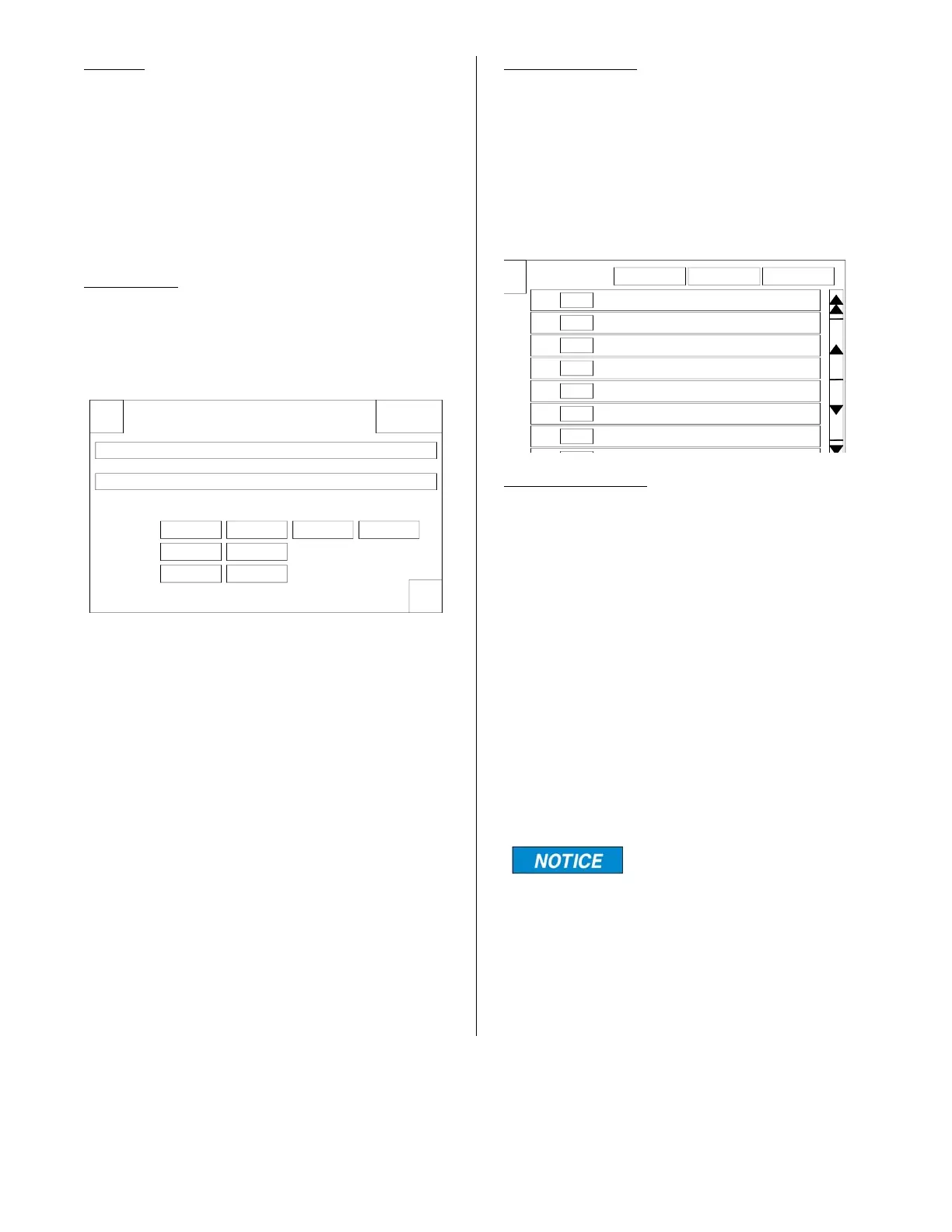
ADD NEW:
Pressing this button opens a display to
enter a new product to the menu list. This
display is similar to the Edit display except
all information must be added.
To enter the name press the Edit / Enter
Preset Name bar and a a typewriter key-
board will appear. Enter the name of the
new product and press ENTER.
The Preset Number automatically defaults
to the next number after the last item on the
list. This can be changed by pressing the
Edit / Enter Preset Number bar and entering
the number on the keypad where you want
this item to appear and pressing Enter.
Set the cook temperature and cook time
the same way as when editing a preset.
Set Auto Comp and Activity accordingly.
Press the green OK button to save the new
product.
Menu Transfer:
The Smart Touch control allows a revised
menu to be transported from one fryer to
other fryers which also have a Smart Touch
control. This is done from the Preset tab
using the Load Menu and Export Menu but-
tons along the top of the display.
EXPORT MENU:
When you make changes to the menu on
one fryer and want to put the same menu
on other fryers with the SmartTouch Control
you can export the revised menu from this
fryer to the Flash Drive and load it unto the
other fryers.
Plug the flash drive into the USB port in the
front panel above the control panel.
Press the Export Menu button once and the
control will ask you for a filename. Press the
Enter Menu File Name bar and a keyboard
will appear. Enter a name you will recognize
then press the ENTER Button.
The file name can only be 8
characters long.
When the ENTER key is pressed a box will
appear that says Exporting Menu... with a
progress bar.
When the export is complete the box will
say “Menu Exported”. Press the OK button
and the Preset display will appear.
Remove the flash drive from the USB port.
X
OK
DeleteEdit / Create Preset
Edit / Enter Preset Name:
Edit / Enter Preset Number:
Stage Temperature Time Comp On / Off Active
000F1 00:00 On Yes
000F2 00:00
3 00:00000F
X
Select Preset or
Add New Load Menu Export Menu
# 1
# 2
# 3
# 4
# 5
# 6
# 7
Chicken 8pc Mixed FRESH
Chicken Popcorn Cajun IQF
Chicken Popcorn Regular IQF
Chicken Tenders Home Style IQF
Chicken Tenders Regular IQF
Burrito Bean'n Beef IQF
Burrito Breakfast IQF
broaster.com Manual #17270 10/13 Rev 12/14



 To Next Page