3-10
ALERT SETTINGS:
Pressing this option allows you to set con-
ditions for several features.
The numbers left of the boxes indicate the
current setting. They can be changed by
pressing the “-” or “+” buttons.
Filter Reminder Cycles: This sets the num-
ber of cook cycles between each oil filter
cycle. Broaster Company recommends
5 cook cycles however, you can set it as
you desire.
Alert Volume: This should be set loud
enough to be able to hear it above any
other noises in the kitchen.
Keypad Volume: It should be loud enough
to hear while making changes in front of the
fryer or when operating the fryer.
Ton e:
There are a range of tones from low to
very high. Chose the one that suits your
operation.
Stir/Agitate Reminder: This alert appears
when 3 conditions occur.
1. When the fryer is first turned on in the
morning, this reminder will appear after the
oil comes up to the set temperature.
2. After a filter cycle has been completed
this reminder will appear after the oil comes
up to the set temperature.
3. If the fryers has been setting idle for 2
hours or longer this reminder will appear to
alert you to stir the oil to get it to a uniform
temperature.
After making the adjustments on this dis-
play press the green OK button to save the
entries.
To go back to the Cook display either press
the “Exit Setup” button or the Cook Tab.
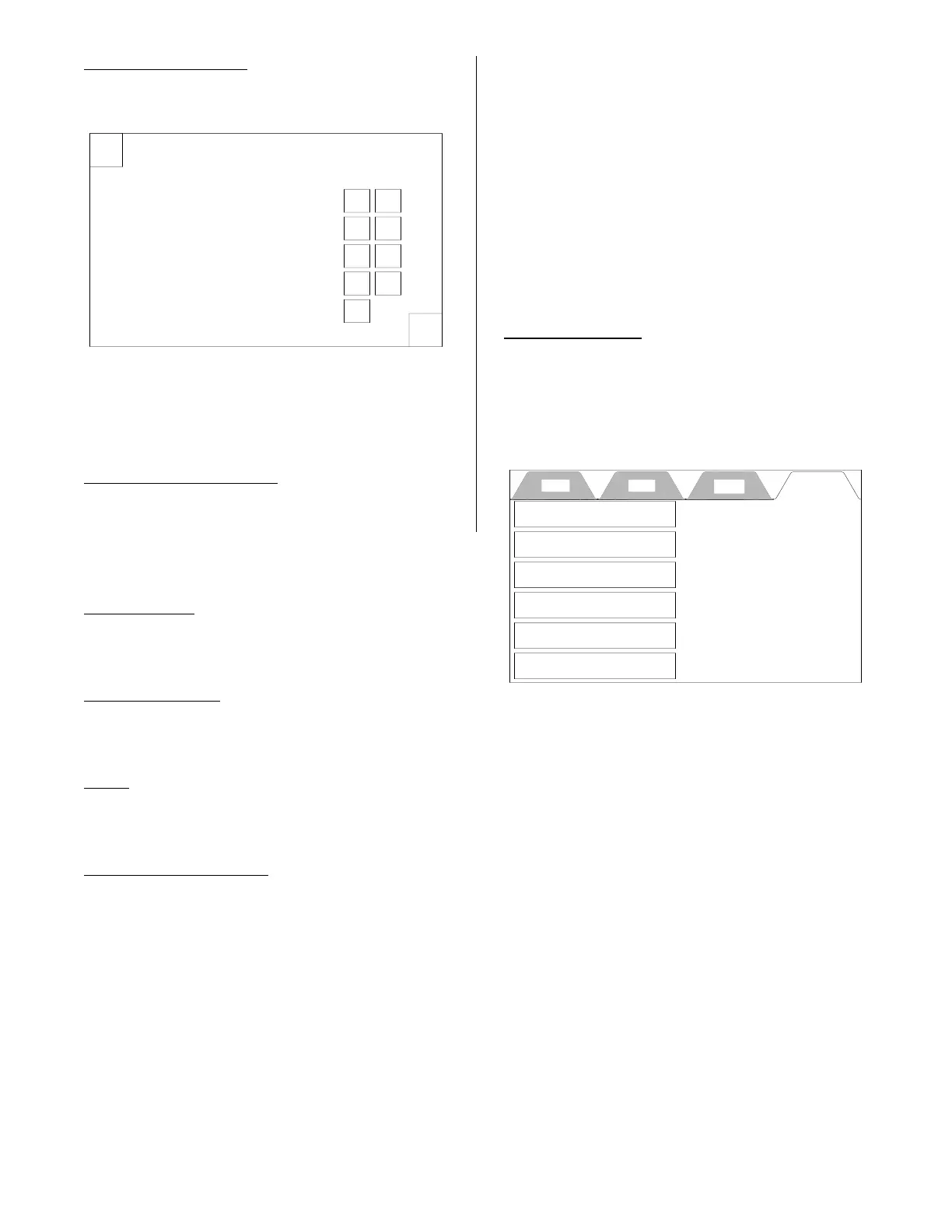
HELP TAB
This display provides instructions for the
items in the boxes. They are available at
any time to help you set up the control to
cook product.This information is also avail-
able in the Operation Manual.
X
Alert Settings
OK
-
+Filter Reminder Cycles 05
-
+
Alert Volume
05
-
+
Keypad Volume
02
-
+Tone 03
OFF
Stir / Agitate Reminder
Cook Filter Setup Help
Service Contact Information
How to Set the Time
How to Set the Temperature
How to Select a Preset
How to Filter
Cleaning Procedures
broaster.com Manual #17270 10/13 Rev 12/14



 To Next Page