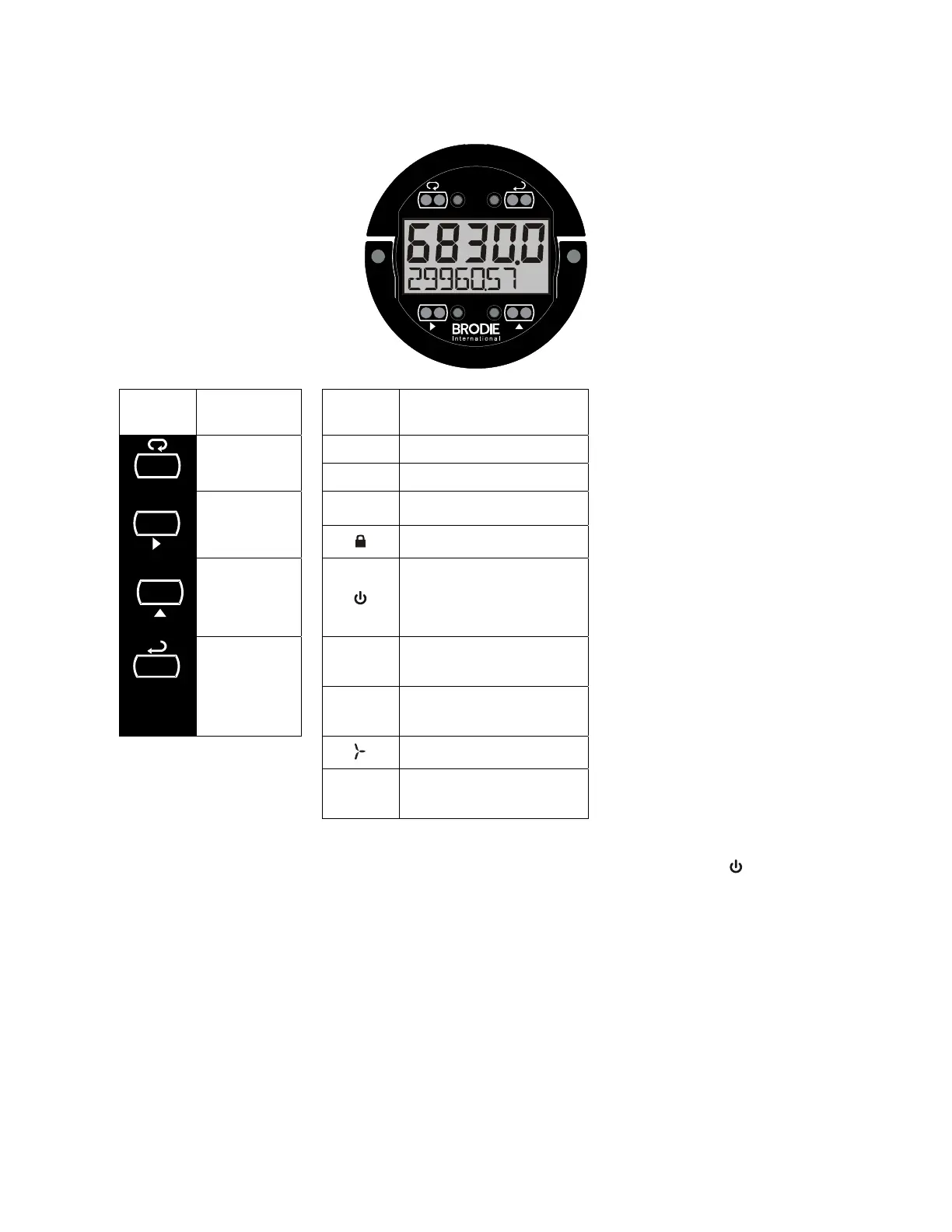
Buttons and Display
ENTER
DISPLAYRESET
MENU
Button
Symbol
Description
Symbol Status
MEN
Menu/
Through-
Glass Awake
HI High Alarm
LO Low Alarm
Right
Arrow/Reset
SET Total Alarm
Settings Lockout Password
Enabled
Up Arrow/
Display
Through-Glass Power
Save/Disable.
Flashing: Temporarily Disabled
Due to Mechanical Button
Enter/
Alarm
Acknowledge
T
Total Display
Flashing: Total Overflow
Indication
GT
Grand Total Display
Flashing: Total Overflow
Indication
13 Digit Total Overflow, 6 Most
Significant Digits
BAT
Flashing: Low Battery Indicator
Steady: Powered by Battery
Backup
Menu Button
Hold the Menu Through-Glass button when in power save mode (display will show ) to awaken
Through-Glass buttons.
Press the Menu button to enter Programming Mode.
Press the Menu button during Programming Mode to return to return to the previous menu
selections.
Hold the Menu button for 1.5 seconds at any time to exit Programming Mode and return to Run
mode.
Press and hold the Menu button for 3 seconds to access the Advanced features of the meter.
Right / Reset Button
Press the Right arrow button to move to the next digit or decimal position during programming.
Press Right to go backward through most selection menus.
ENTER
DISPLAY
RESET



 To Next Page