Troubleshooting
The rugged design and the user-friendly interface of the meter should make it unusual for the installer or
operator to refer to this section of the manual. If the meter is not working as expected, refer to the
recommendations below.
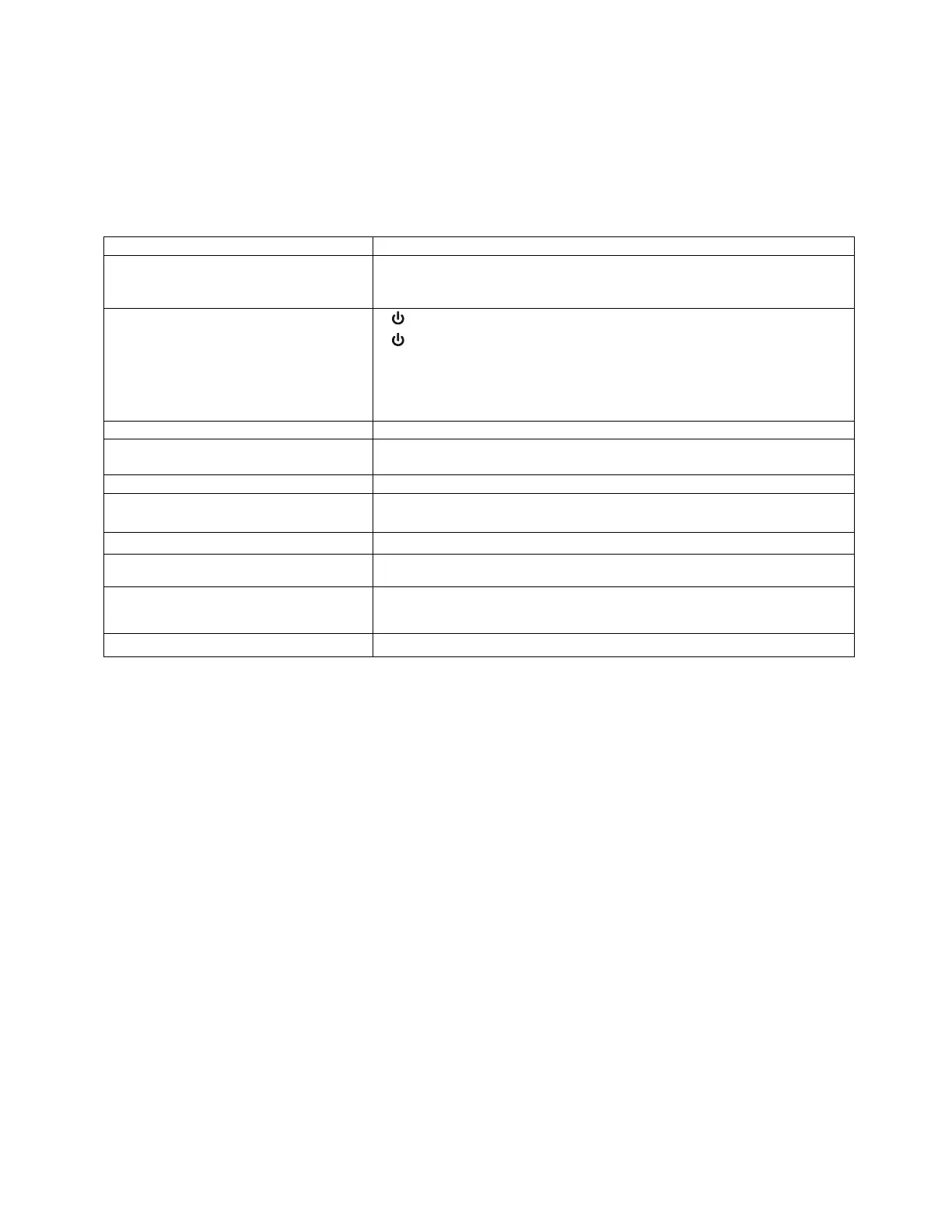
Troubleshooting Tips
Symptom Check/Action
No display or faint display Check power connection.
Press and hold Menu key for 5 seconds to check for Standby mode. If “WAKEUP?”
is displayed, press the Enter key to awaken the meter from Standby mode.
Through-Glass Buttons do not respond
If
is displayed, hold Menu Through-Glass button to leave power save mode.
If
is flashing, wait 60 seconds to leave mechanical pushbutton lockout mode.
If the cover was recently tightly secured, you may need to wait up to 2 minutes for
buttons to self-calibrate to the new cover position due to glass reflection.
Verify Through-Glass Button switch on display module is in ON position.
Sunlight can interfere with the sensors. It is recommended to shield the window
while operating the buttons by standing so as to block direct sunlight.
Rate display unsteady Increase low gate setting in Advanced menu.
Meter displays error message during
calibration (eRROR Span)
Verify minimum input span requirements
Meter flashes 99999 Check input signal is within scaled range of 99999.
Display stuck displaying MAXIMUM or
MINIMUM
Press Enter (Unlock) to exit Max/Min display
Display response is too slow
Check if gate settings can be lowered.
If the display locks up or the meter does not
respond
Perform hard reset by removing the display module or by removing external loop or
DC power.
Backlight does not appear. Backlight is intended for viewing assistance in dim lighting. It may not be noticeable
under good lighting conditions. Battery powered models turn off the backlight after
ten seconds of button inactivity.
Other symptoms Call Technical Support for assistance.
Note: Certain sequences of events can cause unexpected results. To solve these issues, it is best to start fresh from factory defaults
and map changes ahead of time, rather than at random.



 To Next Page