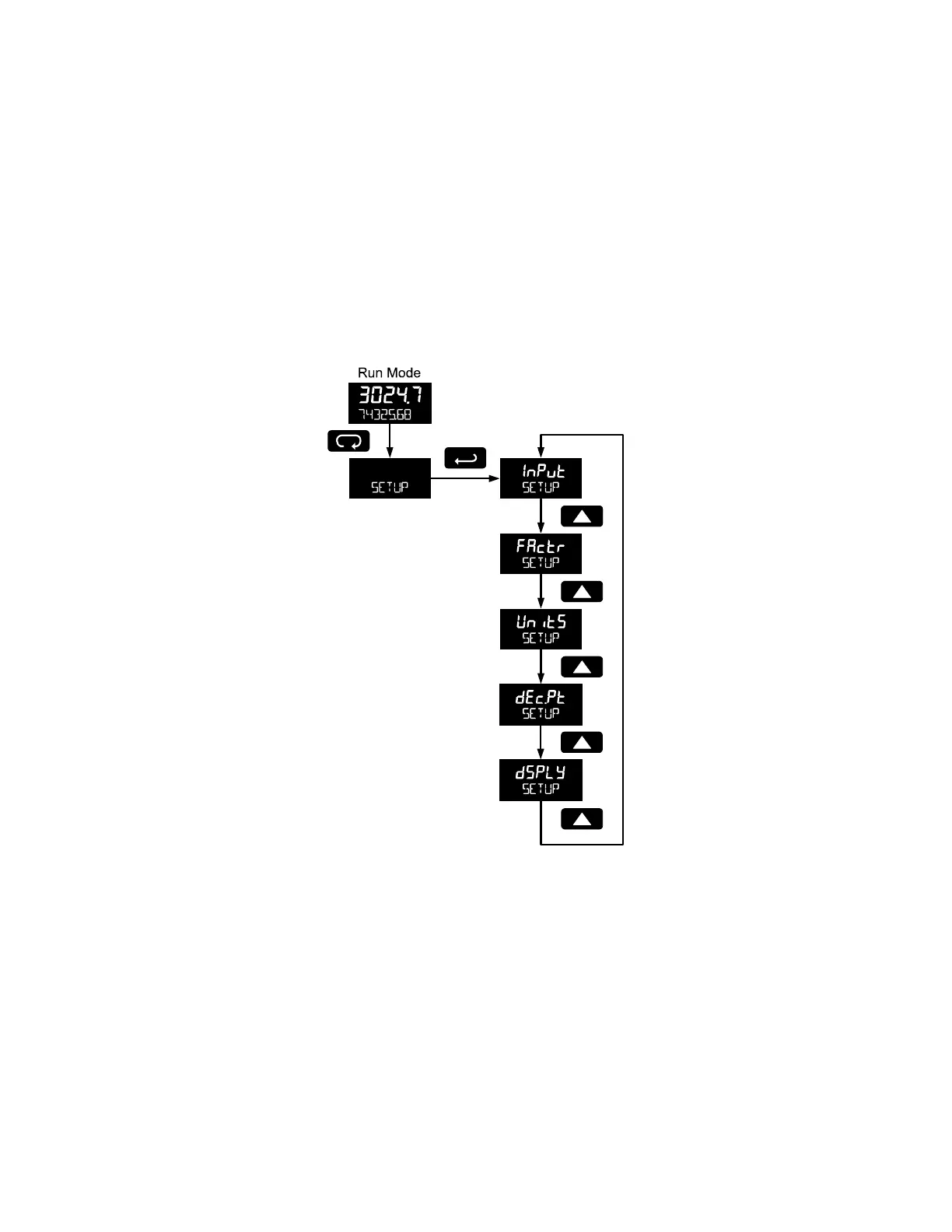
Setting Up the Meter (SETUP)
The Setup menu is used to select:
1. Input type selection (INPuT)
2. K-factor number and units (FActr)
3. Display rate, total, and grand total units (Units)
4. Rate and total decimal point position (dec.pt)
5. Select what will appear on the lower display (DSPLY)
Press the Enter button to access any menu or press Up arrow button to scroll through choices. Press the
Menu button to back out of a menu, or hold the Menu button to exit at any time.



 To Next Page