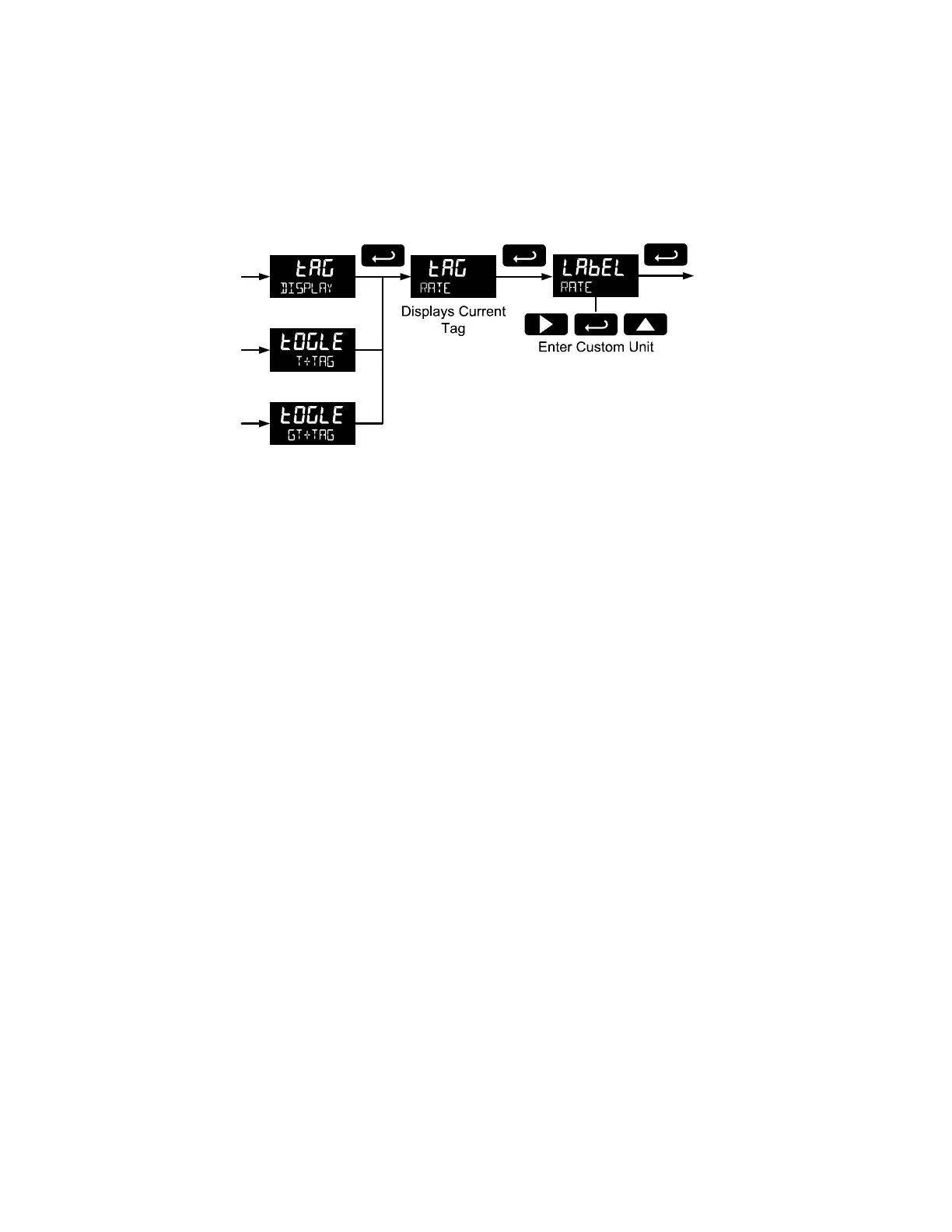
Custom Tag (TAG)
When the bottom display selected includes a custom tag, a User menu will then allow a custom tag to be
programmed.
Any 7-digit 14-segment label may be entered for a custom tag (examples: RATe, LINE 3, WaTER).
Fully alphanumeric values are set using the Right button to select the digit, the Up and Right arrow buttons to select the digit
reading, and the Enter button to confirm and select the next digit.
For details on setting alphanumeric labels, refer to Setting Alphanumeric Labels (LABEL) on page 19.



 To Next Page