Chapter 5
5 - 3
Setting up Groups for
Broadcasting
Groups, which can be stored on a One-Touch
key or a Speed-Dial location, allow you to
send the same fax message to many fax
numbers by pressing only a One-Touch key
and Start or Search/Speed Dial, #, the
three-digit location and Start. First, you’ll
need to store each fax number as a
One-Touch or Speed-Dial number. Then, you
can combine them into a Group. Each Group
uses up a One-Touch key or a Speed-Dial
location. You can have up to eight Groups, or
you can assign up to 207 numbers to one
large Group.
(See Storing One-Touch numbers on page
5-1 and Storing Speed-Dial numbers on page
5-2.)
1
Press Menu/Set, 2, 3, 3.
2
Decide where you wish to store the
Group.
—AND—
Press a One-Touch key.
—OR—
Press Search/Speed Dial and enter the
three digit location, and then press
Menu/Set.
(For example, press One-Touch key 1.)
3
Use the dial pad to enter the Group
number (1 to 8).
Press Menu/Set.
(For example, press 1 for Group 1.)
Note
The Group number must be between 1 and 8.
4
To include One-Touch or Speed-Dial
numbers in the Group, press them as
follows:
For example, for One-Touch number 2,
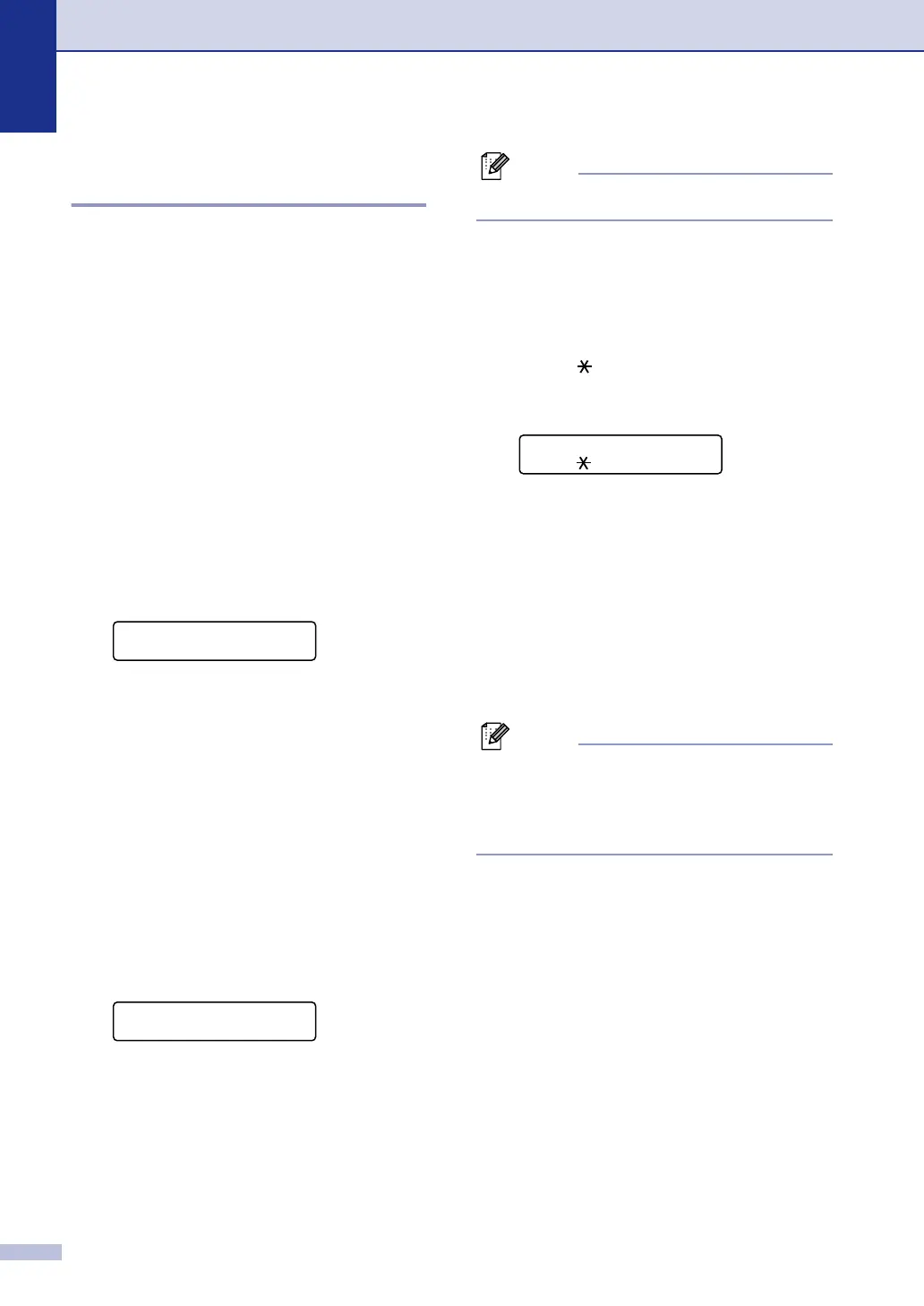
press One-Touch key 2. The LCD
shows
002. For Speed-Dial location
009, press Search/Speed Dial, and
then 009 on the dial pad.
5
Press Menu/Set to accept the numbers
for this Group.
6
Use the dial pad and the chart on page
B-10 to enter a name for the Group.
Press Menu/Set.
(For example, type
NEW CLIENTS).
7
Press Stop/Exit.
Note
You can print a list of all One-Touch and
Speed-Dial numbers. Group numbers will be
marked in the GROUP column.
(See Printing reports on page 7-2.)
Set Quick-Dial
3.Setup Groups
Setup Groups
Setup Group:G01
Setup Groups
G01: 002#009



 To Next Page
 Loading...