Introduction
1 - 4
1
To view Documentation
(For Macintosh
®
)
1
Turn on your Macintosh
®
. Insert the
Brother CD-ROM labelled Macintosh
®
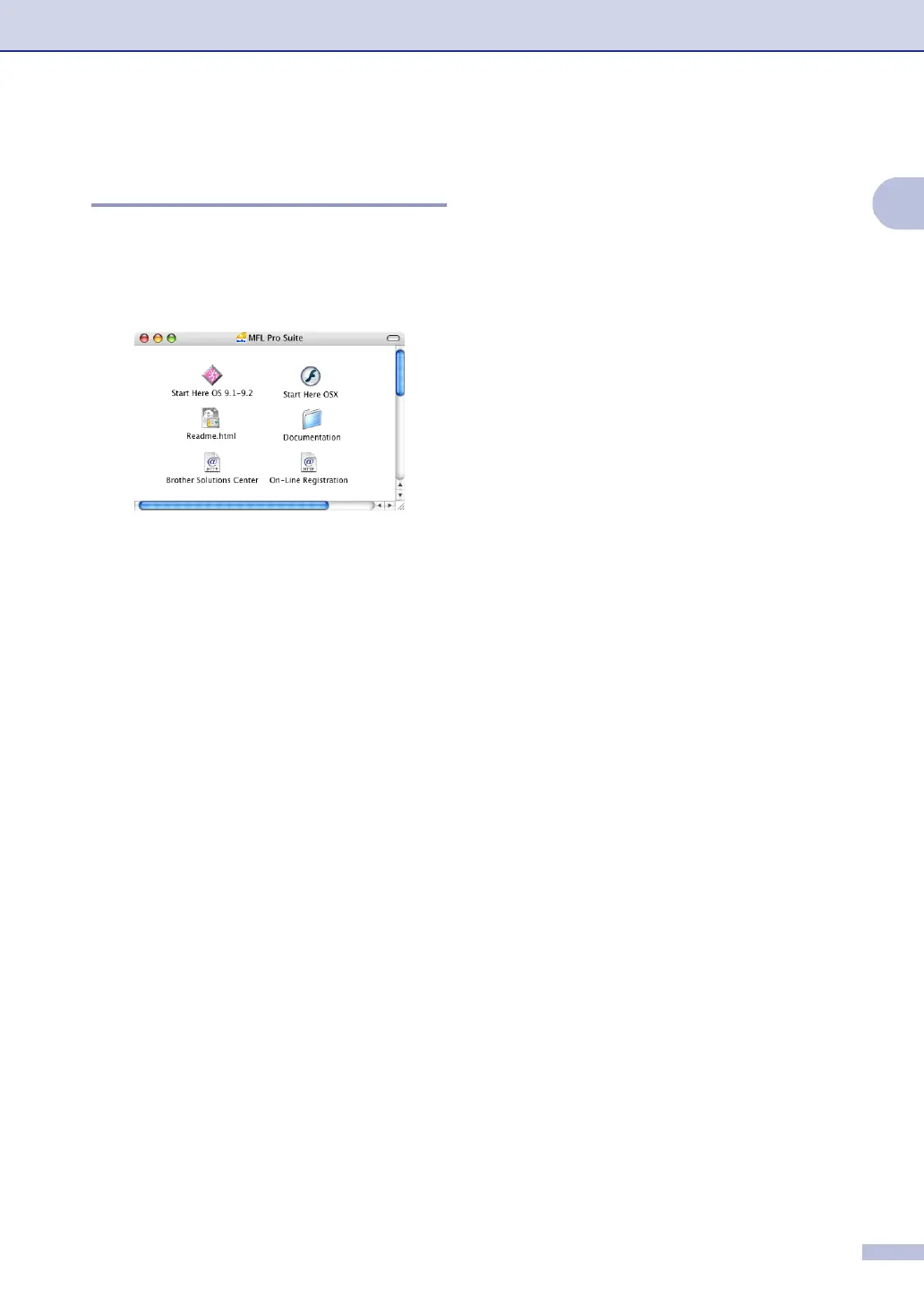
into your CD-ROM drive. The following
window will appear.
2
Double-click the Documentation icon.
3
The select Language screen appears,
double-click your language.
4
Click the documentation you want to
read.
• Quick Setup Guide: Setup and
Software Installation Instructions
• User's Guide (2 or 3 manuals):
User’s Guide for stand-alone
operations, Software User’s Guide
and Network* User’s Guide
(*MFC-7820N only)
How to find Scanning instructions
There are several ways you can scan
documents. You can find the instructions as
follows:
Software User's Guide:
■ Scanning from a Macintosh
®
in Chapter 7
(For Mac OS
®
9.1 - 9.2/Mac OS
®
X 10.2.4
or greater)
■ Using ControlCenter2.0 (For Mac OS
®
X
10.2.4 or greater) in Chapter 7
■ Network Scanning in Chapter 7
(For Mac OS
®
X 10.2.4 or greater)
(MFC-7820N only)
Presto!
®
PageManager
®
User's Guide
■ Instructions for scanning directly from
Presto!
®
PageManager
®
(Mac OS
®
X)



 To Next Page
 Loading...