Chapter 4
4 - 2
To select or change your Receive
Mode
1
Press Menu/Set, 0, 1.
2
Press ▲ or ▼ to select Fax Only,
Fax/Tel, External TAD or Manual.
Press Menu/Set.
3
Press Stop/Exit.
Setting the Ring Delay
The Ring Delay sets the number of times the
machine rings before it answers in
Fax Only
or
Fax/Tel mode. If you have extension
phones on the same line as the machine,
keep the Ring Delay setting of 6.
(See Operation from extension telephones on
page A-8 and Fax Detect on page 4-3.)
1 If it is not illuminated in green, press
(Fax).
2
Press Menu/Set, 2, 1, 1.
3
Press ▲ or ▼ to select how many times
the line rings before the machine
answers (02 - 10 for Australia, 01 - 10 for
New Zealand, 00 - 10 for some
countries).
Press Menu/Set.
(For some countries, if you select 00, the
line won’t ring at all.)
4
Press Stop/Exit.
Initial Setup
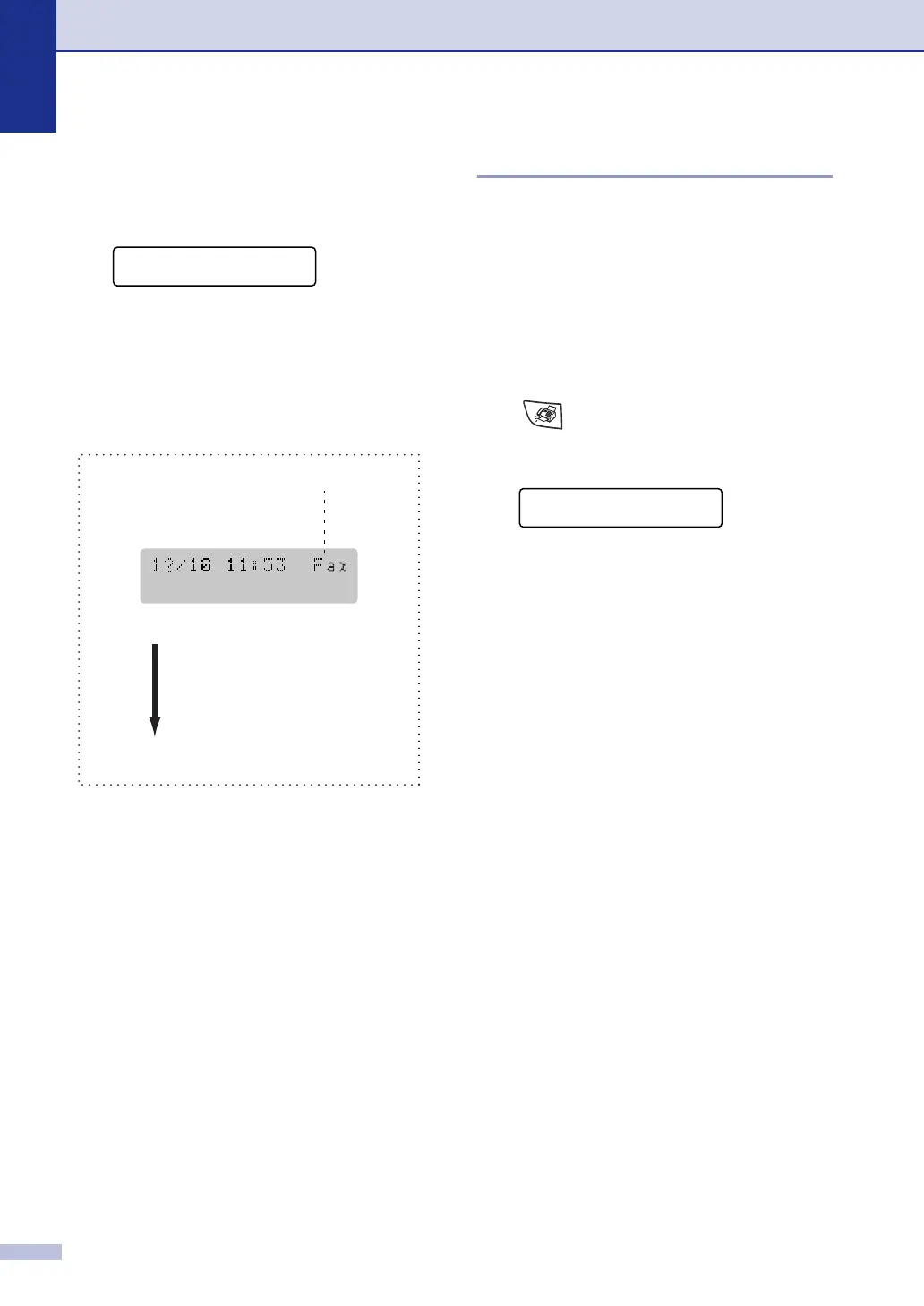
1.Receive Mode
Current Receive Mode
Fax : Fax Only
F/T : Fax/Tel
TAD : External TAD
Mnl : Manual
Setup Receive
1.Ring Delay



 To Next Page
 Loading...