USING THE P-TOUCH SOFTWARE
46
Using P-touch Editor
Operation modes
P-touch Editor has three different operation modes: [Express] mode, [Professional] mode,
and [Snap] mode. You can switch between modes by using the mode selection buttons.
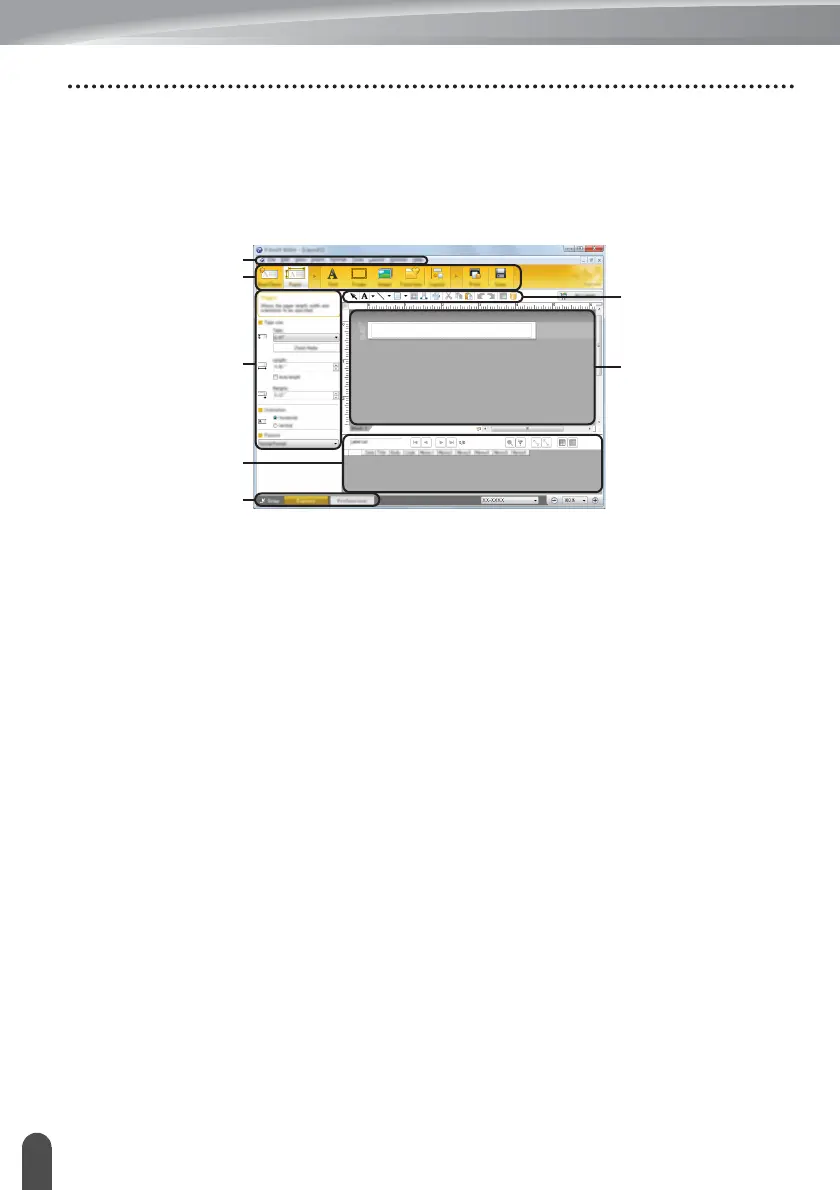
[Express] mode
This mode allows you to quickly create layouts that include text and images.
1. Menu bar
2. Command bar
3. Draw/Edit toolbar
4. Property bar
5. Layout window
6. Database window
7. Mode selection buttons














 To Next Page