67
Using the Data Transferred to the printer
USING THE P-TOUCH SOFTWARE
Editing the database
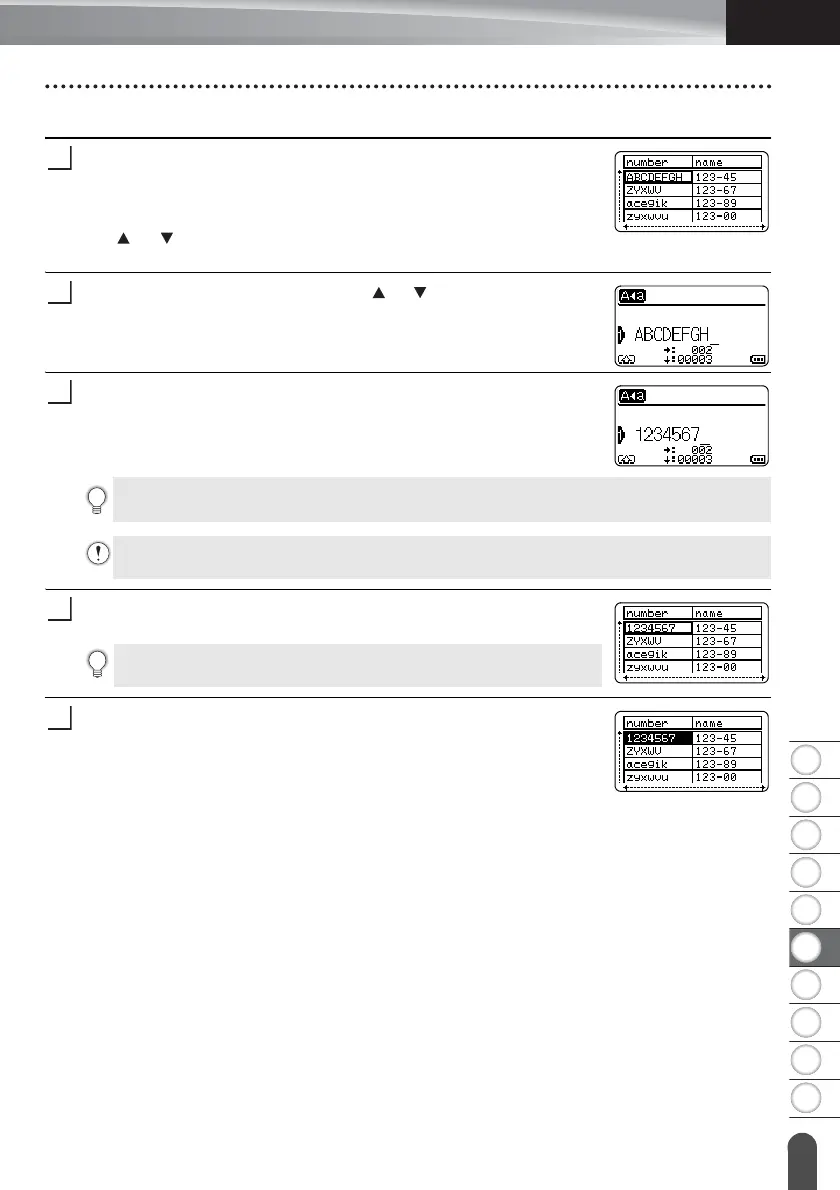
Press the Database key, select the database to be edited and
then press the OK or Enter key.
You can also select the database by pressing the File key, and
selecting “Transferred Templates” - “Print from Database” using
the or key.
The first record of the selected database is displayed.
Select the cell to be edited using the or key. Then hold down
the OK or Enter key.
Enter the new text.
Press the OK key.
The new text is displayed.
Press the OK key again.
The edited record will be highlighted.
Press the Esc key to cancel editing the text and return to the previous screen
• You can add or delete a line break.
• Each cell can contain a maximum of 7 lines.
If you do not want to print the database, press the OK key and then
press the Esc key. The edited data will be saved.














 To Next Page