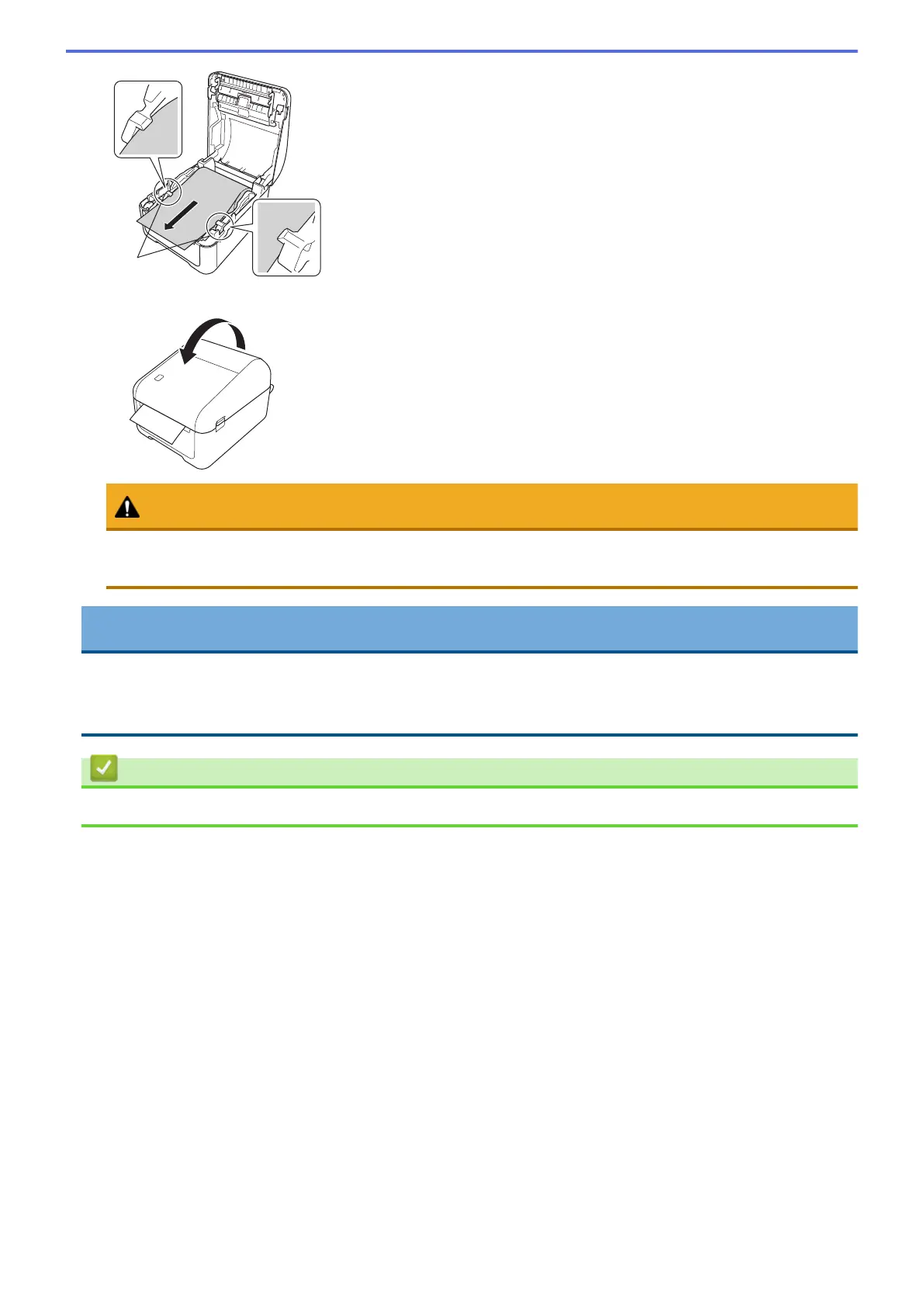
7. Close the Roll Compartment Cover until it locks into place.
CAUTION
Be careful when closing the Roll Compartment Cover. There is a risk of injury if your finger gets pinched
between the upper and lower parts of the cover.
IMPORTANT
• Do not leave any printed labels in the printer. Doing so will cause label jams.
• When not in use, remove any rolls from inside the printer and close the Roll Compartment Cover to
prevent dust and debris from accumulating in the printer.
Related Information
• Set Up Your Printer
12



 To Next Page
 Loading...





