Do not turn the power off when transferring templates.
1. Turn the printer on.
2. Connect the printer to the computer using a USB cable.
3. Double-click the PtTrExp.exe file received from the administrator.
4. Do one of the following:
• To transfer a single Transfer Package file (PDZ) within the folder containing the PtTrExp.exe file, click
Transfer.
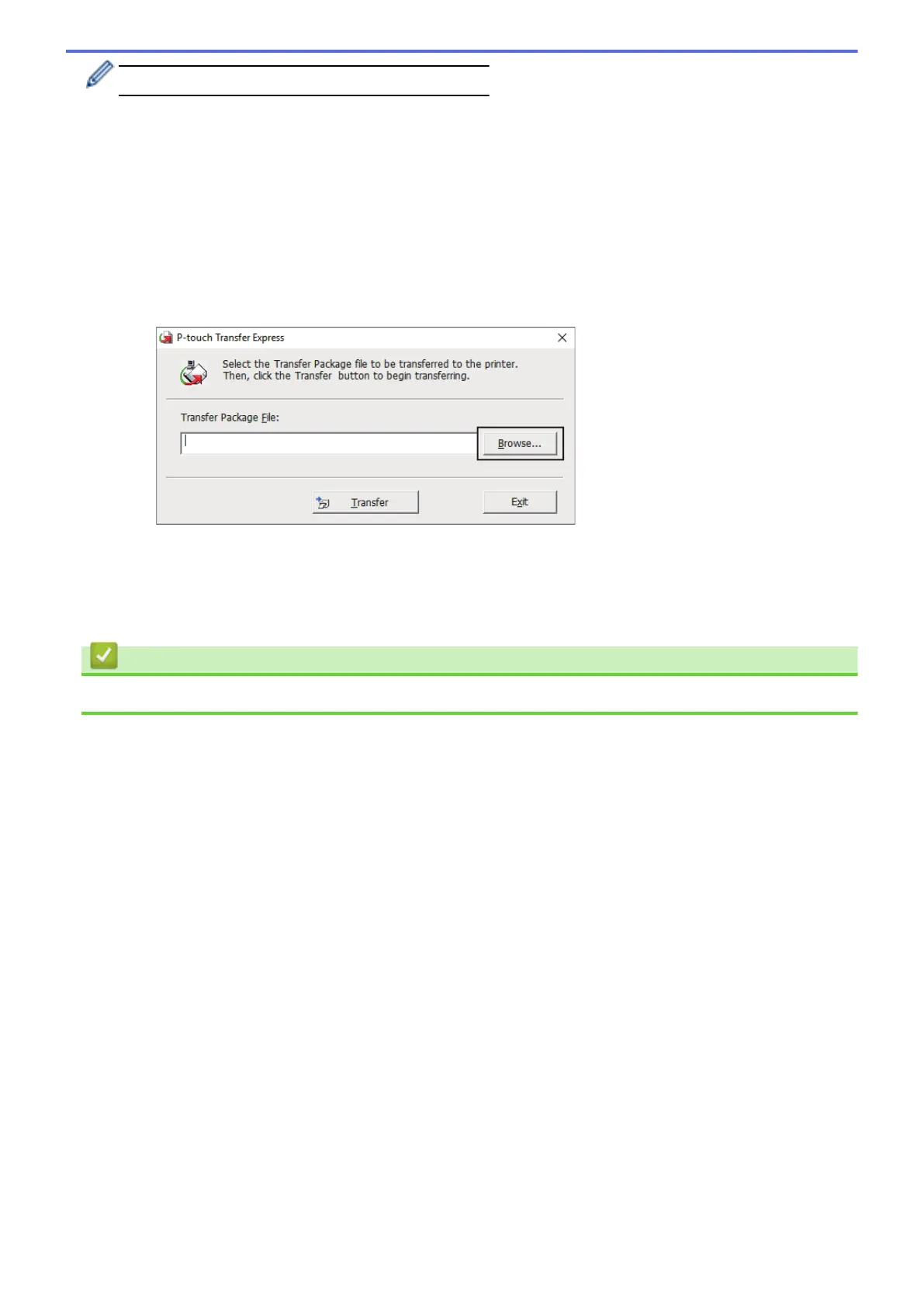
• To transfer multiple Transfer Package files (PDZ) within the folder containing the PtTrExp.exe file, do the
following:
a. Click Browse.
b. Select the Transfer Package file you want to transfer, and then click Open.
c. Click Transfer.
d. Click Yes.
5. When completed, click OK.
Related Information
• Transfer Templates to the Printer (P-touch Transfer Manager) (Windows)
62



 To Next Page
 Loading...





