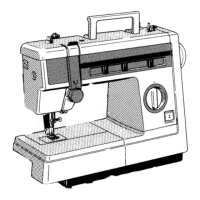
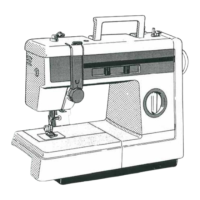
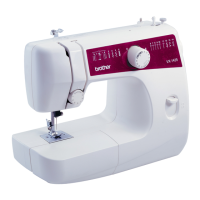
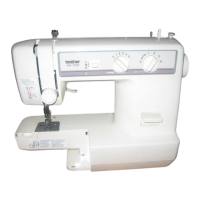
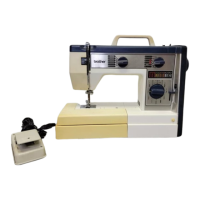
STITCH WIDTH KNOB
I
NEEDLE POSITION SELECTOR
I
all
--
LMR
mmm
The zlgzag w~dth
IS
regulated by operating
the stitch width knob.
Numerals above the knob represent the
width of stitch. THE HIGHER THE
NUMBER, THE WIDER THE STITCH.
The
"0"
means straight stitch only.
NOTE:
1.
Do not move the knob while
the needle is in the material.
2.
When using twin needle, knob
should always be set at under
"3".
By shifting this lever to
L
(left),
M
(middle)
or
R (right), you will be able to sew straight
and zigzag stitches as the base line.
When you sew close to the edge of material,
select
L
or
R
so that you can obtain better
feeding of the material.
For almost all stitching, this selector to
be set at M (middle) but set other position
for following application.
1.
Button sewing (page 29)
2. Decorative stitches (page
21
)
NOTE:
1.
Do not move the selector while
needle is in the material.
2. Set the selector always at M
when you use twin needle.
REVERSE SEWING BUTTON
To sew in reverse, push sewing button
as far as
it
will allow. Hold button in this
position until you wish to sew forward.
When button is released it will spring back
in position and you will sew in forward
direction.
Reverse sewing is used for back-tacking and
reinforcement.



 To Next Page