Operation
- 3.28 - SMART CLEARER
KEYCODE - Password to access SETUP and WORK menus
SETUP
CONFIG
KEYCOD
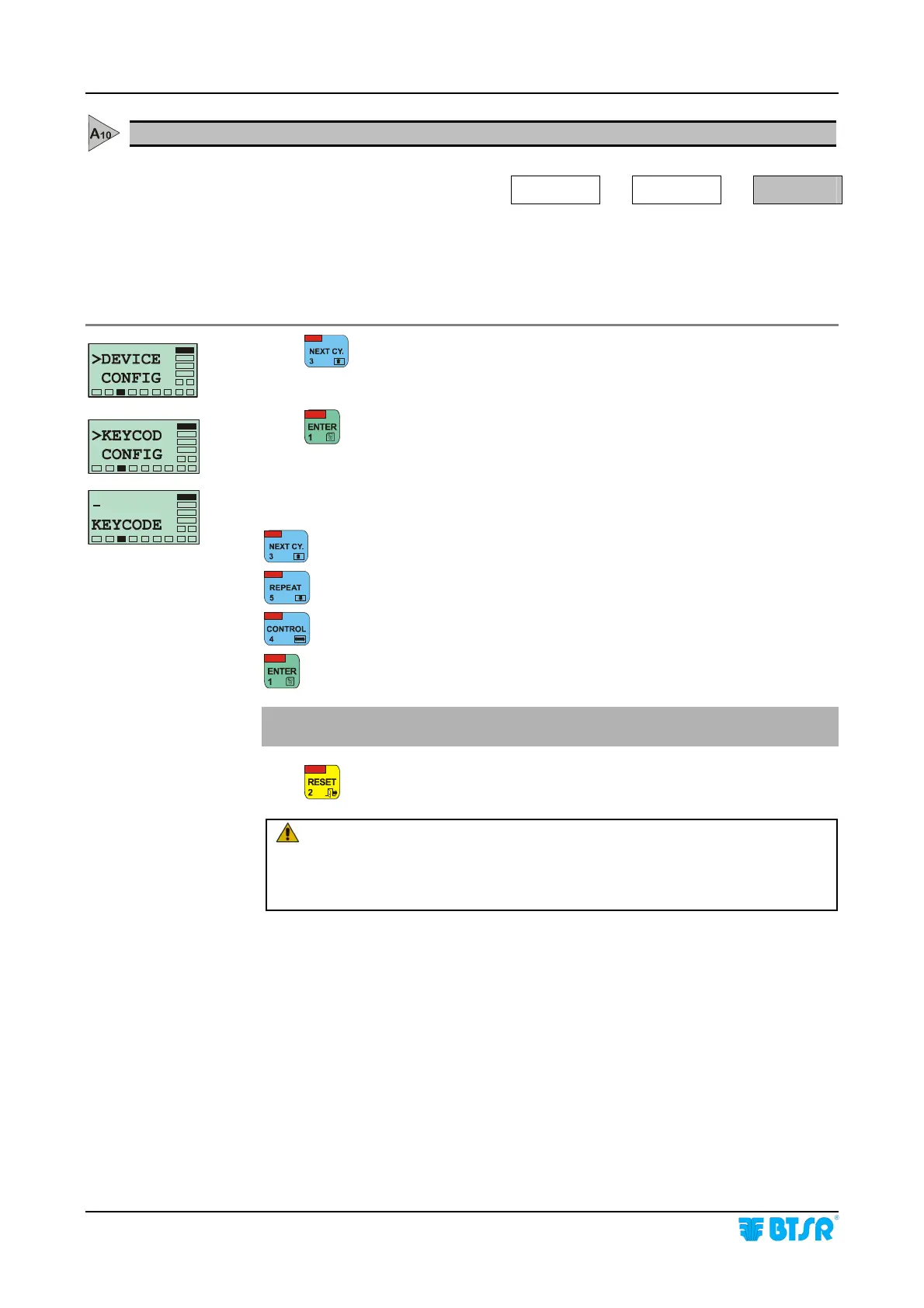
This function allows entering a secret code (Keycode) to access the programming
functions of the system and to exit the CONTROL mode. In this way non authorised
personnel are prevented from accessing the settings which determine the operation
features of the sensors or to leave immediately from the CONTROL mode.
Press until the KEYCOD CONFIG option will appear.
Press
to have access to the function.
Enter the code of your choice (from 1 to 7 alphanumeric characters) using the
following buttons:
Increases the character where the cursor is positioned.
Decreases the character where the cursor is positioned.
Moves the cursor one position to the right.
Confirms and stores the code which has been set.
If no code is entered, the function is disabled and you will not be asked for an
access code when entering the SETUP and WORK menus.
Press
to leave the function, or twice to return to the Main Menu.
WARNING: If you set a password (Keycode) it is necessary to enter
it each time you access SETUP and WORK menu and when you
want to leave the CONTROL mode. If you forget the access code it
will be necessary to contact your BTSR reseller.











 To Next Page