Operation
SMART CLEARER -3.33 -
NEW - Creating a New Article
SETUP
NEW
This function allows creating a new article and associating to such article the
quality control parameters that will be used by ISSC.. sensors during the
processing phase of the article itself. For each parameter you will have to program
the values summarised in the following table (the values into brackets are the
default ones).
Article ………………….
SPEED 1-2000 [default 20]… M/m
Parameter TIT% LMIN
NEP 1-999 [default 100] 0.1-10 mm [default 1]
SLUB - 1-99 [default 100] 1-100 mm [default 1]
SLUB + 1-999 [default 100] 1-100 mm [default 1]
YARN- 1-99 [default 25] 0.1-40 m [default 2]
YARN+ 1-999 [default 100] 0.1-40 m [default 2]
NO YARN 1-99 [default 25] 0.1-40 m [default 2]
The SPEED parameter indicates article collection Speed on the machine (in
M/min).
The NEP, SLUB -, SLUB+, YARN -, YARN + and NOYARN represent instead the
possible defects detectable by ISSC.. sensors on the article (for each of these
parameters you will have to indicate the TIT% and LMIN values, which
respectively represent the Thickening/Reduction percentage with respect to the
nominal article Title and the Minimum Length of this Thickening/Reduction
percentage that, when exceeded, will cause the detection of the related defect.
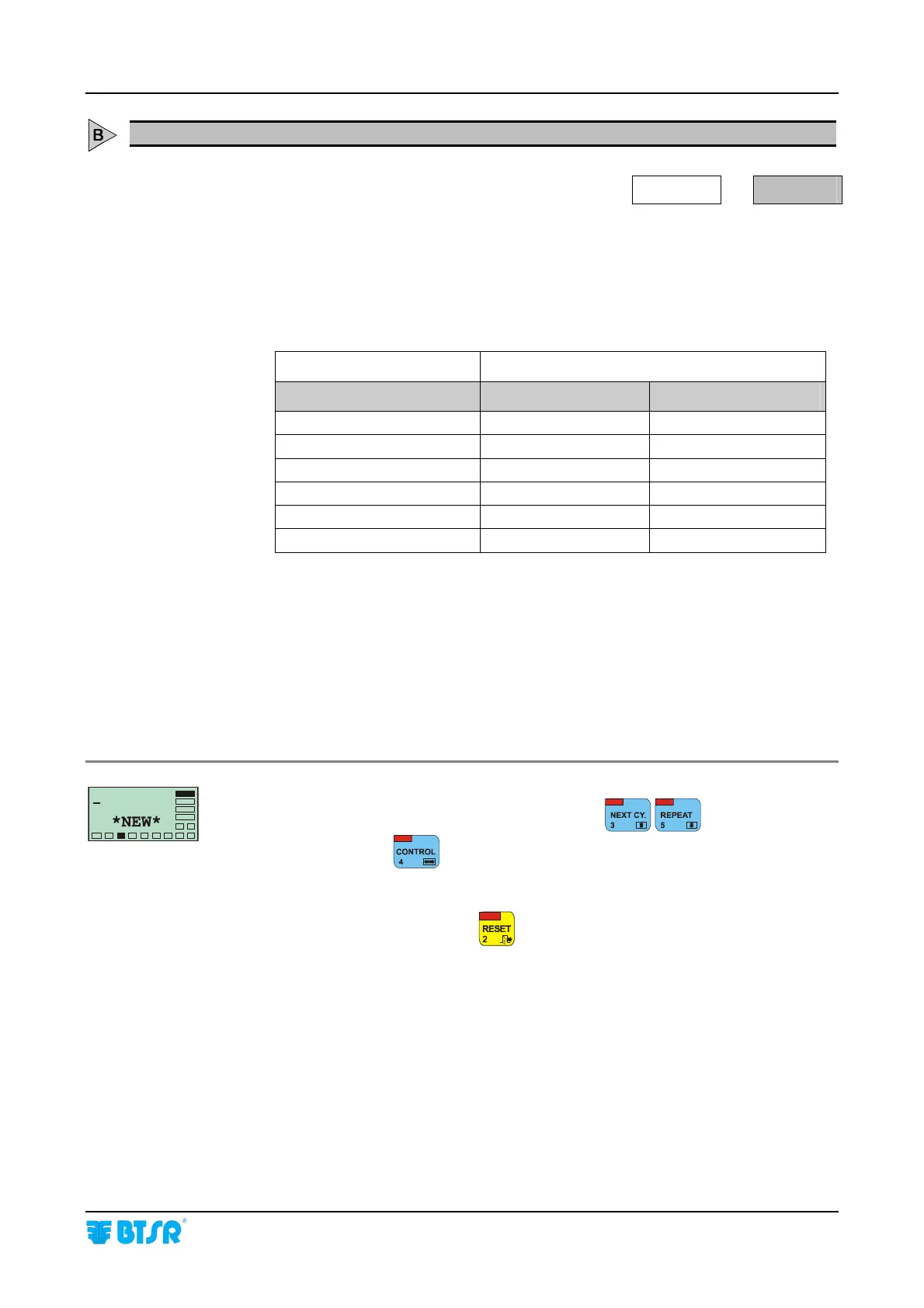
Once you have selected the SETUP NEW function you are prompted to enter
the name of the new article. Type the name using
to set the
characters and use
to move the cursor.
If you enter a name already existing, the warning message DOUBLE NAME will
be displayed. In this case press
and enter a new name.









 To Next Page