SMART MATRIX WINDINGFEEDER Operation
SMART MATRIX WINDINGFEEDER - 6 -
2 – Windows Swap
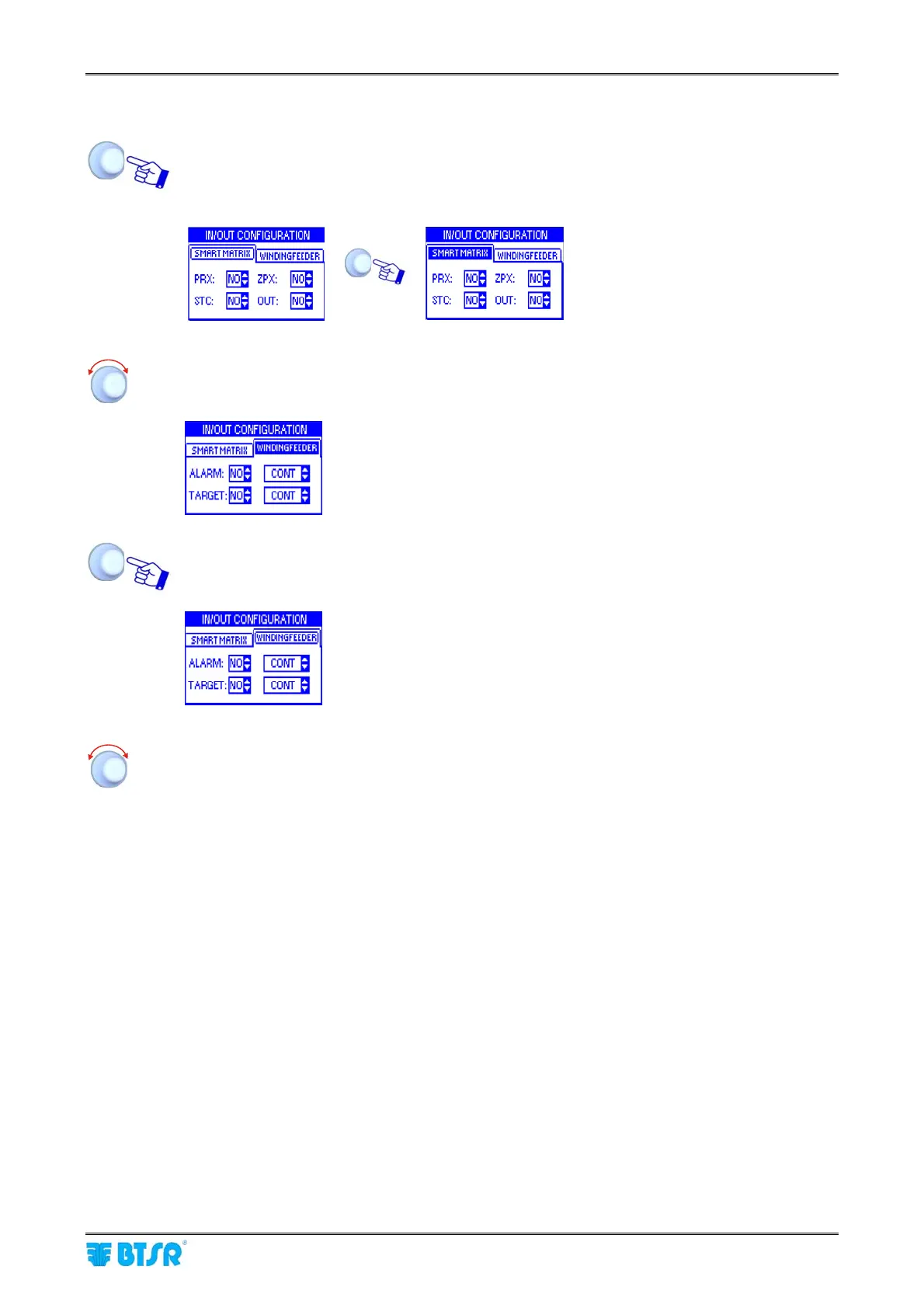
Turn the selector to “Point” the label of the current window (SMART MATRIX) and click to
hoghlight it.
Example:
Î
SMART MATRIX window
highlighted
Turn the selector to “Point” the remaining window (WINDINGFEEDER).
WINDINGFEEDER
window highlighted
Click to select the WINDINGFEEDER window and enable the access to its parameters.
The
WINDINGFEEDER
window is now the
current one
Select the desired parameter as explained on previous paragraph:
1 – Navigation within the Selected Window (WINDINGFEEDER)











 To Next Page