SMART MATRIX WINDINGFEEDER Operation
SMART MATRIX WINDINGFEEDER - 5 -
Navigation within the Selected Window (SMART MATRIX)
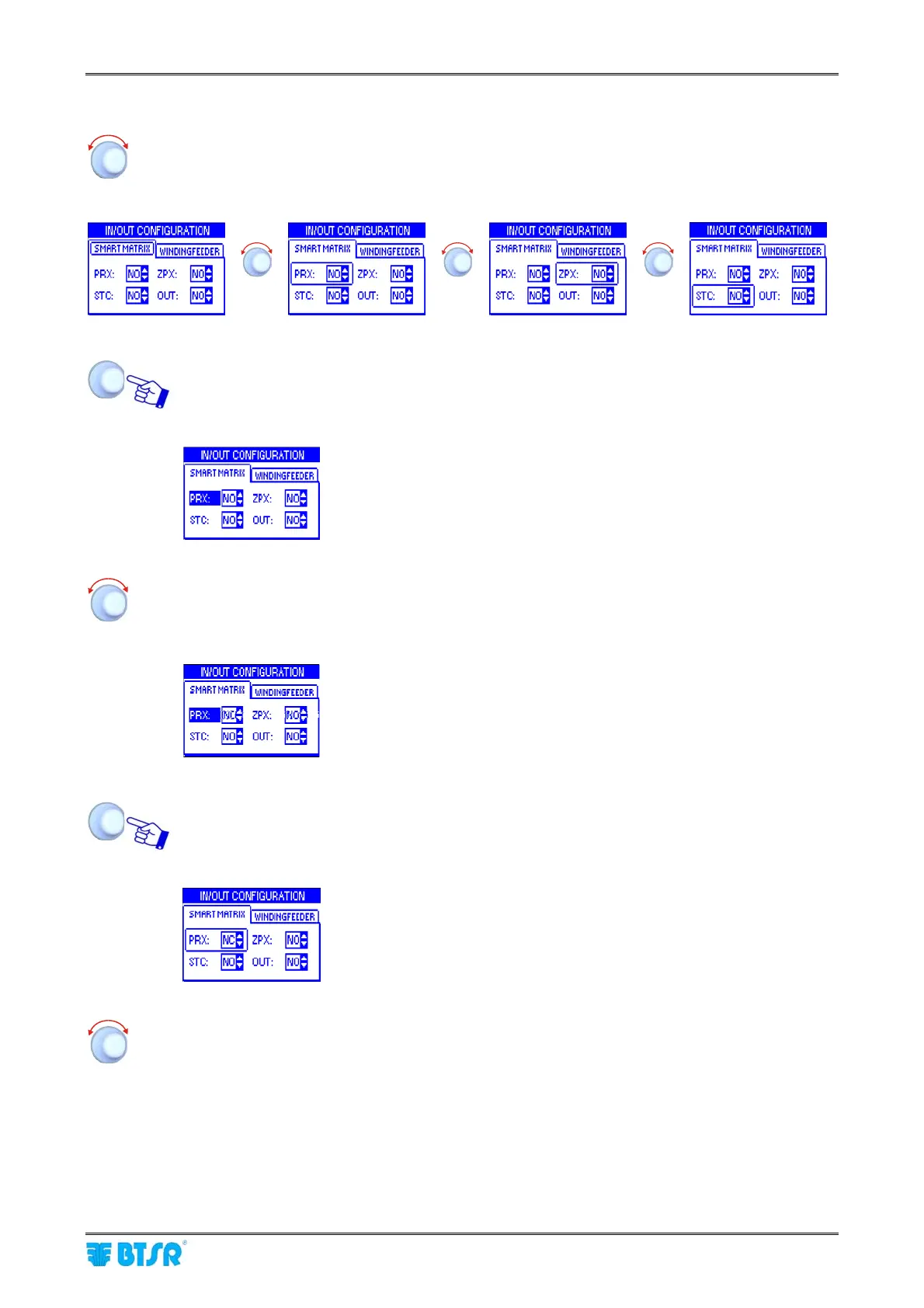
Turn the selector to “Point” in sequence the various items of the window
(SMART MATRIX → PRX → ZPX → STC → OUT).
The frame indicates the “Pointed” field.
Î Î
Î
Click to “Select” the pointed item. The field name will be shown in riverse.
Example:
PRX field selected (reverse)
Turn the selector to select the desired option (NO=Normally Open contact or NC=Normally
Closed contact)
Example:
New field valule: NC
Once you have set the desider option (in this example NC), clic to confirm.
Example:
PRX field no more selected.
Turn the selector to select a new field and so on……











 To Next Page