Tension Profiler
SMART MATRIX WINDINGFEEDER - 45 -
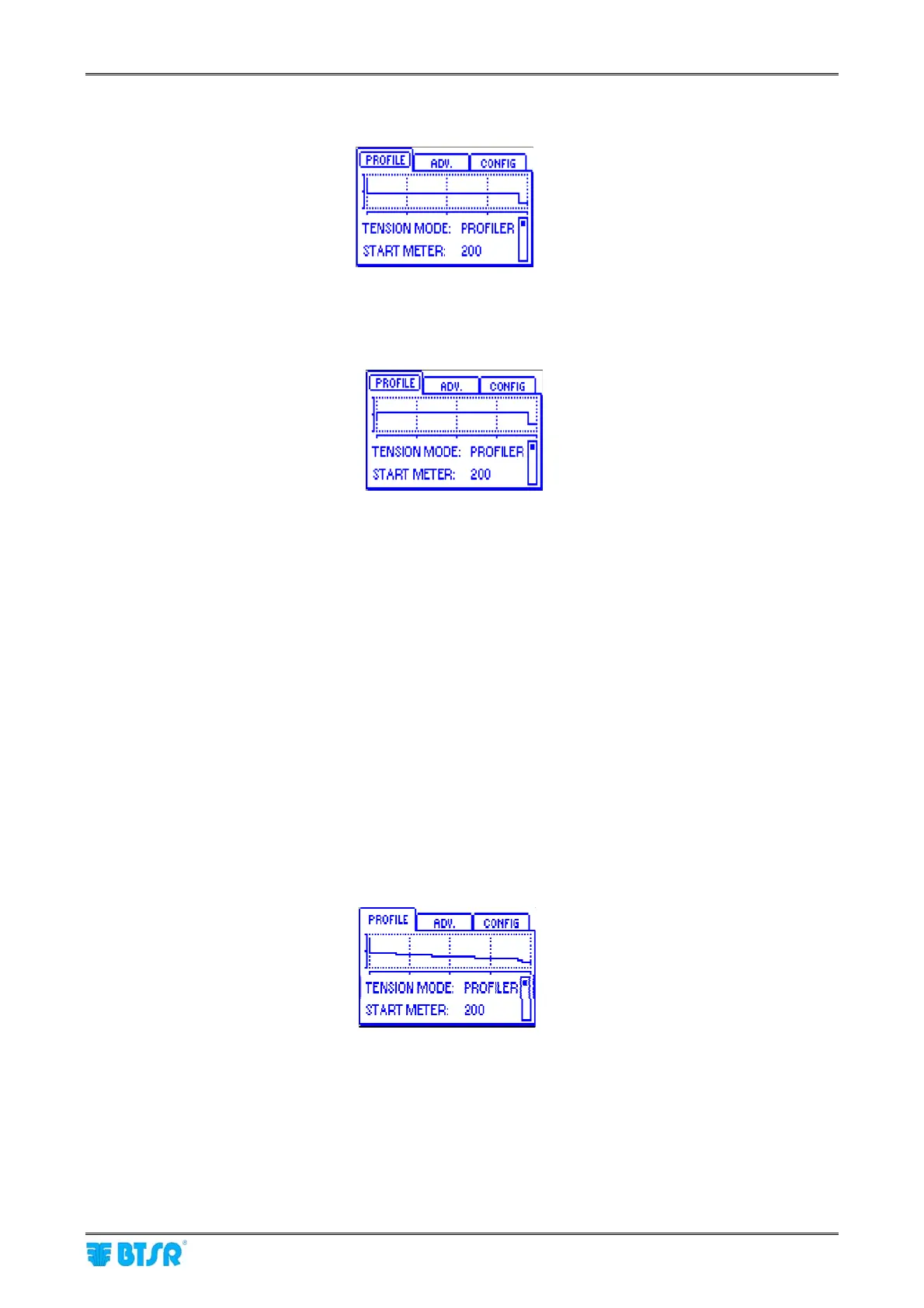
Example 1 of parameter setup in the PROFILE window:
START METER = 200
START TENS = 10
WORK TENS = 5
INC/DEC METER = OFF
TARGET METER = 50000
TARGET TENS = 2
Esample 2 of parameter setup in the PROFILE window:
START METER = 200
START TENS = 3
WORK TENS = 5
INC/DEC METER = OFF
TARGET METER = 50000
TARGET TENS = 2
In both examples, the system starts working with the START TENS, switches to WORK TENS after 200
meters, it continues keeping the WORK TENS constant until reaching the Target, then switches to the
TARGET TENS that will be maintained until the Target signal is reset; at this point, the START TENS will be
resumed.
4 - Tension Profiler Function Enabled with TARGET and INC/DEC METER Activated
With respect to the previous example, we now introduce a further item (INC/DEC TENS) used to graduate
the WORK TENS with the timing established in INC/DEC METER.
This allows you to dynamically change the work tension with constant increment/decrement steps in such a
way as to obtain a package compliant with the specific requirements of the process which the package itself
will be subsequently destined to.
With the introduction of the two variables: INC/DEC TENS and INC/DEC METER, in addition to the 3 typical
values (START TENS, WORK TENS and TARGET TENS) it is possible to obtain a lot of different “Tension
Profiles”
Example 1 of parameter setup in the PROFILE window:
START METER = 200
START TENS = 10
WORK TENS = 5
INC/DEC METER = 2000
INC/DEC TENS = -0.1
TARGET METER = 50000
TARGET TENS = 2











 To Next Page