Appendix A
- A.2 - ULTRAFEEDER
If the upgrade is correctly completed, the PFU/64FS power
supplier is automatically re-initialized with the new
firmware.
In case of error the indicated LEDs start blinking.
Simultaneously press the ENTER and CTRL buttons.
If the LEDs stop blinking, the error has been
recovered
If the LEDs continue blinking, please contact the
BTSR Service Department.
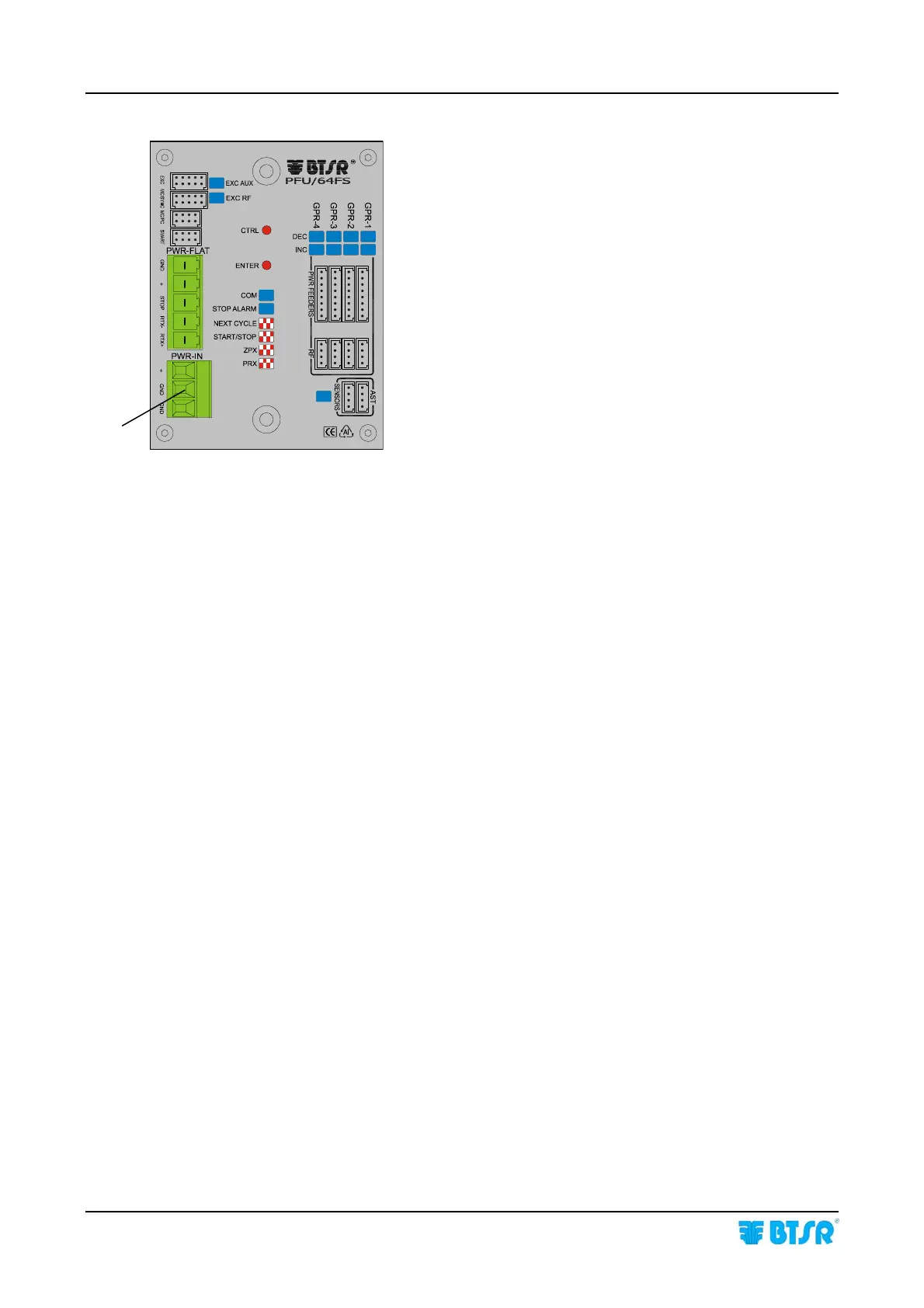
In some error situations it could be necessary to reset the
PFU/64FS power supplier, operating as follows:
Disconnect the green power connector (A)
Simultaneously press and keep pressed the ENTER
and CTRL buttons and re-connect the connector (A)
All the LEDs of the PFU/64FS power supplier start
blinking
Release the 2 buttons
Now the firmware will be re-initialized.
A









 To Next Page