EasyManua.ls Logo

btsr WINDINGFEEDER - User Manual

Default Icon
47 pages
Print Icon
To Next Page IconTo Next Page
Loading...
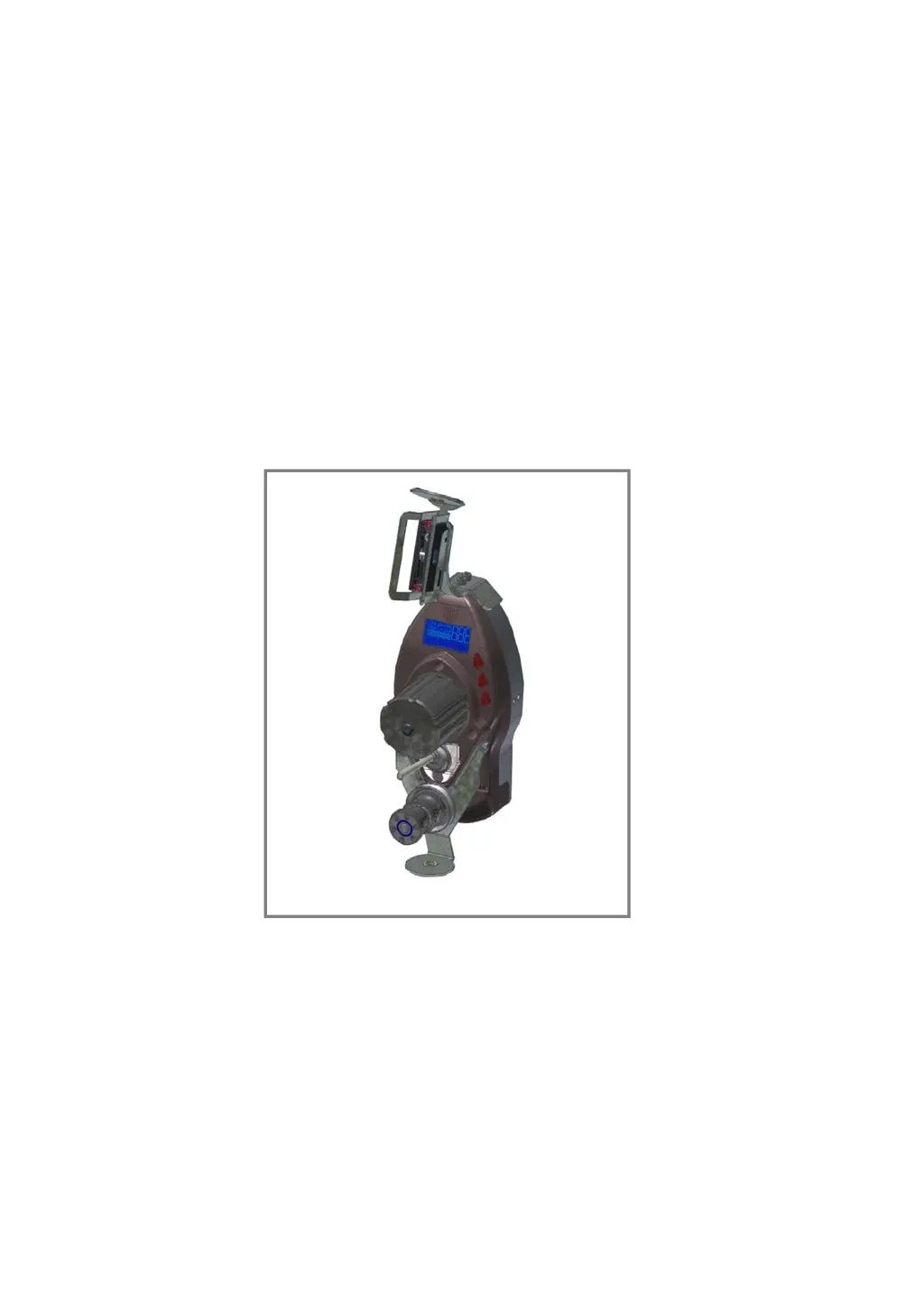
WINDINGFEEDER
YARN CONTROL SYSTEM
Operating Manual
ENGLISH
Rev. 2.0 – -March 2011

Table of Contents

Questions and Answers

  • L
    Lindsay ShawSep 12, 2025
    What does ASC1010 COM-ERROR mean on my btsr WINDINGFEEDER Control Systems display?
    • A
      Allen HensleySep 12, 2025
      If 'ASC1010 COM-ERROR' is displayed on the WINDINGFEEDER display, it indicates missing communication between the main DSP and the loading cell DSP. Reset the alarm.
  • B
    Barbara RasmussenSep 12, 2025
    What does ASC1010 EEP-ERROR mean on my btsr WINDINGFEEDER Control Systems display?
    • S
      Stephanie Hoover MDSep 12, 2025
      If 'ASC1010 EEP-ERROR' is displayed on the WINDINGFEEDER display, it indicates a loss of calibration data. Reset the alarm.
  • C
    Chad SantanaSep 15, 2025
    What does WATCHDOG mean on my btsr WINDINGFEEDER Control Systems display?
    • E
      eddieramirezSep 15, 2025
      If 'WATCHDOG' is displayed on the WINDINGFEEDER display, it indicates a device internal error. Reset the alarm.

Summary

OVERVIEW OF WINDINGFEEDER

Key Device Characteristics

Outlines the primary features, technology, and capabilities of the WINDINGFEEDER devices.

Safety Guidelines and Precautions

Covers essential safety measures and considerations for operating the device.

TECHNICAL DATA AND INSTALLATION

Technical Specifications

Provides detailed specifications for the device, sensors, and terminals.

Electrical Interface and Connections

Illustrates wiring diagrams and pinouts for connecting sensors and terminals.

SMART MATRIX FEEDER Connection

Shows the specific wiring diagram for connecting the SMART MATRIX FEEDER.

Correct Yarn Threading Procedure

Provides step-by-step instructions for properly threading yarn through the device.

OPERATION OF WINDINGFEEDER DEVICES

Operator Accessible Functions

Covers simple operations like alarm reset, status checks, and device exclusion.

P1 Programming Level Parameters

Configures main tension, error tension, and time alarm settings.

Tension Error Alarm Management

Explains the generation, reset, and behavior of the "Tension Error" alarm.

WINDINGFEEDER TROUBLESHOOTING AND MAINTENANCE

LED Status Indicators

Interprets the meaning of red LED states for device identification and error conditions.

Troubleshooting Common Faults

Provides a table of faults, causes, and solutions for diagnosing issues.

btsr WINDINGFEEDER Specifications

General IconGeneral
CategoryControl Systems
ModelWINDINGFEEDER
ManufacturerBTSR
Power Supply24 VDC
Communication InterfaceRS485

Related product manuals