Using your LinkStation
LinkStation User Manual 104
Connecting to the LinkStation and playing the les
3
1
2
Connect DLNA compatible devices to the network and turn them on.
Note: Refer to the devices’ manuals for how to connect them.
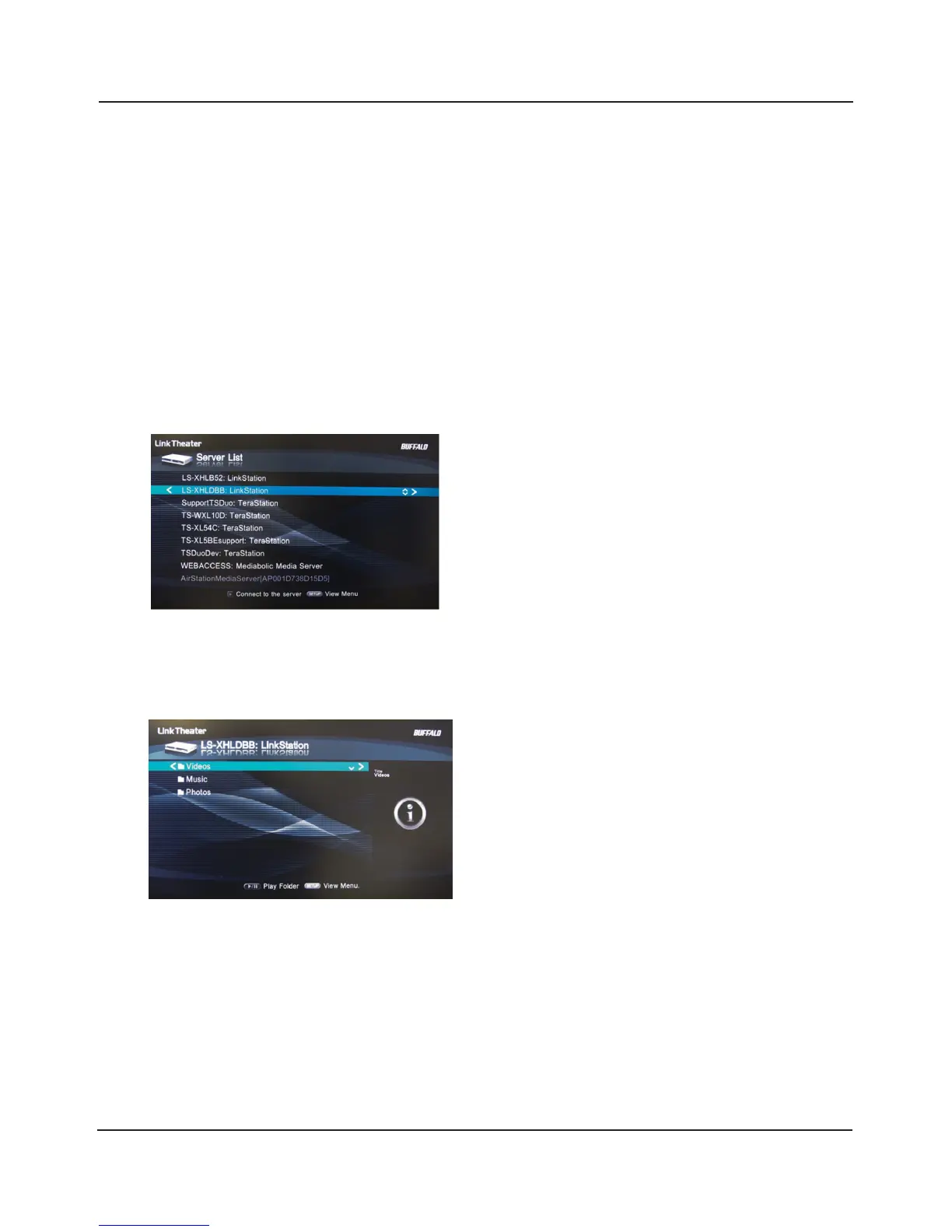
Select the DLNA server of the LinkStation from the screen to select DLNA compatible
devices
Select from [Videos], [Music], or [Photos].
This example shows how to use DLNA compatible media players to play les on the LinkStation.
Screenshots are from a Bualo LinkTheater LT-H90 media player.
Select your LinkStation from the list of available
devices. By default, its name will be its model
number followed by the last 3 digits of its MAC
address. For example, a LS-XHL LinkStation Pro
whose MAC address ends in DBB will have the
name LS-XHLDBB.
Select the contents you want to play.















 To Next Page