Chapter1 Setup
LinkStation User Manual 11
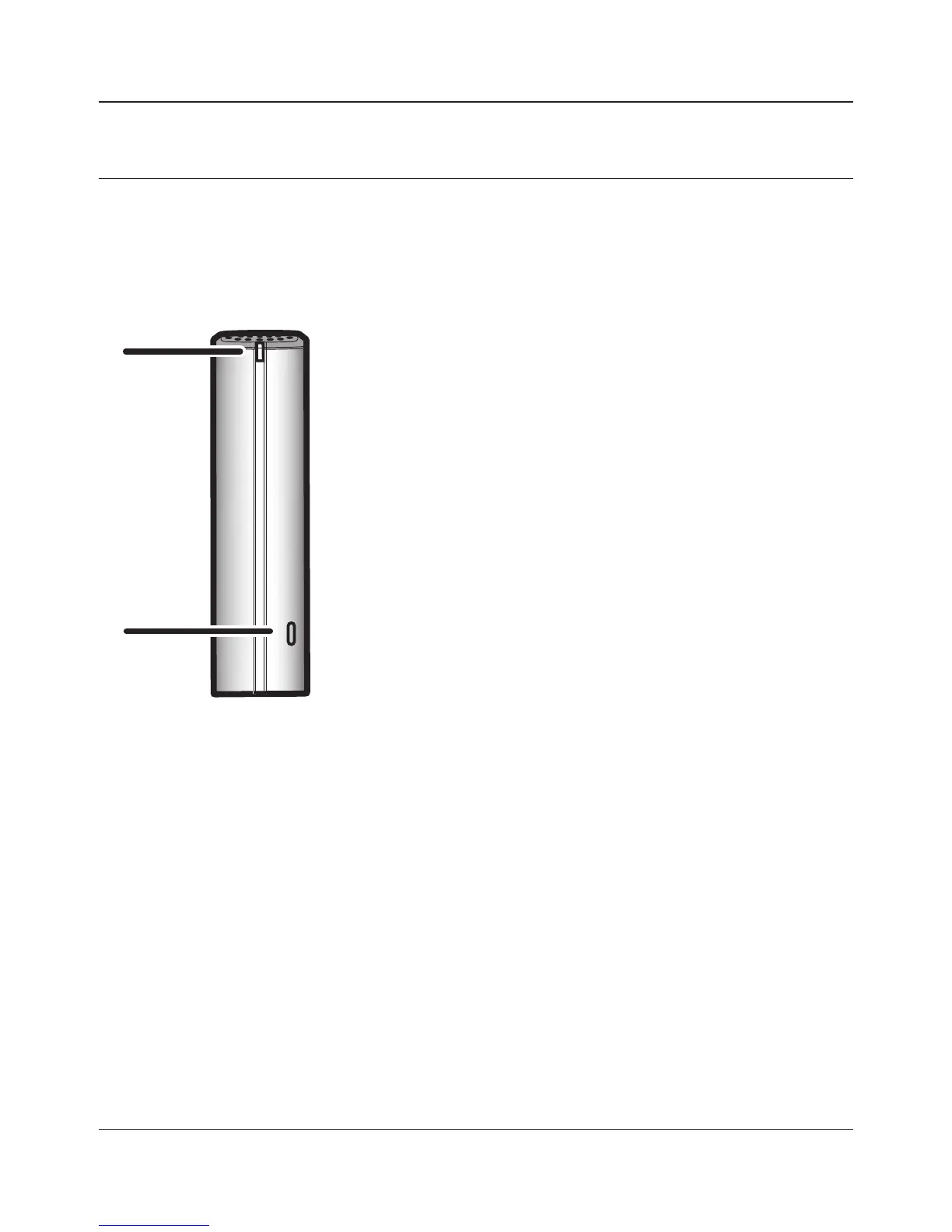
Diagrams and Layout (LS-VL, LS-XHL, LS-CHL)
1
Power LED
Blue light is ON: Power ON
Blue light is OFF: Power OFF
Amber light is ashing: The amber light ashes if there is a
message. Flashing pattern varies depending
on the message. For more information, refer to
"Status LED" on page 161 .
Red light is ashing: Red light ashes when an error occurs.
Flashing pattern varies depending on the
message. For more information, refer to "Status
LED" on page 159 .
2
Function Button
The Function button initiates direct copy, dismounts USB
devices, and is used to initialize the LinkStation
Front
1
2















 To Next Page