Using your LinkStation
LinkStation User Manual 46
Users/Groups
Adding Users
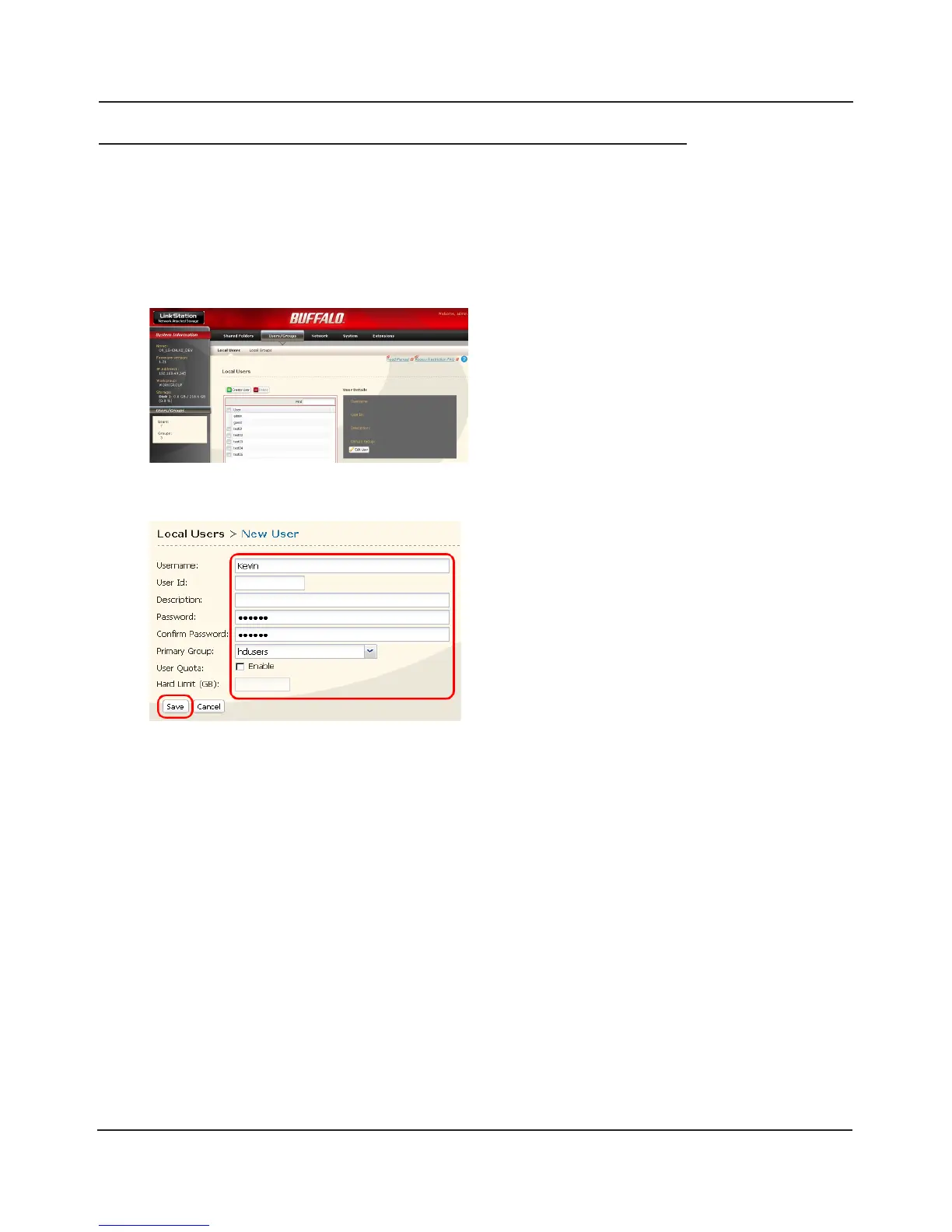
Add users as shown below.
1
2
2 Click [Create User].
1 Congure the desired settings for the new
user.
2 Click [Save].
You have added a user.
1 In the Web Admin interface, navigate to
[Users/Groups] - [Local Users].
Use the same username and password that the user logs into Windows with. If the username and
passwords are dierent, the user may not be able to access restricted shares.















 To Next Page