Using your LinkStation
LinkStation User Manual 50
Jumbo Frame
If your other network devices support it, you may be able to increase network performance with
Jumbo Frame.
Network
1
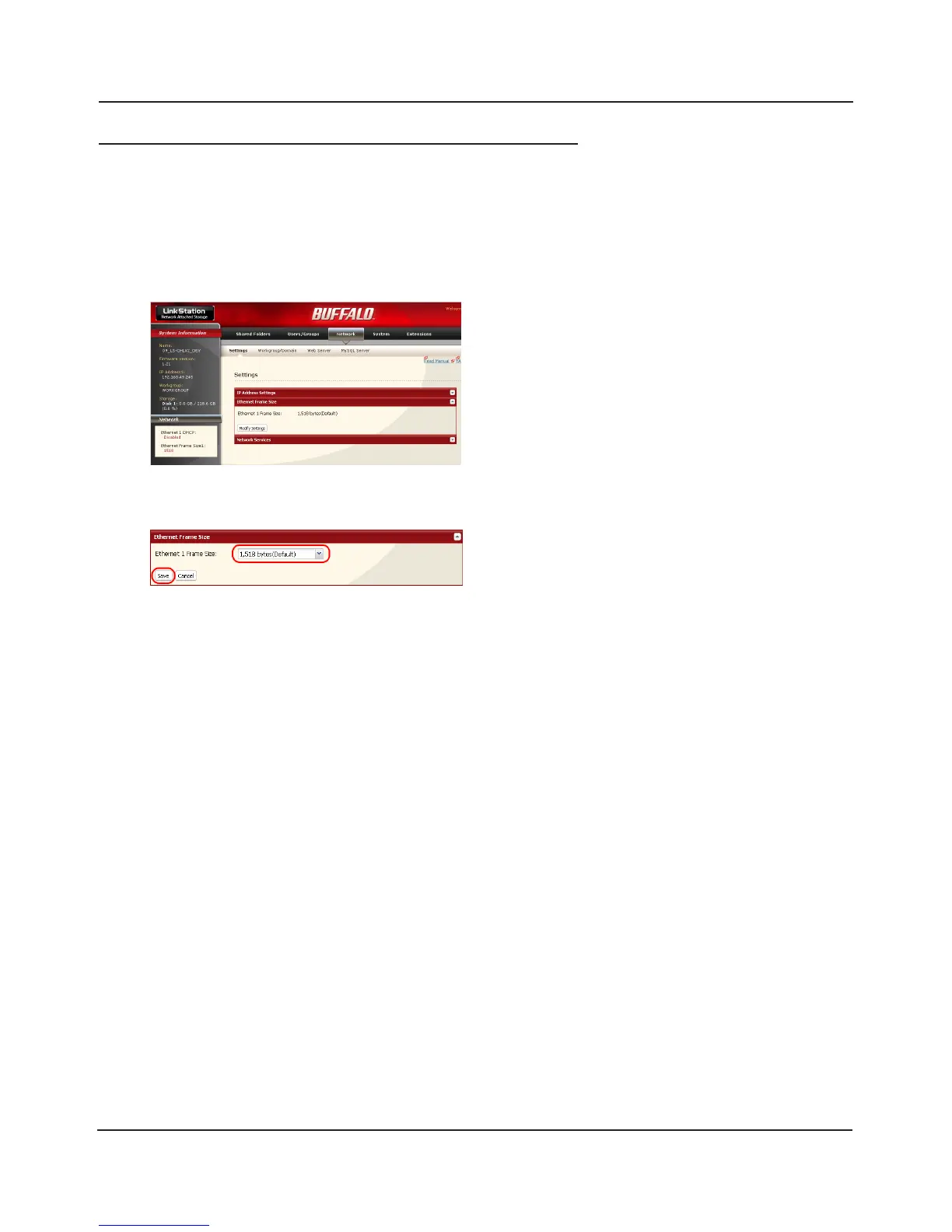
1 Select [Ethernet Frame Size].
2 Click [Save].
2
1 In the Web Admin interface, navigate to
[Network] - [Settings] - [Ethernet Frame Size].
2 Click [Modify Settings].















 To Next Page