Using your LinkStation
LinkStation User Manual 52
Web server
The LinkStation can be used as a Web server.
HTML, CGI scripts, images, and JavaScript are supported.
Notes: • The LinkStation’s Web server is for advanced users only. Do not enable it unless you
know what you’re doing.
• The LS-CHL LinkStation does not support Web server.
1
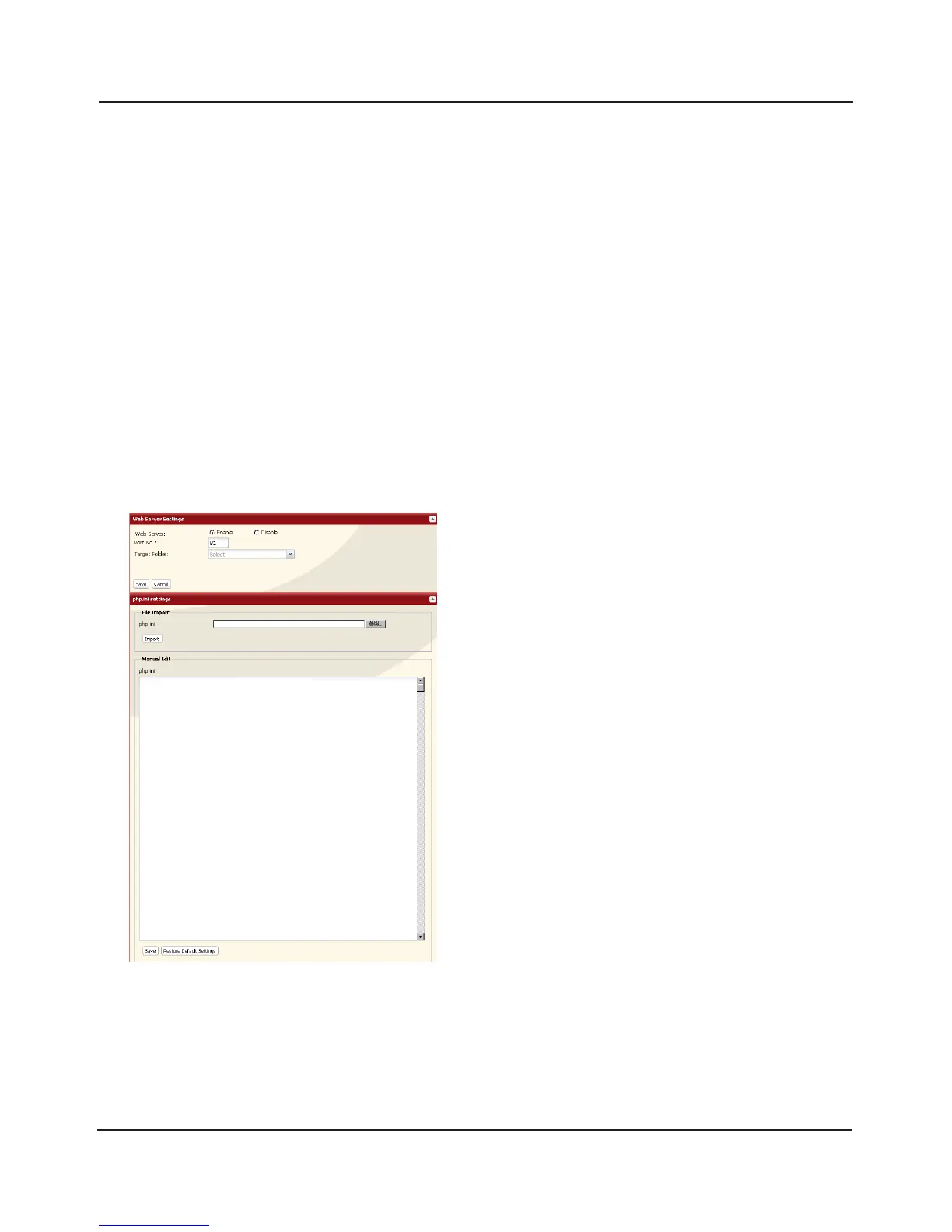
Navigate to [Network] – [Web Server] – [Web Server Settings] in the Web Admin interface and
click [Modify Settings].
2
Select [Enable] for [Web Server], choose an external port setting (81 is the default) for [Port No.]
and a Web server public folder for [Target Folder], and click [Save].
3
The Web server is now congured.
Edit the php.ini file to change the PHP language
interpreter settings. Instructions are in the le.















 To Next Page