LinkStation User Manual 166
Appendix
Status LED (LS-WSXL)
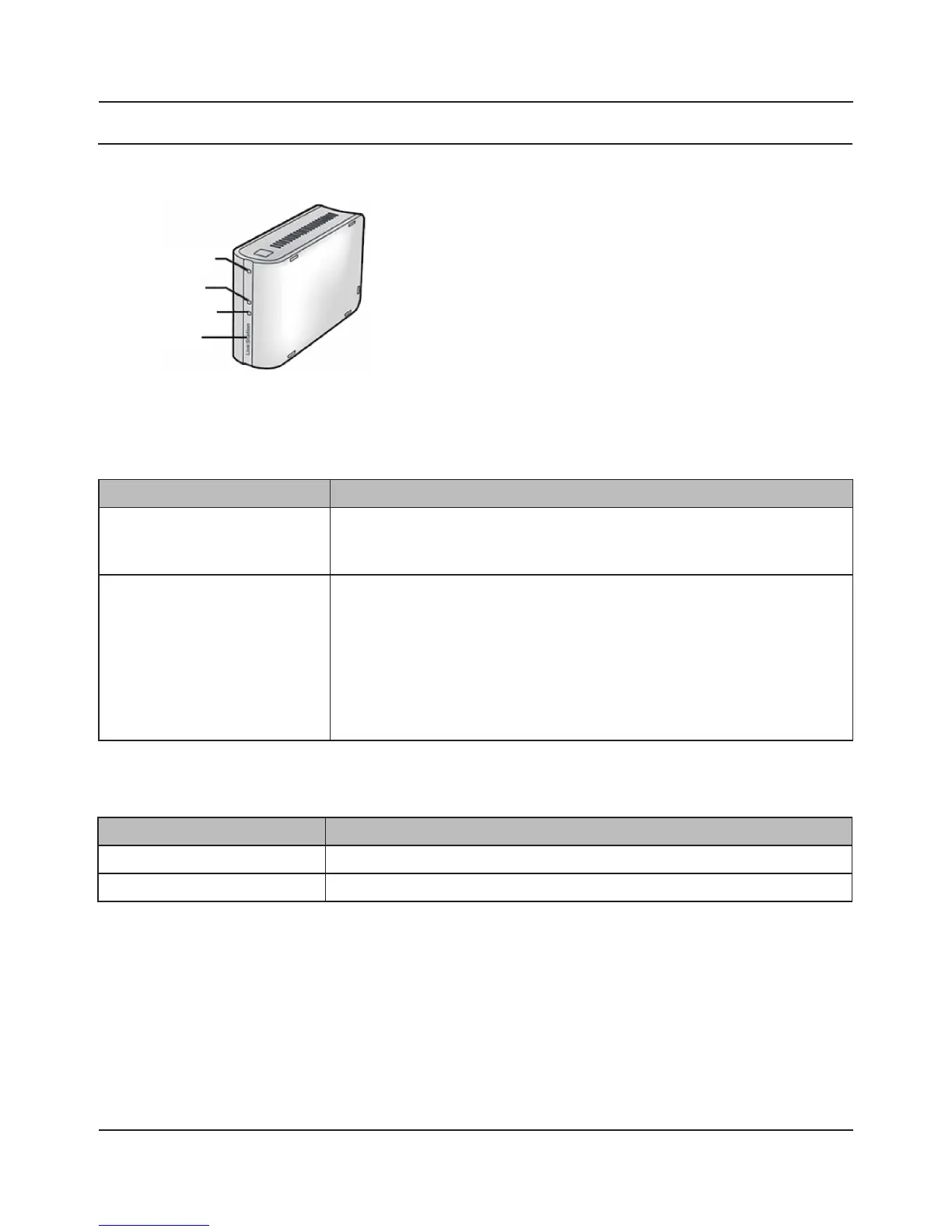
There are 4 LEDs on the LinkStation: “Function”, “Info/Error”, “Link/Act”, and “Power”.
Function LED
Link/Act LED
Info/Error LED
Power LED
Function LED
Status Descriptions
Solid Blue DirectCopy is ready (lights for 1 minute).
USB device is dismounted (lights for 5 seconds).
Lights during initialization.
Blinking Blue DirectCopy is in use.
Note:
The function LED (blue) and the info/error LED (orange) blink together if an error
occurs during DirectCopy. Please do the following if this happens:.
1. Shut down the LinkStation .
2. Detach the USB device from the LinkStation.
3. Reattach the USB device to the LinkStation.
4. Power on the LinkStation.
Link/Act LED
Status Descriptions
Solid green Linking.
Blinking green Accessing.















 To Next Page