Using your LinkStation
LinkStation User Manual 65
System Backup
Time Machine
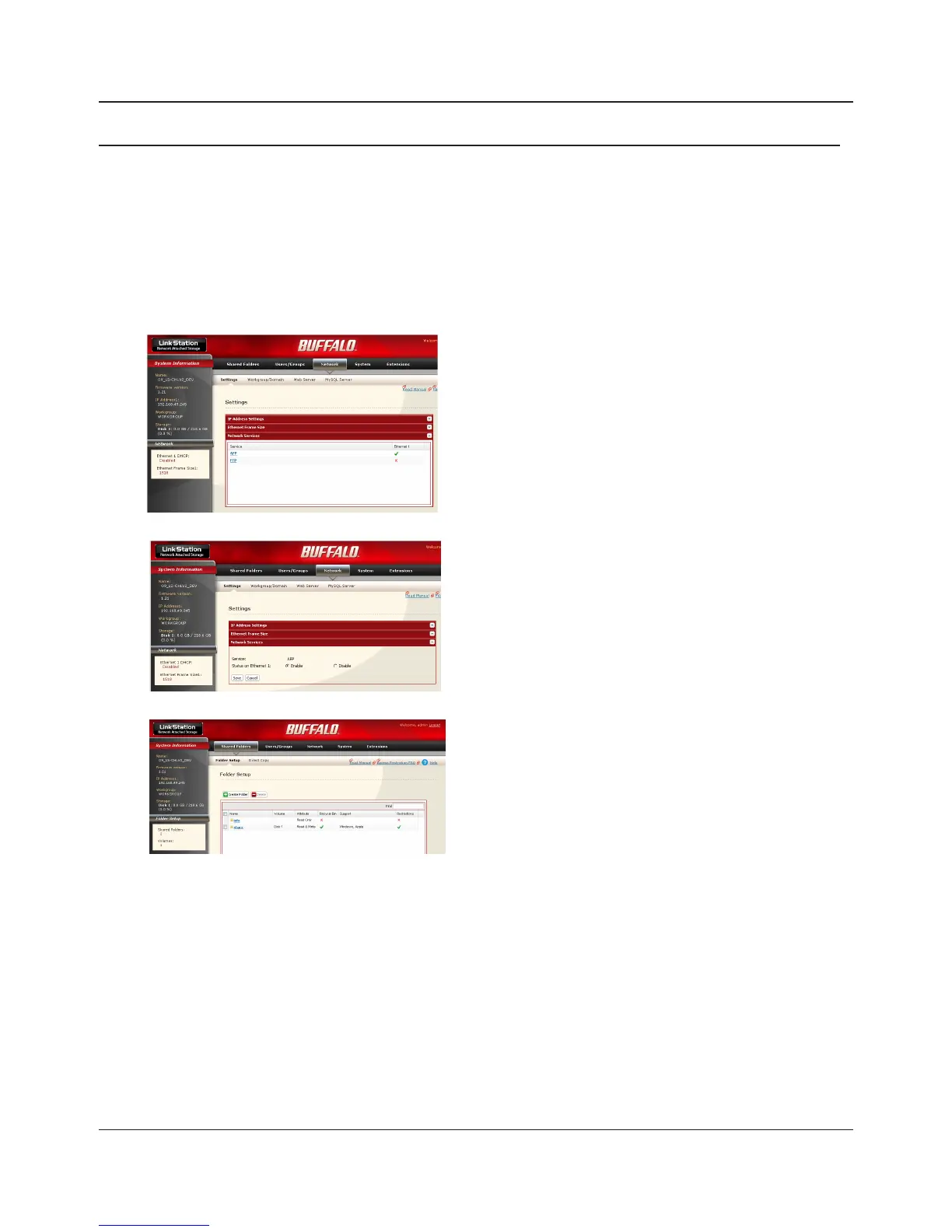
Time Machine is a backup program included with Mac OS X 10.5 and later version. It can back up to
your LinkStation if you congure the LinkStation as follows:
3
1
2
Select [Enable] and click [Save].
1 Click [Shared Folders].
2 Select a shared folder to use as the backup
destination for Time Machine, or create a new
share and then select it.
1 In the Web Admin interface,navigate to
[Network] - [Settings] - [Network Services].
2 Click [AFP].















 To Next Page