Using your LinkStation
LinkStation User Manual 21
Web Admin interface
To open the LinkStation’s web-based administration interface, follow the steps below.
1
Launch NAS Navigator2.
In Windows, click [Start] - [(All) Programs] - [BUFFALO] - [BUFFALO NAS Navigator2] - [BUFFALO
NAS Navigator2].
In OS X, double click on [NAS Navigator2] icon in the Dock.
2
3
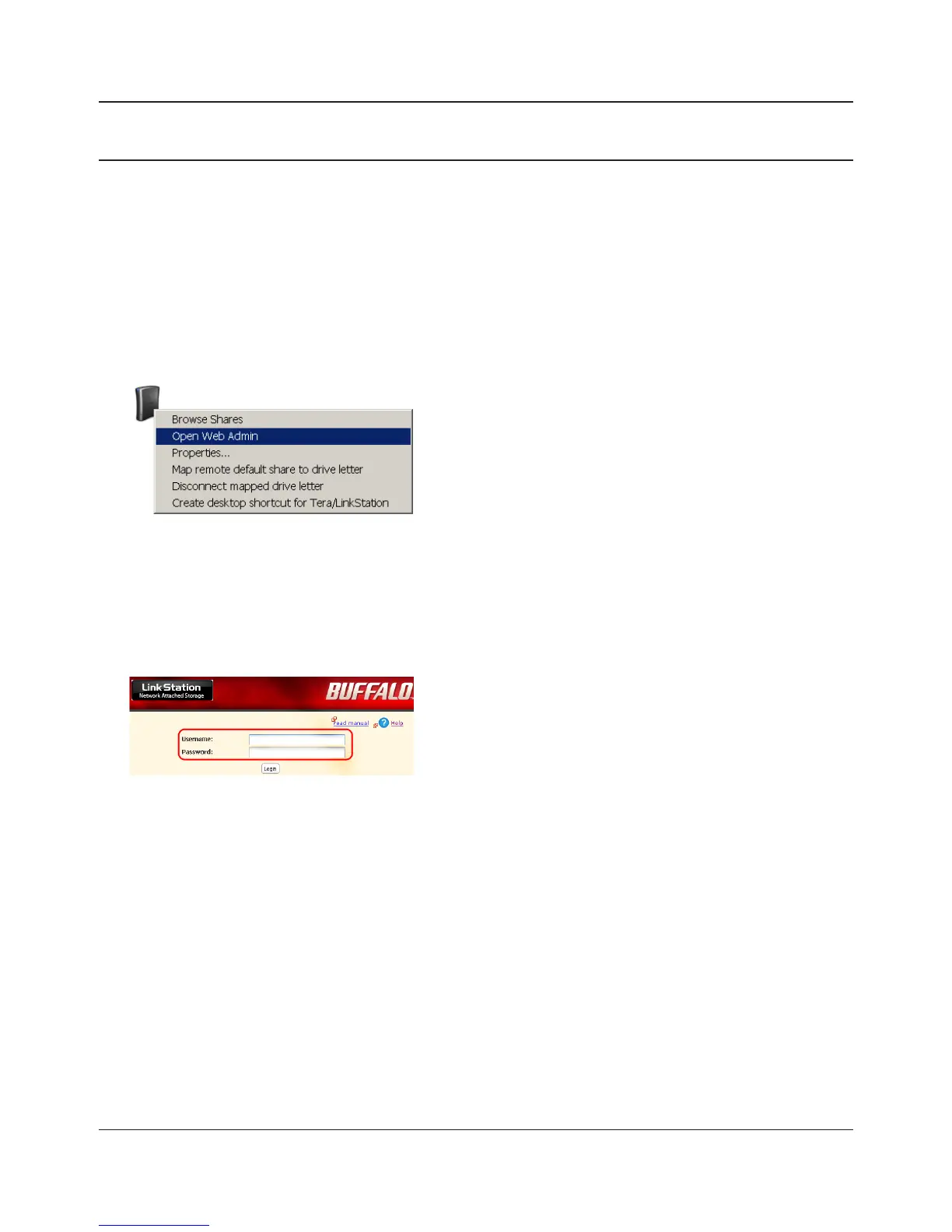
Enter your username and password, and click [Login].
The default username and password are:
Username: admin
Password: password
After you log in, refer to page 49 to change the
password for security purposes. .
In Windows, right-click on the LinkStation’s icon. In
OS X, click the icon while holding down the control
key. Select [Open Web Admin] in the displayed menu.
If 2 or more LinkStations and TeraStations are
connected on the network, multiple icons will be
displayed. Right-click on the unit that you want to
display.
When a LinkStation’s icon is selected, information
about its settings appears in the bottom right of the
window.















 To Next Page