Using your LinkStation
LinkStation User Manual 22
4
Note: The Web Admin interface is compatible with Internet Explorer 6.0 Service Pack 2 or later,
Firefox 1.5 or later, and Safari 3 or later.
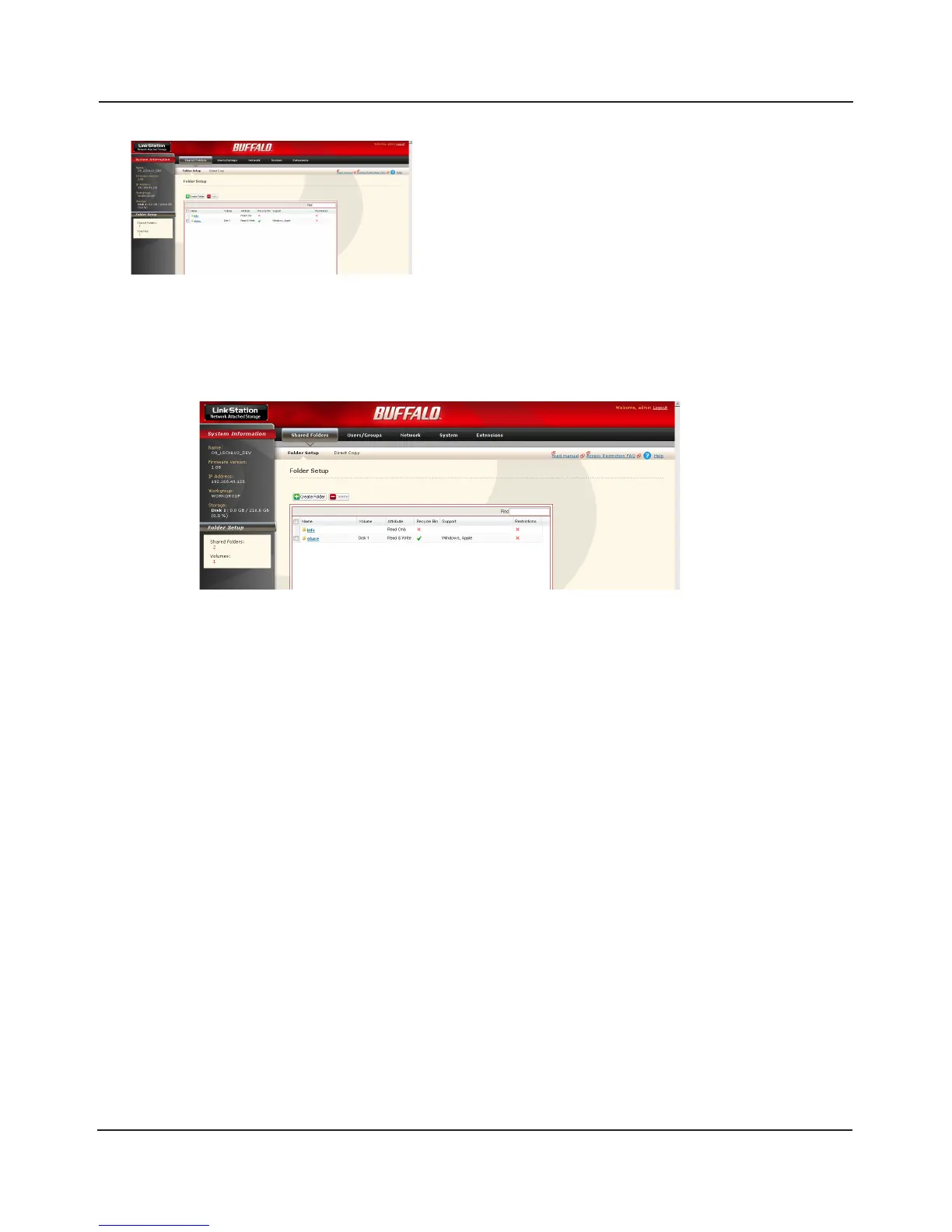
The Web Admin interface contains the following sections.
The Web Admin interface opens. The LinkStation’s
name, IP address, workgroup and hard disk
information are displayed on the left side of the
window.
• [Shared Folders]
Add/delete shared folders, set access restrictions, and congure direct copy.
• [Users/Groups]
Register and delete users and groups.
• [Network]
Register and delete networks and workgroups.
• [System]
Congure name, time, disk check format, backup, mail notication settings, timers,
UPS synchronization settings, initialization, and format drives.
• [Extensions]
Congure WebAccess, Media Server, Print Server, BitTorrent, and Time Machine.















 To Next Page