Using your LinkStation
LinkStation User Manual 23
To open the Web Admin interface from a dierent computer, open a browser and type the LinkStation’s IP
address into the URL eld.
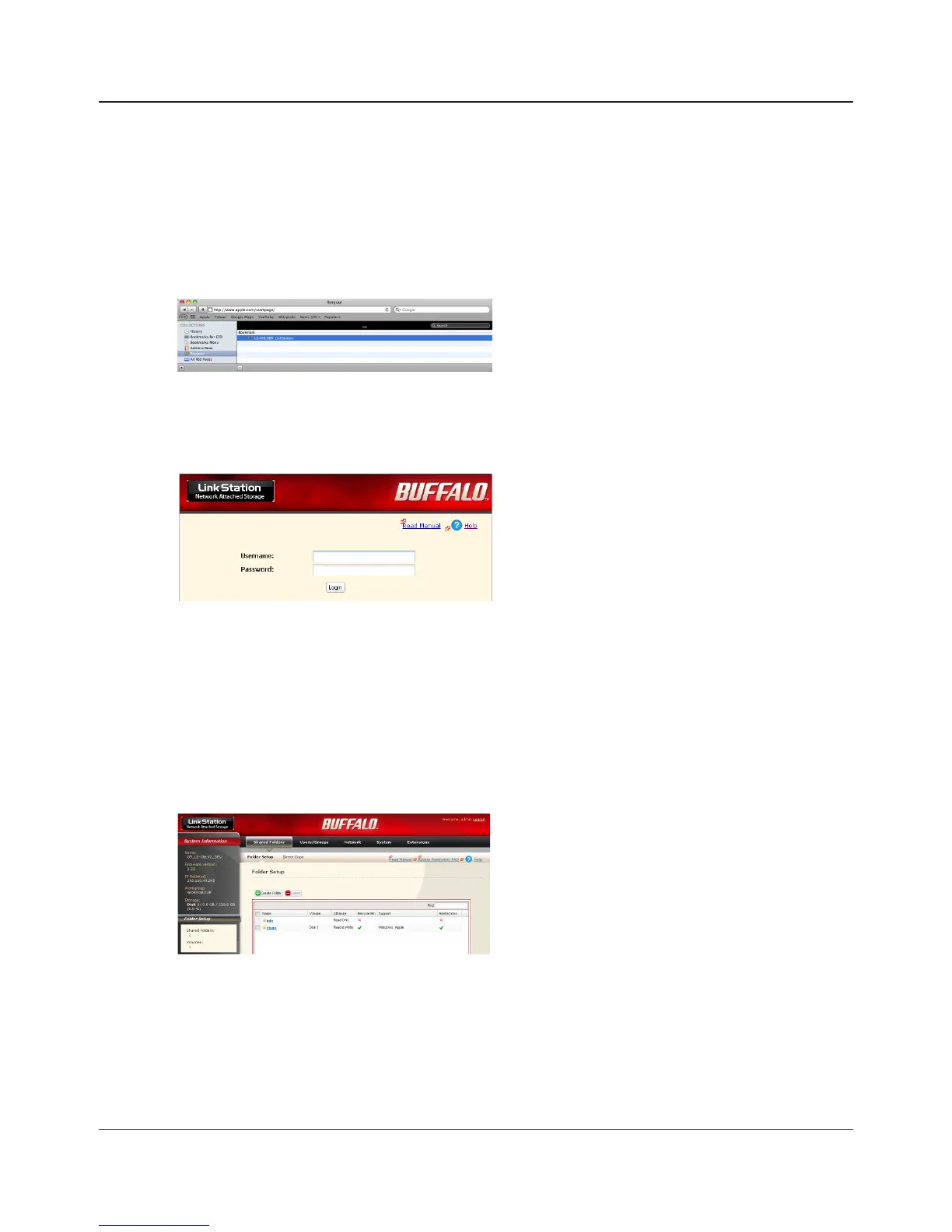
With a Mac, you can open the Web Admin interface from Bonjour as described below.
1 Launch Safari.
2 Select [View] - [View Bookmark Bar] from Safari’s menu.
3
1 Enter your username and password.
2 Click [Login].
Note:To log in as a guest, enter "guest" as the
username and leave the password blank.
Select [Bonjour] from the left-side menu, then
click on your LinkStation in the bookmark list.
The Web Admin interface opens.
The LinkStation’s name, IP address and drive
information are displayed on the left.
4
5















 To Next Page