LinkStation User Manual 159
Appendix
Status LED (LS-VL, LS-XHL, LS-CHL)
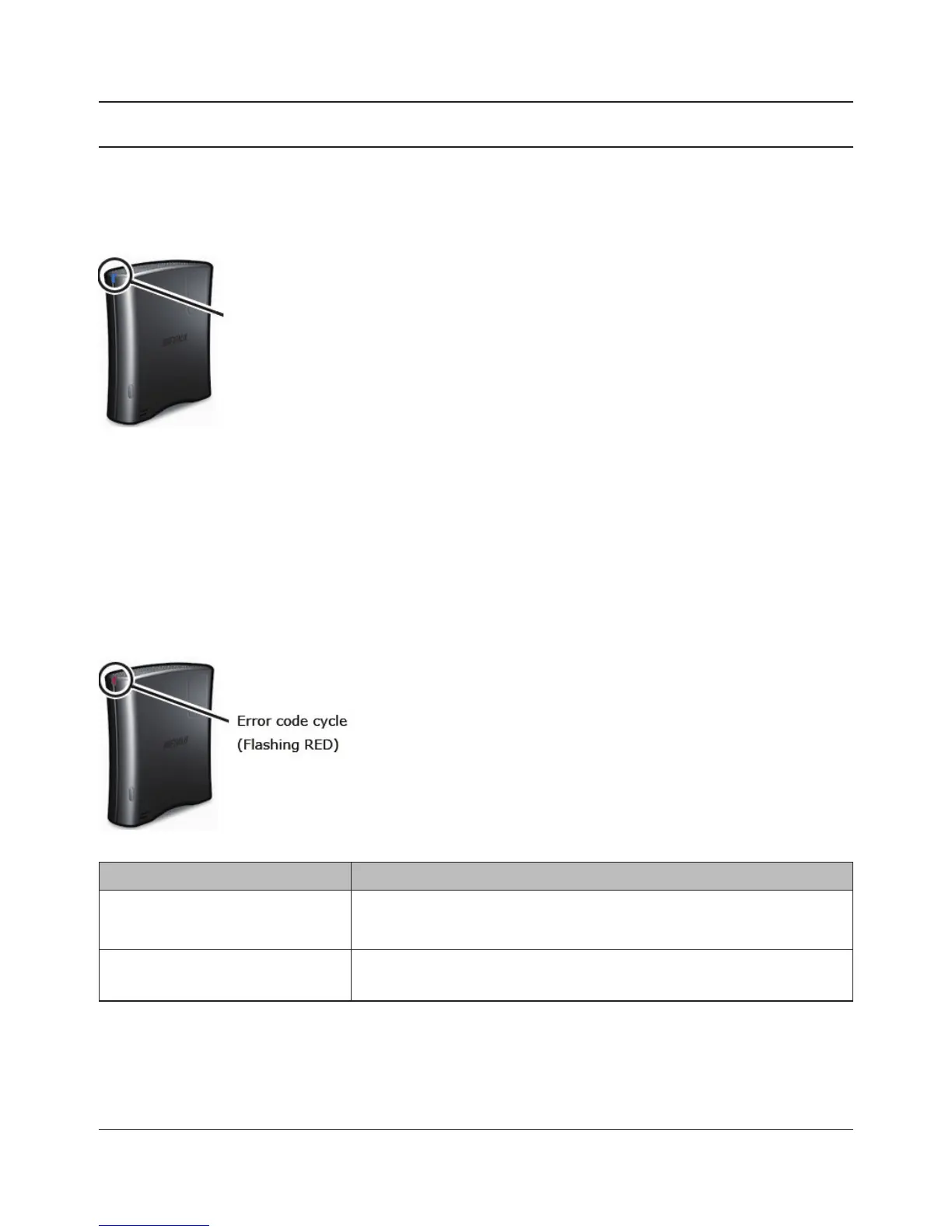
During normal operation, the power LED will glow blue.
Flashing Red
The Power LED ashes red if the LinkStation experiences an error. The way it ashes indicates the
type of error.
Note: If there is an error, open NAS Navigator2. It may have an error message displayed.
Place of error code Status
10s place of error code The LED illuminates for 1.0 seconds every 0.3 seconds.
The number of ashes is the tens place of the error code.
1s place of error code The LED illuminates for 0.5 seconds every 0.3 seconds.
The number of ashes is the ones place of the error code.
Power LED















 To Next Page