Chapter1 Setup
LinkStation User Manual 15
Back
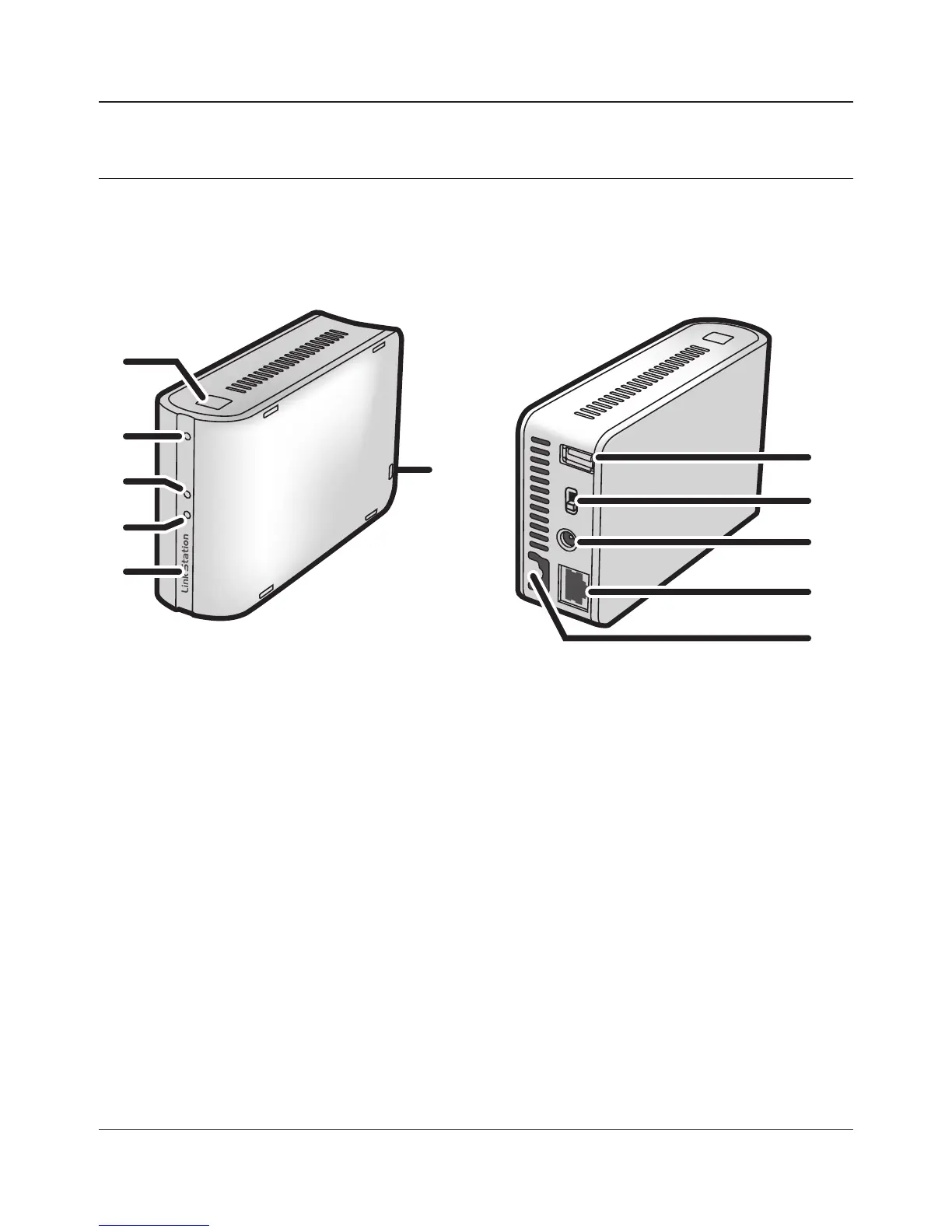
Diagrams and Layout (LS-WSXL)
Front
1
1 Function Button
The Function Button initiates direct copy, dismounts USB devices, and is used to initialize the
LinkStation.
2 Function LED
The Function LED glows blue when direct copy is nished, during initialization, and during
USB dismounting (about 60 seconds). During direct copy the Function LED blinks blue.
3 Link/Act LED
Glows green for connection.
Blinks green for access.
4 Info/Error LED
The Info/Error LED blinks orange when there’s a message and red when there’s an error.
2
7
9
8
3
5
4
6
10
11















 To Next Page