Using your LinkStation
LinkStation User Manual 45
Files are copied to the folder:
<shared folder>/pictures/yyyymmdd
yyyy: year copied
mm: month copied
dd: date copied
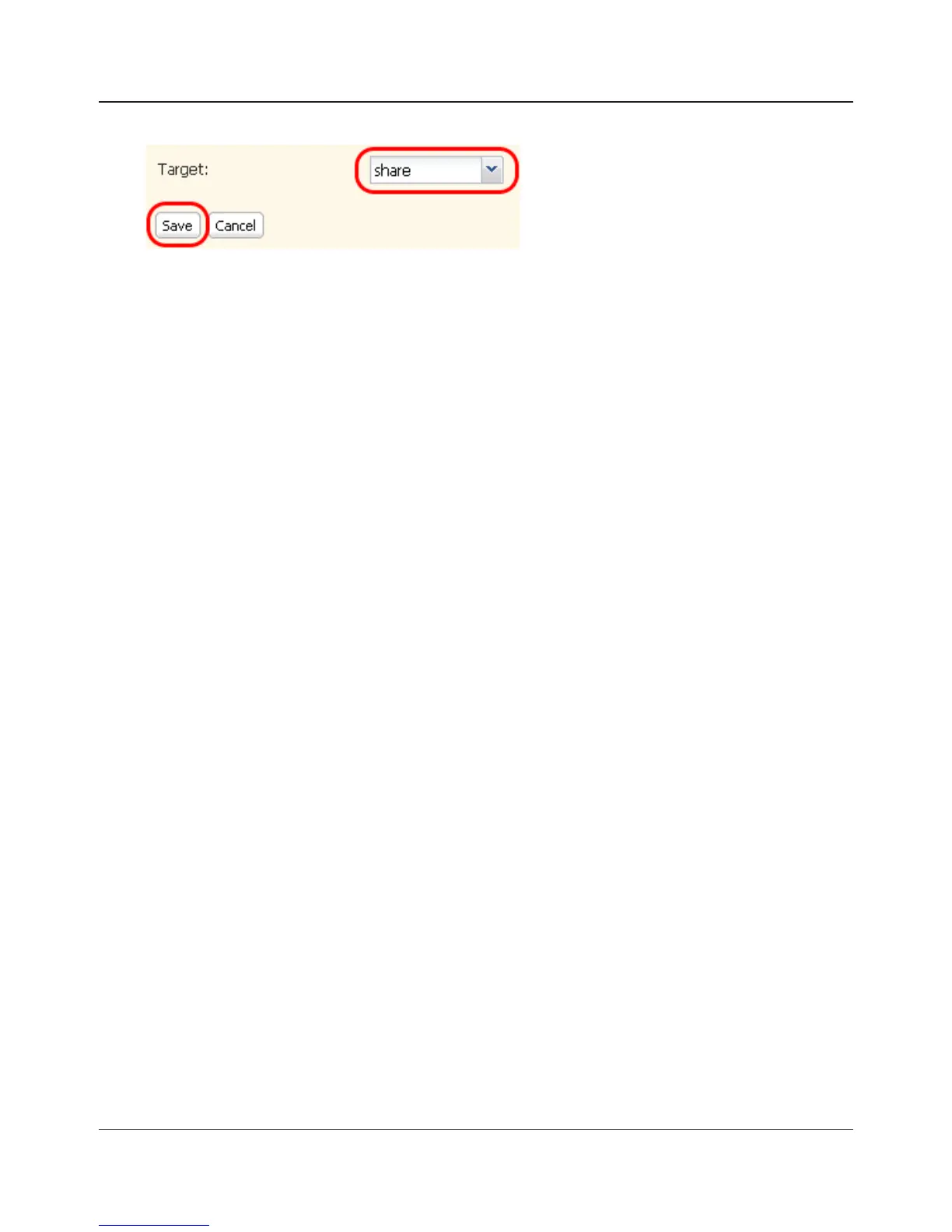
You may change the destination shared folder for DirectCopy in [Shared Folders] - [Direct
Copy] - [Modify Settings] in the Web Admin interface. Subsequent DirectCopy folders are
created at:
<DirectCopy folder>/pictures/yyyymmdd/n
yyyy: year copied
mm: month copied
dd: date copied
n: 1st time n=0, 2nd time n=1, 3rd time=2 and so on.
For USB Mass Storage class USB devices, les with following extensions will be copied.
avi, divx, asf, mpg, mpe, m1v, vob, mts, m2ts, m2t, mpeg, mpeg2, vdr, spts, tp, ts, 3gp, mov,
m4v, wmv, dvr-ms, xvid, mp4, jpg, jpeg, gif, png, tif, ti, yuv, bmp, mp3, mpa, wma, aac, apl,
ac3, lpcm, pcm, wav, m3u, m4a, m4b, aif, ai, ac, ogg, mp2, mp1
For digital cameras that do not follow the USB Mass Storage Class standard, all les on the
device will be copied.
3
When the access LED of the USB device goes o, the copy is nished. Dismount the USB
device before unplugging it.
To dismount the USB device if the LinkStation is on, hold in the function button for 3 seconds.
The blue LED will go out, and the USB device is dismounted. You may now unplug it safely.
If you turn o the LinkStation, the USB device is already dismounted, and you can remove it
safely.















 To Next Page