Chapter 4 Web Admin interface
LinkStation User Manual 138
Name Descriptions
Backup
Search for
Backup
Destination
by Password
Click [Modify
Settings]
to change
settings.
Password to
Search
Enter a password to search for LinkStations and TeraStations with that
password for backup.
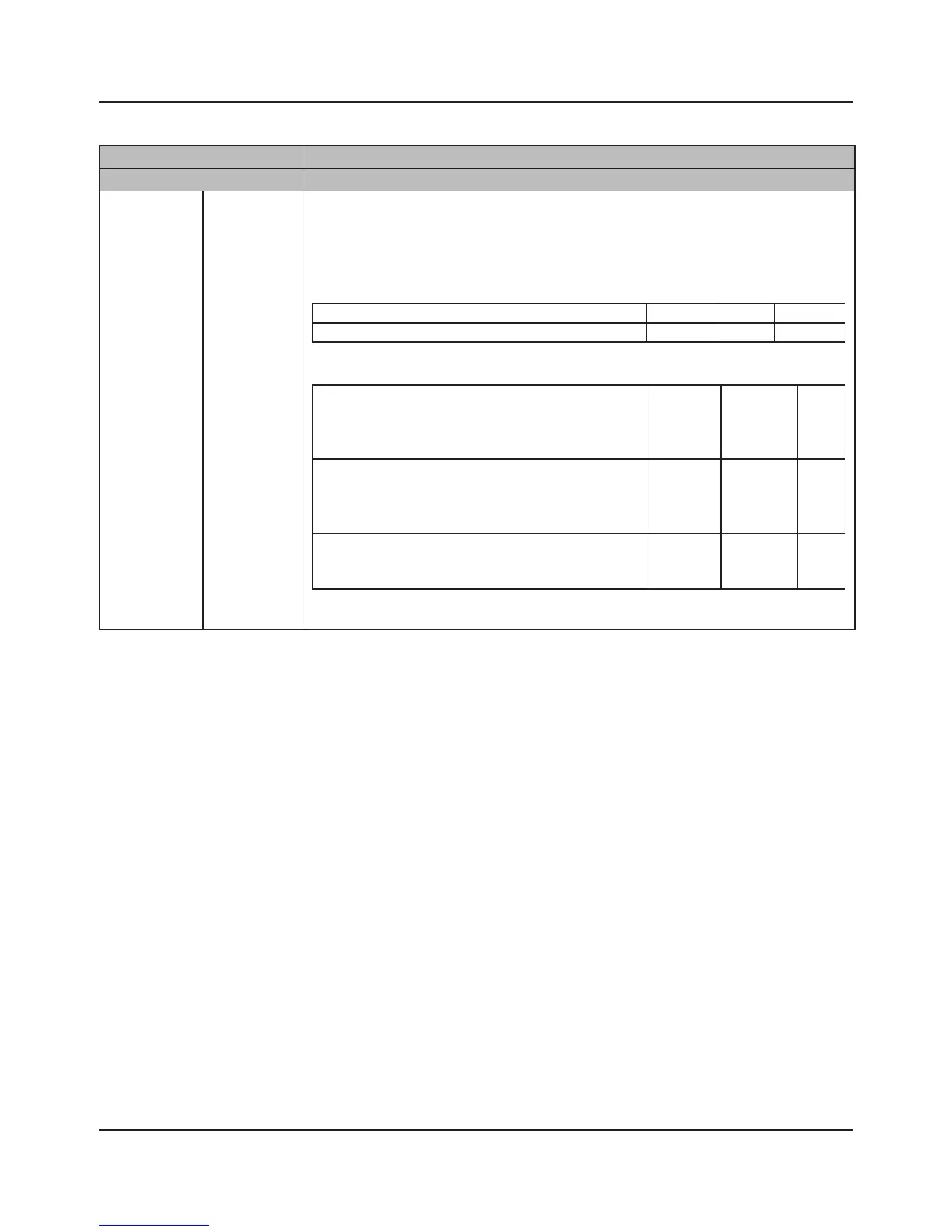
Example of Conguration
Conguration on the LinkStation (Backup Destination)
Name share1 share2 share_free
Remote backup password 111 222 None
Example of Conguration
Conguration on the LinkStation (Backup Source)
The shared folder as a backup destination displayed
when "222" is set on "Search for Backup Destination
by Password" on the LinkStation as a backup source.
View Not
Displayed
View
The shared folder as a backup destination displayed
when "222" is set on "Search for Backup Destination
by Password" on the LinkStation as a backup source.
Not
Displayed
View View
A shared folder as a backup destination displayed
when the password is not set
Not
Displayed
Not
Displayed
View















 To Next Page