LinkStation User Manual 156
Appendix
2
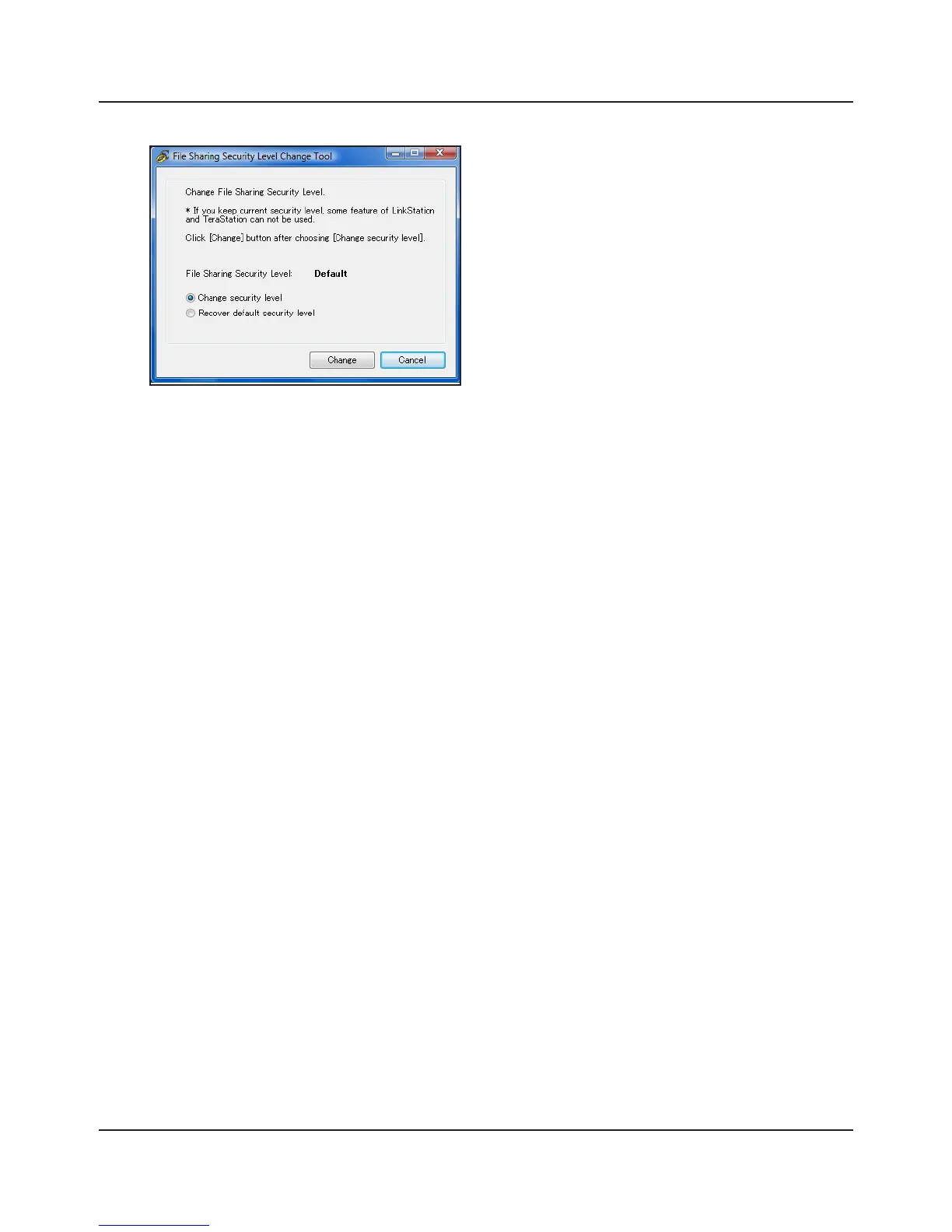
1 When the [Change File Sharing Security
Level] window opens, select [Change
security level].
2 Click [Change].
3
The message, "Change security level. Will you continue?” is displayed. Click [Yes].
4
The message, "Will you restart your computer?" is displayed. Click [Yes].
Your PC should reboot.
You have changed the security level.
You can reset the security settings to their Windows defaults with the following procedure.
1 Click [Start] - [BUFFALO] - [File Security Tool] - [File Security Tool]. If "A program needs your
permission to continue" is displayed, click [Continue].
2 When the [Change File Sharing Security Level] window opens, select [Recover default
security level].
3 Click [Change].
The setting is now changed back.















 To Next Page