Using your LinkStation
LinkStation User Manual 86
5 Enter a password that will be used to verify.
6 To use a secured connection, select [SSL]/[TLS].
7 Enter the [Subject] for notification e-mail. Click [Reset to Default] to reset the subject line to
[LinkStation Status Report].
8 Enter a receiver's e-mail address. E-mail can be sent to up to 5 addresses.
9 Select conditions for emails to be sent.
• [HDD Status Report] Sends status of hard drive periodically.
• [Fan Failure] Sends a message when a fan error occurs.
• [Disk Error ] Sends a message when a hard drive fails.
• [Backup Complete] Sends a message when the backup is complete.
10 If you have selected [HDD Status Report] for sending condition, select time to send.
11 Click [Save].
4
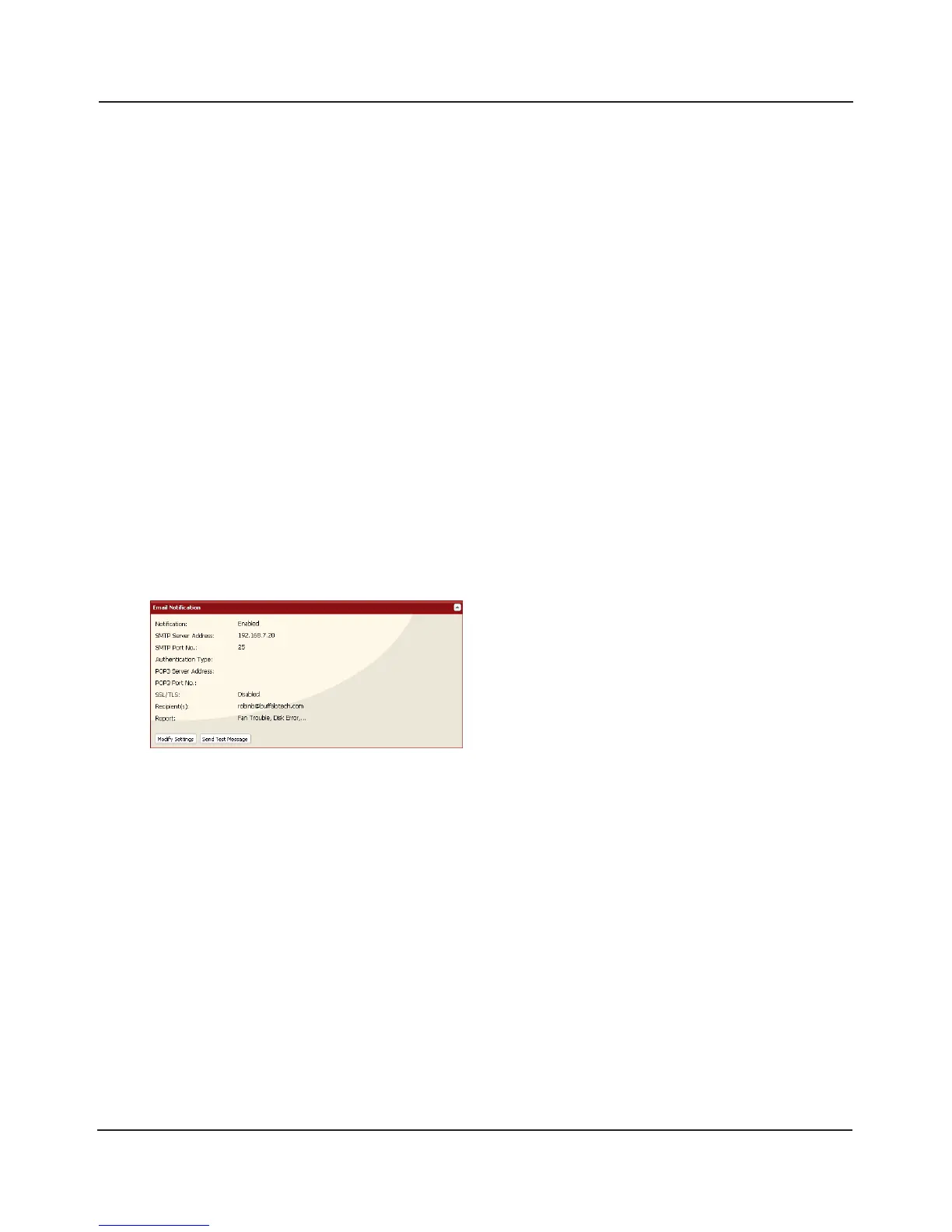
Click [Send Test Message] to send a test message.















 To Next Page