Using your LinkStation
LinkStation User Manual 97
Setting up a printer on Windows XP
2
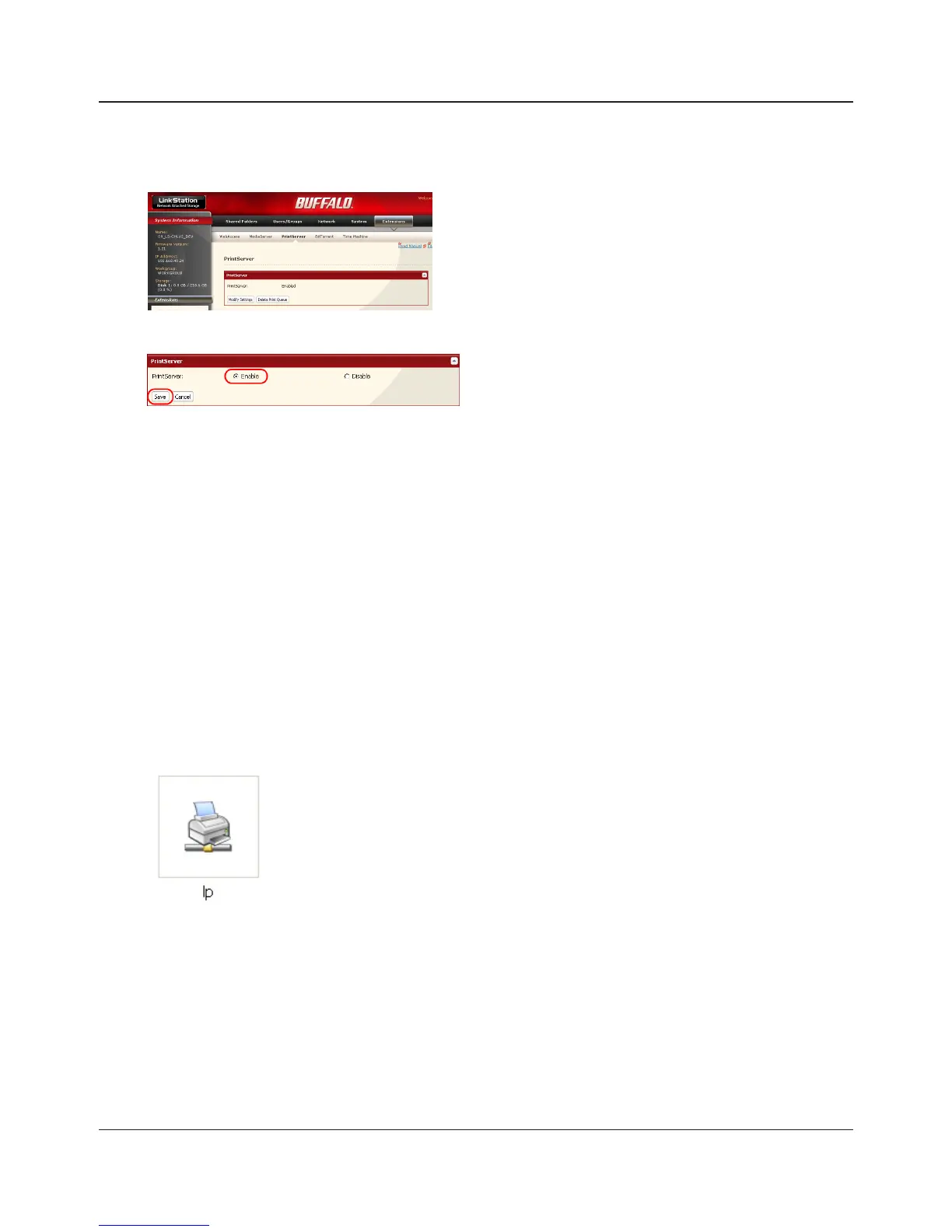
1 Choose [Enable] and click [Save].
3
Refer to your printer’s manual installation instructions. You may need to install the printer
driver from a software disk.
4
Click [Start] - [Control Panel].
5
Click [Network and Internet Connections] icon.
7
Double-click on the LinkStation’s printer icon
(“lp”).
6
Double-click on [View workgroup computers] - (Name of the LinkStation Server name) in this
order.
8
If "The printer driver to your computer will be automatically installed. Would you like to
continue?" is displayed, click [Yes].
1
In the Web Admin interface, navigate to
[Extensions] - [PrintServer] and click [Modify
Settings].















 To Next Page