15
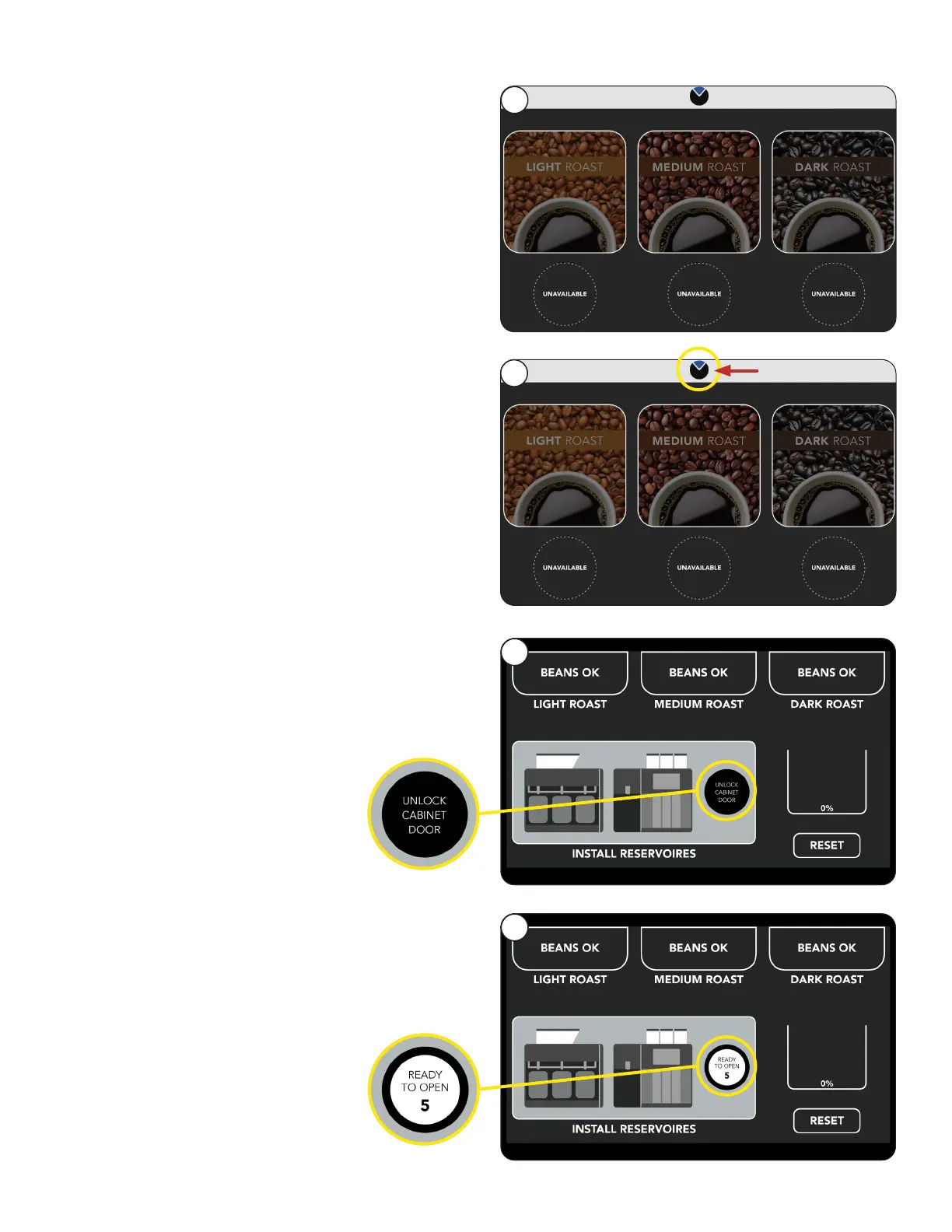
6. Once the initialization sequence is complete,
the User Interface screen will appear.
NOTE: Reminders for Daily and Weekly
cleaning are set for Monday at 1:00 AM as
a default.
If you want to change these parameters, go
to the Care and Cleaning section for steps
to revise.
INITIAL SETUP
Cabinet Reservoirs
Once the initialization sequence is complete,
the USER INTERFACE screen will appear.
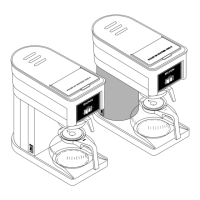
Press and Hold
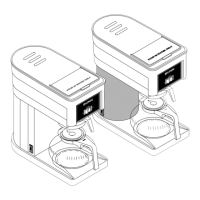
2. Select Unlock Cabinet Door button to open
cabinet door.
continued >
1
3
6
1. Press and hold the BUNN Logo for a few
seconds until the Reservoirs screen appears.
2
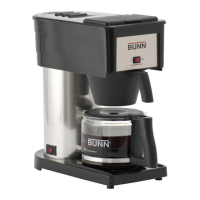
3. A countdown of 5 seconds will start.
If not opened, the Unlock Cabinet Door button
will need to be pressed again.
33



 To Next Page