16
INITIAL SETUP
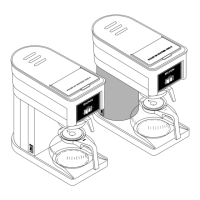
5. Locate the swing arm above the reservoirs and
use the handle to position it downwards over the
servers as shown.
Cabinet Reservoirs
5
4. Place all three reservoirs, one at a time, into the
cabinet with the reservoir handles facing out.
4
Waste Bin Setup
Use a waste bucket to collect used coffee grounds.
Press and Hold
1
1. Press and hold the BUNN Logo for a few
seconds until the Reservoirs screen appears.
NOTE: The position number of each
reservoir from front
to back is 3, 2, 1.
1
2
3
NOTE: When seated correctly, the reservoirs
will illuminate with blue lighting.
6. Close cabinet door.
BACK
FRONT
2. Select the SETUP icon.
2



 To Next Page