Operating Instructions | 1473-1-8164
Continuation: Sequence of operating steps
0:20
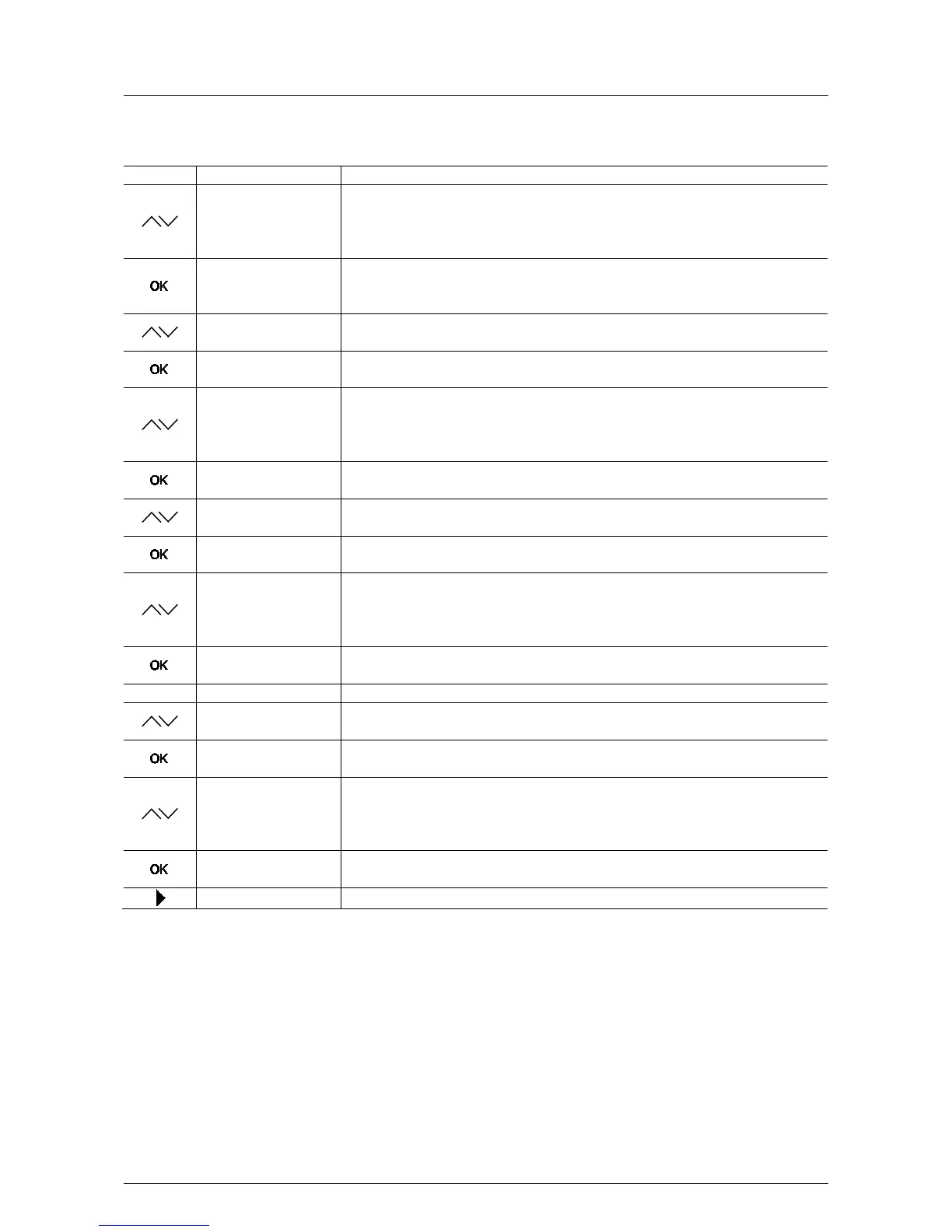
- Set the time shift for the specified astro time via the arrow buttons, so that the switching
time is adapted to the regional conditions.
In this example the up-time has been pushed back 20 minutes.
No shift will be set if a flashing display
MON--FRI Down / --:--
- Confirm your entry with the "OK" button.
You simultaneously switch to the next menu item "Mon - Fri DOWN".
MO--FR AB / 16:28
- Press one of the arrow buttons.
The down-time flashes. The astro time for sundown is fixed and cannot be changed.
Time shift
- Confirm the time with the "OK" button.
You simultaneously switch to the next menu item "Time shift".
0:20
- Set the time shift for the specified astro time via the arrow buttons, so that the switching
time is adapted to the regional conditions.
In this example the down-time has been pushed back 20 minutes.
No shift will be set if a flashing display
0:20
- Confirm your entry with the "OK" button.
You simultaneously switch to the next menu item "Sat - Sun UP".
Sat--Sun UP / 8:24
- Press one of the arrow buttons.
The up-time flashes. The astro time for sunrise is fixed and cannot be changed.
Time shift
- Confirm the time with the "OK" button.
You simultaneously switch to the next menu item "Time shift".
0:20
- Set the time shift for the specified astro time via the arrow buttons, so that the switching
time is adapted to the regional conditions.
In this example the up-time has been pushed back 20 minutes.
No shift will be set if a flashing display
0:20
- Confirm your entry with the "OK" button.
You simultaneously switch to the next menu item "Sat - Sun DOWN".
Sat--Sun DOWN / 16:28
- Press one of the arrow buttons.
The down-time flashes. The astro time for sundown is fixed and cannot be changed.
Time shift
- Confirm the time with the "OK" button.
You simultaneously switch to the next menu item "Time shift".
0:20
- Set the time shift for the specified astro time via the arrow buttons, so that the switching
time is adapted to the regional conditions.
In this example the down-time has been pushed back 20 minutes.
No shift will be set if a flashing display
Switching times
- Confirm your entry with the "OK" button.
The switching times have been set.
- Press the menu button to switch to the operating mode.
Pos: 68 / #Ne ustr ukt ur# /Onl in e-Do kume ntati on (+ KNX) /S teuer mod ul e - Online-Dokumentation (--> Für alle Dokumente <--)/++++++++++++ Seitenumbruch ++++++++++++ @ 9\mod_1268898668093_0.docx @ 52149 @ 3334 @ 1



 To Next Page