User Guide for the IX-C62 IP Phone
26
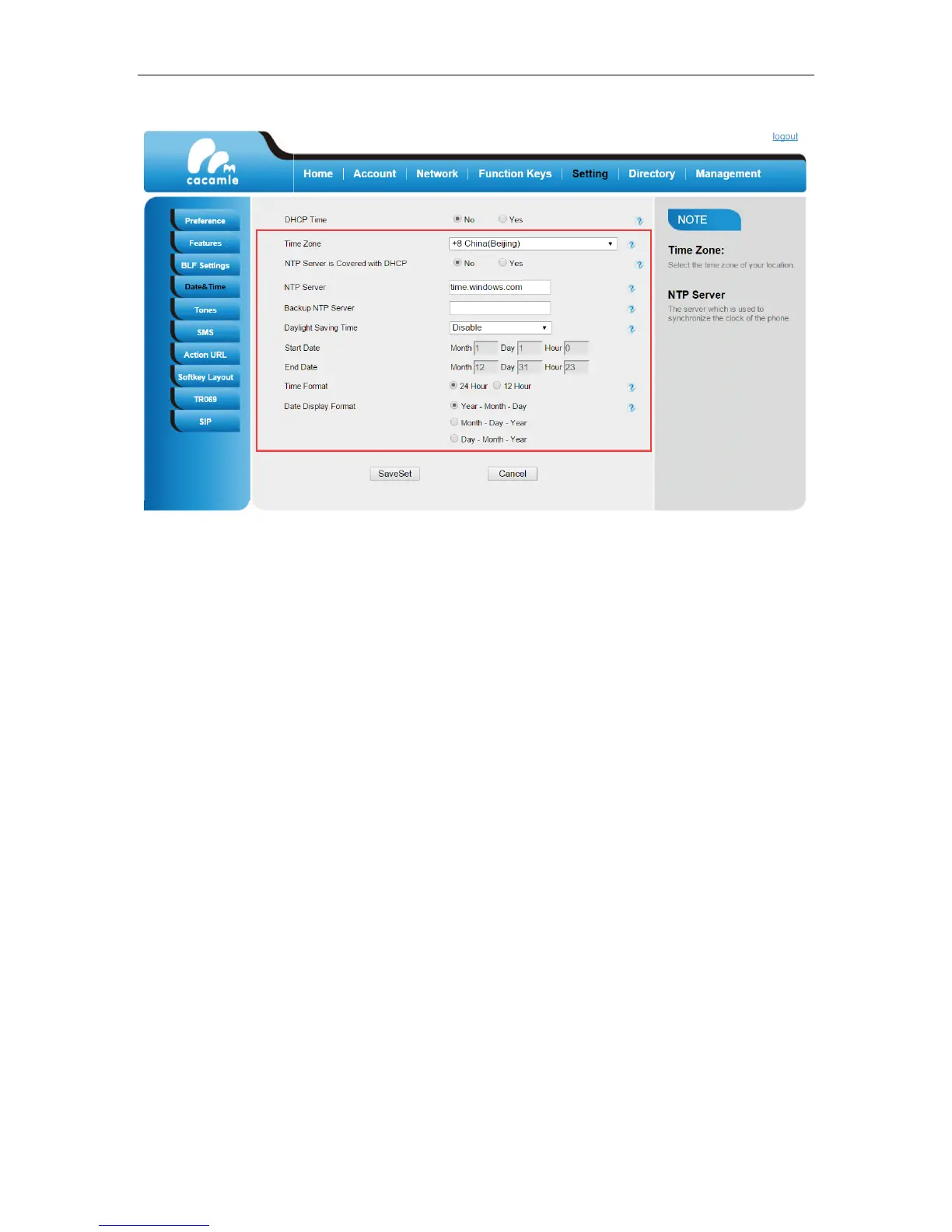
4. Click SaveSet.
Administrator Password
The web user interface and phone user interface share the same administrator account, the default
administrator password is “admin”.
For security reasons, you should change the default administrator password as soon as possible.
To change the administrator password via phone user interface:
1. Press Menu -> Settings -> Advanced Settings (default password: admin) -> Phone Settings -> Set
Password.
2. Enter the old password in the Current PWD field.
3. Enter the new password in the New PWD field.
4. Re-enter the new password in the Confirm field.


 To Next Page