User Guide for the IX-C62 IP Phone
67
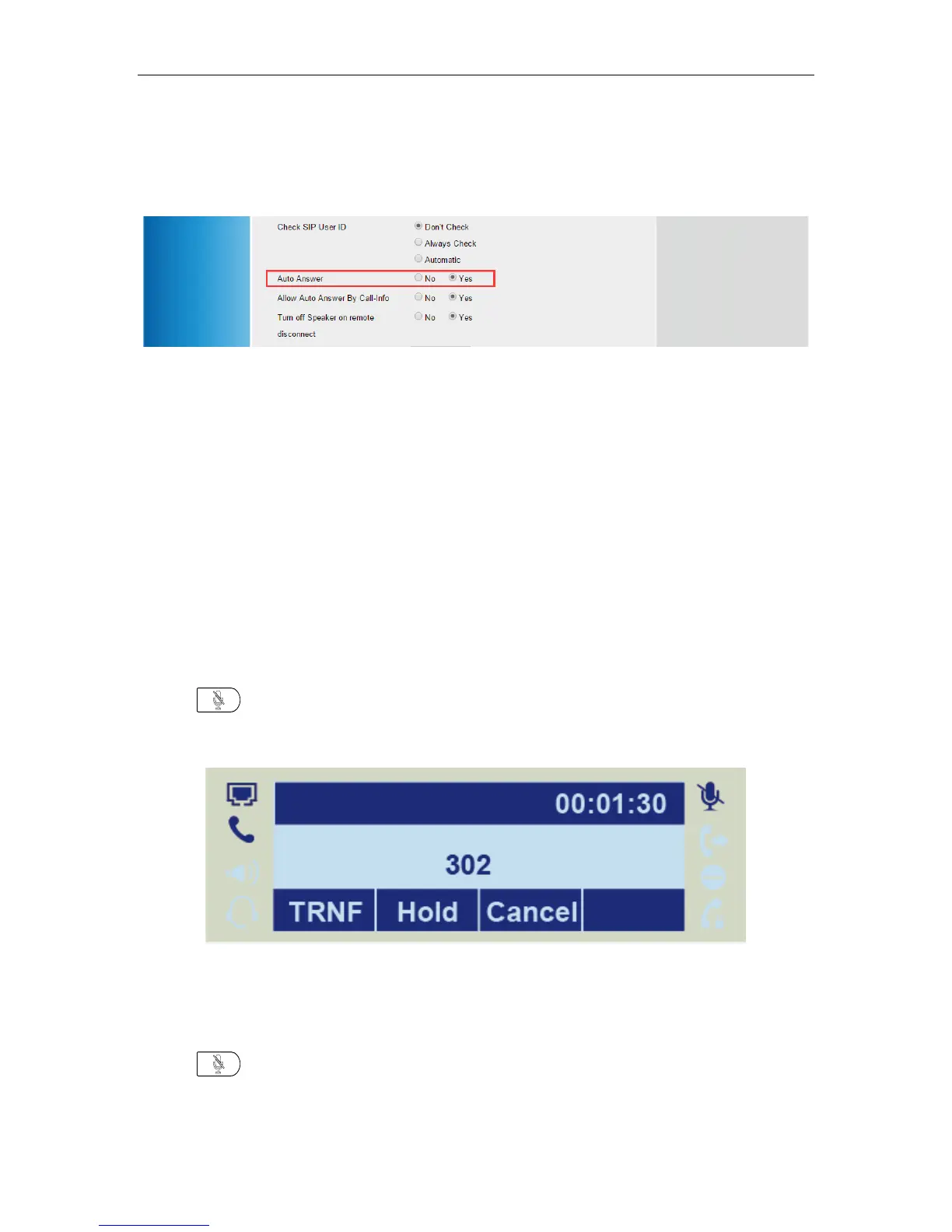
3. Select the desired account in Account filed
4. Select “Yes” in the Auto Answer field.
4. Click SaveSet.
Call Mute
You can mute the microphone of the active audio device during an active call so that the other party
cannot hear you. Call mute applies to all modes (Handset, Headset and Speakerphone).
To mute a call:
1. Press during an active call. Mute Icon appears on LCD screen indicates the calls is now
muted.
To un-mute a call:
1. Press again to un-mute the call.


 To Next Page