COPYRIGHT
©
2002 CANON INC. CANON CLC1100/1130/1150/1160/1180 REV.0 MAR. 1999 PRINTED IN JAPAN (IMPRIME AU JAPON)
7-89
CHAPTER 7 PICK-UP / FEEDING SYSTEM
2. Removing the Transfer Drum Sheet
1) Open the front cover, and slide out the
hopper; then, open it 180º.
2) Slide out the transfer drum frame.
3) Remove the transfer drum from the
transfer drum frame.
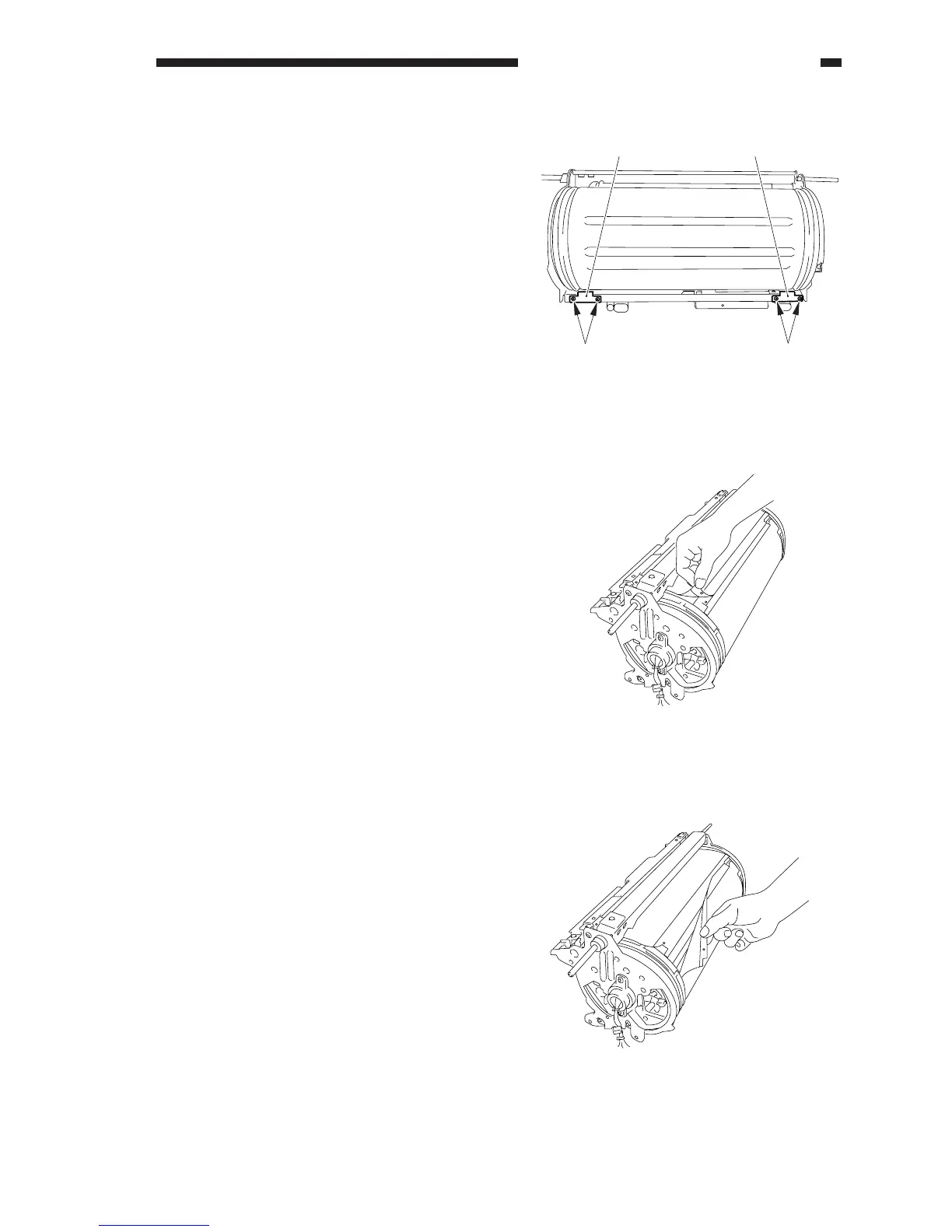
4) Remove the four TP screws [1], and
remove the transfer drum side scraper [2].
Figure 7-840
5) Peel off the trailing edge of the transfer
drum sheet, and keep the edge loose.
Figure 7-841
6) Peel off the leading edge of the transfer
drum sheet.
Figure 7-842
[2] [2]
[1]
[1]



 To Next Page