COPYRIGHT
©
2002 CANON INC. CANON CLC1100/1130/1150/1160/1180 REV.1 FEB. 2002 PRINTED IN JAPAN (IMPRIME AU JAPON)
13-59
CHAPTER 13 TROUBLESHOOTING
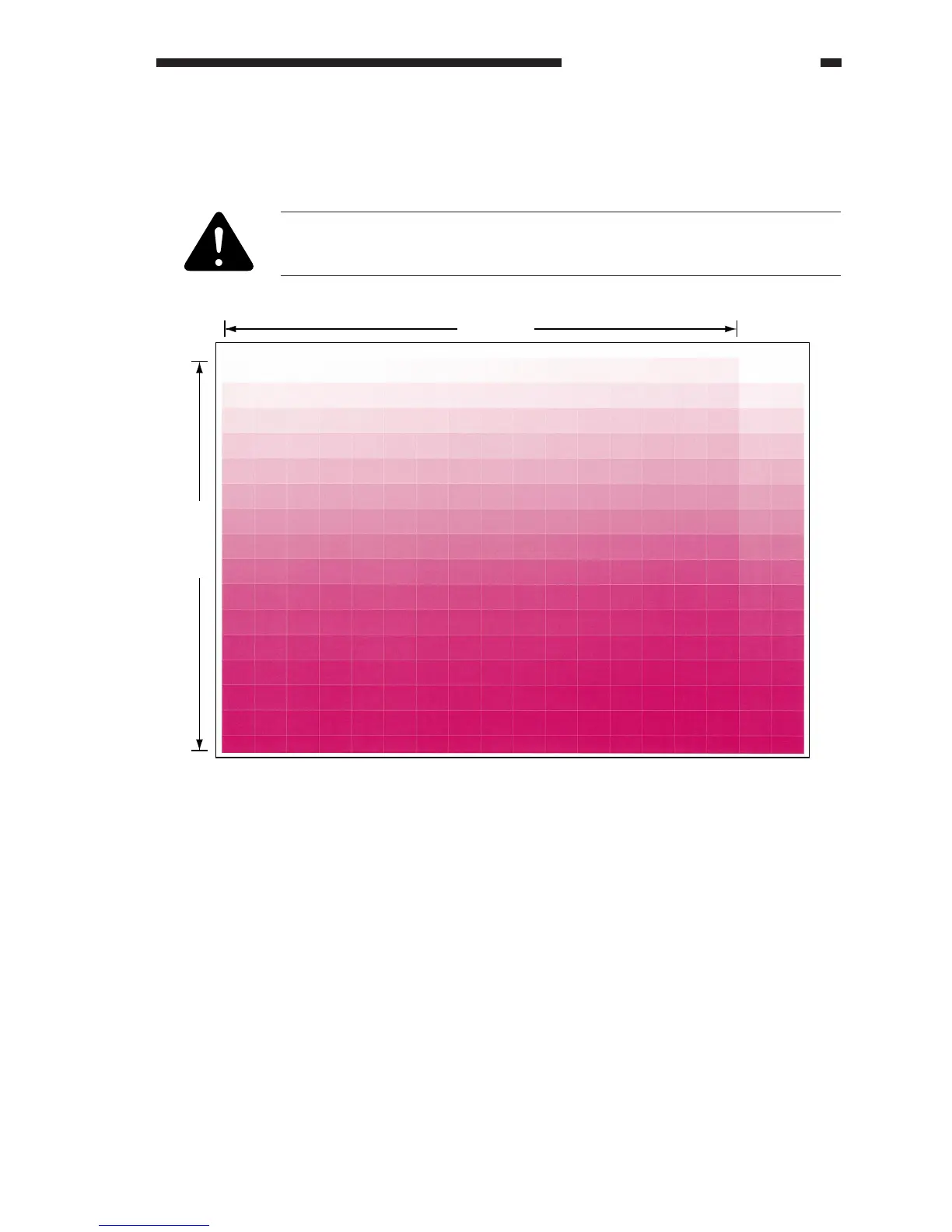
4. 256-Gradation Test Print (PG>TYPE=3)
Use a 256-gradation test print to check gradation and balance among colors.
a. Gradation
Use the test print to check gradation between density 0 and density 255.
You can generate a printout of each developer color using COPIER>TEST>PG
of service mode and selecting the following: COLOR-Y, COLOR-M, COLOR-
C, COLOR-K.
Figure 13-305 COLOR-M Set to '1'
16 frames
16 frames



 To Next Page