CHAPTER 9 EXTERNALS / AUXILIARY MECHANISMS
COPYRIGHT
©
2002 CANON INC. CANON CLC1100/1130/1150/1160/1180 REV.0 FEB. 2002 PRINTED IN JAPAN (IMPRIME AU JAPON)
9-2n
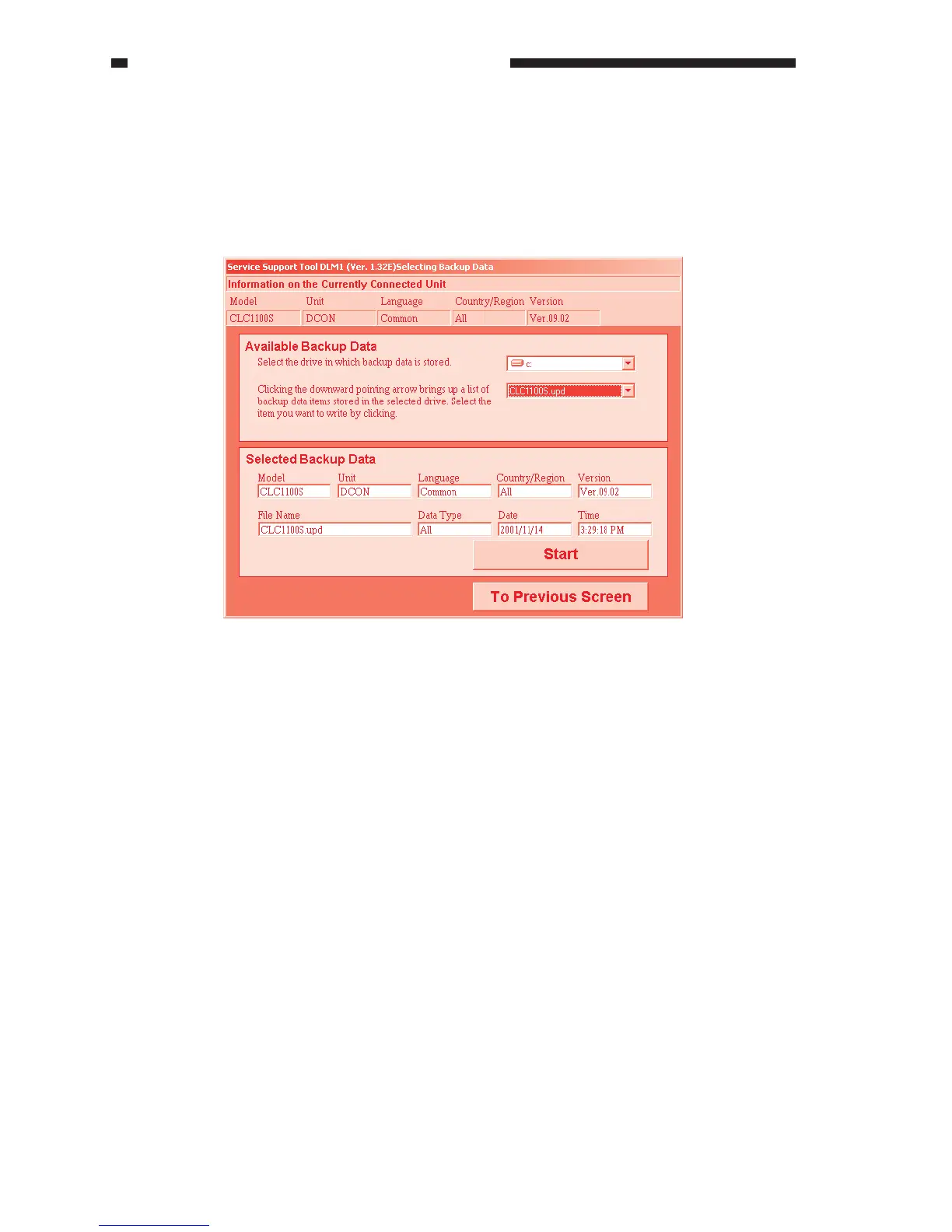
F. Downloading Backup Data
1) On the Job Selection screen, click ‘Backup Data Downloading’.
2) Click the downward arrow on the right of the backup data list to bring up the list of stored
backup data. Select backup data to download from the list so that its information will be
indicated and ‘Start’ will be enabled.
To start downloading backup data, click ‘Start’.
Figure 9-218



 To Next Page