COPYRIGHT
©
2002 CANON INC. CANON CLC1100/1130/1150/1160/1180 REV.0 FEB. 2002 PRINTED IN JAPAN (IMPRIME AU JAPON)
CHAPTER 9 EXTERNALS / AUXILIARY MECHANISMS
9-2k
3) See that the SST and the PC exchange appropriate information at the start of downloading, and
the flash ROM is cleared.
4) See that, after clearing the flash ROM, the SST and the PC transfer the firmware and write it to
the flash ROM. (The progress of transfer is indicated in the form of a progress bar.)
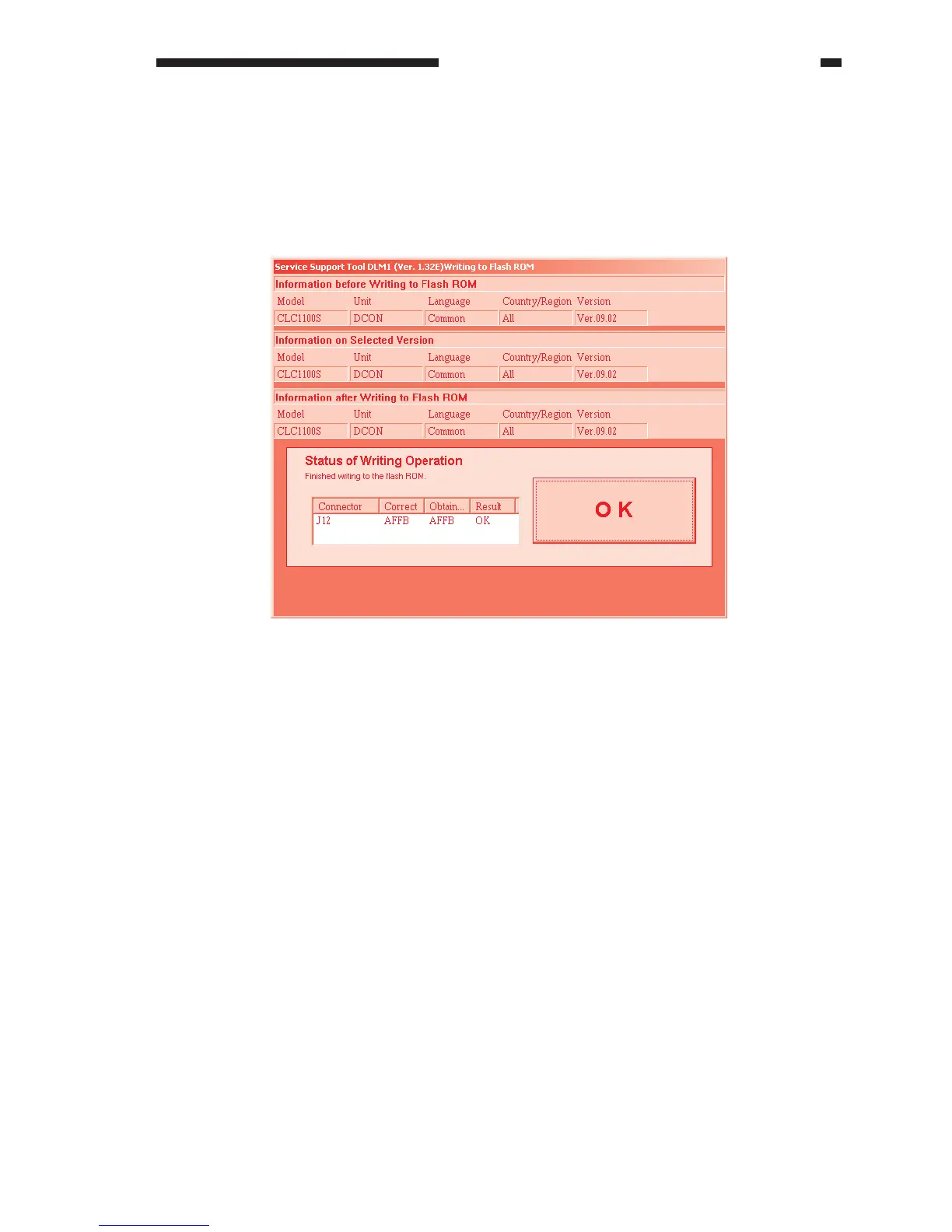
5) See that the results of downloading are indicated. Click ‘OK’ to return to the Job Selection
screen.
Figure 9-214



 To Next Page