5
Canceling Copy/
Print Jobs
P.32
Installing the
Printer Driver
P.33
Replacement Parts
P.34
An Error Screen is
Displayed
P.36
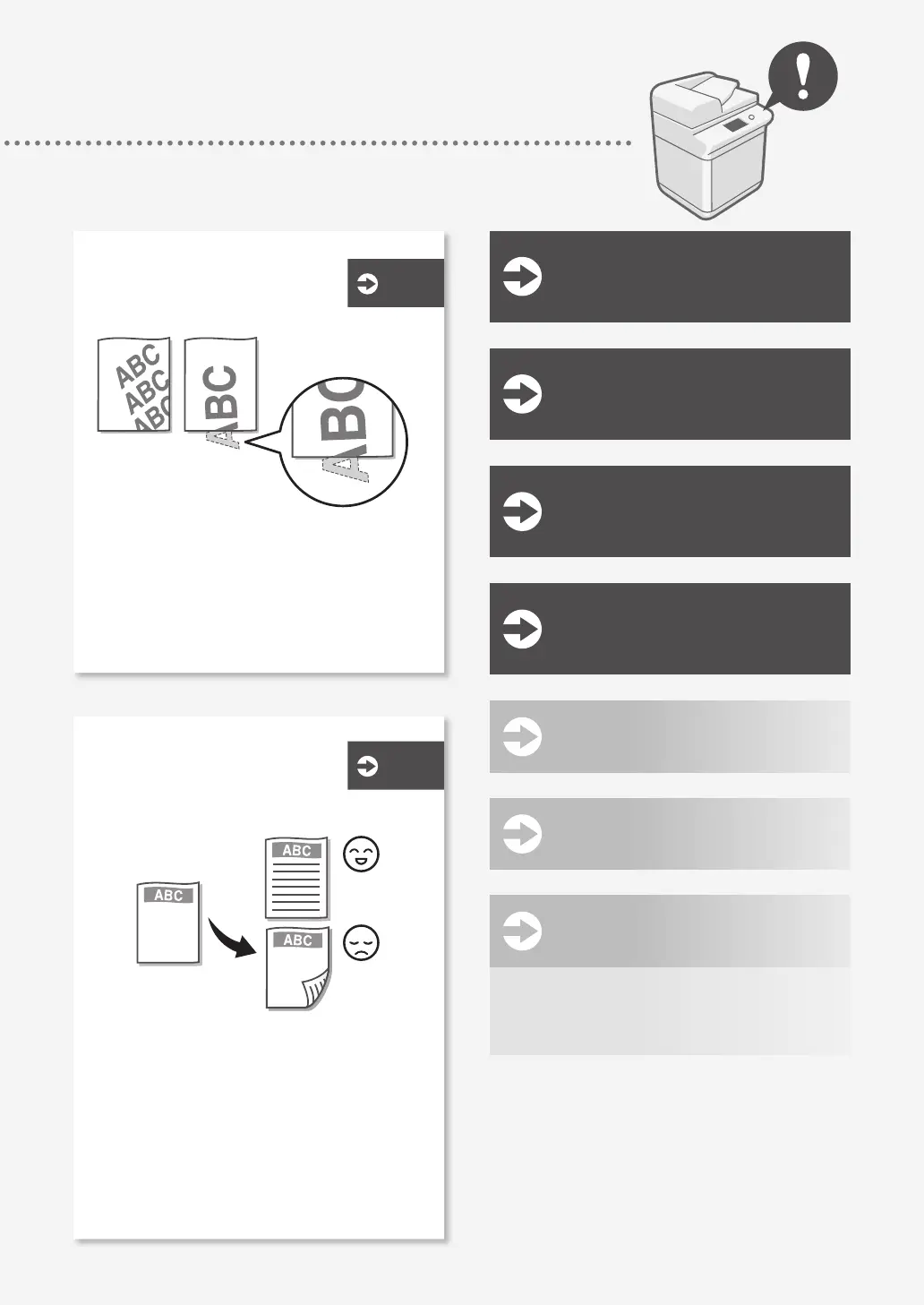
Images Are Shifted/Slanted . . . . . . . . . . . . . . . . . . . . 18
Irregularities Appear in Images/
Images Are Faint . . . . . . . . . . . . . . . . . . . . . . . . . . . . . 18
Black Streaks Appear in Images . . . . . . . . . . . . . . . . 19
Bleed-through Occurs . . . . . . . . . . . . . . . . . . . . . . . . . 20
Printing Results Are
Not Satisfactory
P.18
Loading Paper or Paper
Settings Cannot Be
Done Successfully
Illustrated Index
P.38
Appendix
P.42
You Can Consult the User's Guide . . . . . . . . .51
If You Notice a Search Number . . . . . . . . . . . .51
Do You Want to
Know More?
P.51
P.24
Paper Is Not Fed . . . . . . . . . . . . . . . . . . . . . . . . . . . . . . . 24
If the "Load paper." Message Is Displayed . . . . . . 25
Printing Cannot Be Performed on the Expected
Side of Paper . . . . . . . . . . . . . . . . . . . . . . . . . . . . . . . . . 26
Printing Cannot Be Performed with the
Expected Size . . . . . . . . . . . . . . . . . . . . . . . . . . . . . . . . 26
In Two-Sided Printing, the Print Direction Differs
between the Front and Back Sides of the Paper
. . . 27










 To Next Page