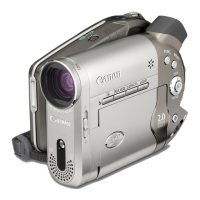
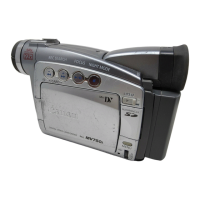
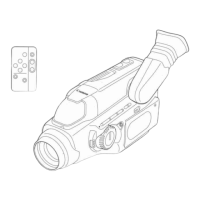
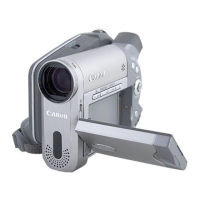
DC10 E, DC20 E
GENERAL DESCRIPTION OF PRODUCT
10
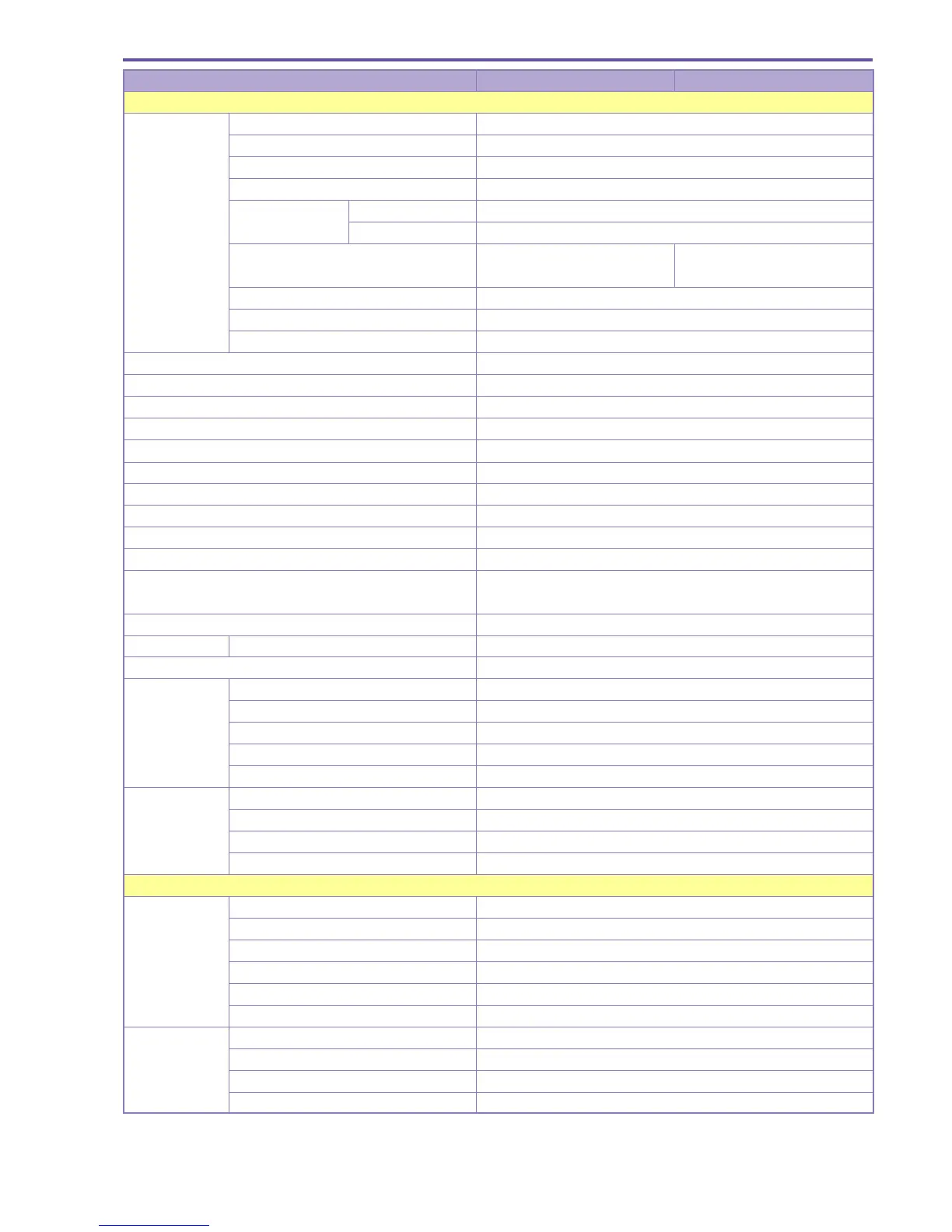
Item DC10 E DC20 E
Shooting functions
Still image Compression method JPEG
recording Single image ●
Continuous shooting (card recording only) ●
AEB (card recording only) ● Exposure correction amount (steps of ±0, -0.5, +0.5)
Photo button Form Dedicated still image button
Pressed halfway down
● (Only during recording standby)
Recording image size 1280 × 960, 640 × 480 1632 × 1224, 1280 × 960
640 × 480
Image quality Super Fine, Fine, Normal
External flash compatible ×
Frame processing ●
Negative-positive reversal ×
Zebra pattern ×
Color bar ×
Self-timer 10 sec
Interval timer ×
Clear scan ×
Memory card miniSD memory card
REC Search ●
REC Review ●
Standby switch ×
Power saving function ON/OFF setting possible
(after recording has been continuously paused for 5 minutes)
Displayed text recording ×
Audio Movie Dolby Digital 2 ch (AC-3 2 ch)
Wind screen ● ON/OFF setting (Built-in microphone only)
EVF Size 0.33-inch (TFT color)
Pixels 123,000 pixels
Brightness adjustment ×
Color adjustment ×
Movable ×
LCD monitor Size 2.5-inch
Pixels 123,000 pixels
Brightness adjustment ●
Movable ● Mirror shooting supported
PLAY mode
Playback Frame playback ×
system Slow playback (VR mode only) Forward / Reverse (±1/2, ±1/4, ±1/8, ±1/16 speed)
Forward direction scan 1.5× (with audio), 5×, 15×, 25× speed
Reverse direction scan 2.5×, 5×, 15×, 25× speed
1× SP playback Forward / Reverse
Skip ●
Search Photo search ×
Date search ×
Index search ×
End search ×


 To Next Page